.webp&w=3840&q=75)
How ClickUp Enables Outcome-Based Project Management (Not Just Task Tracking)
🕓 February 15, 2026
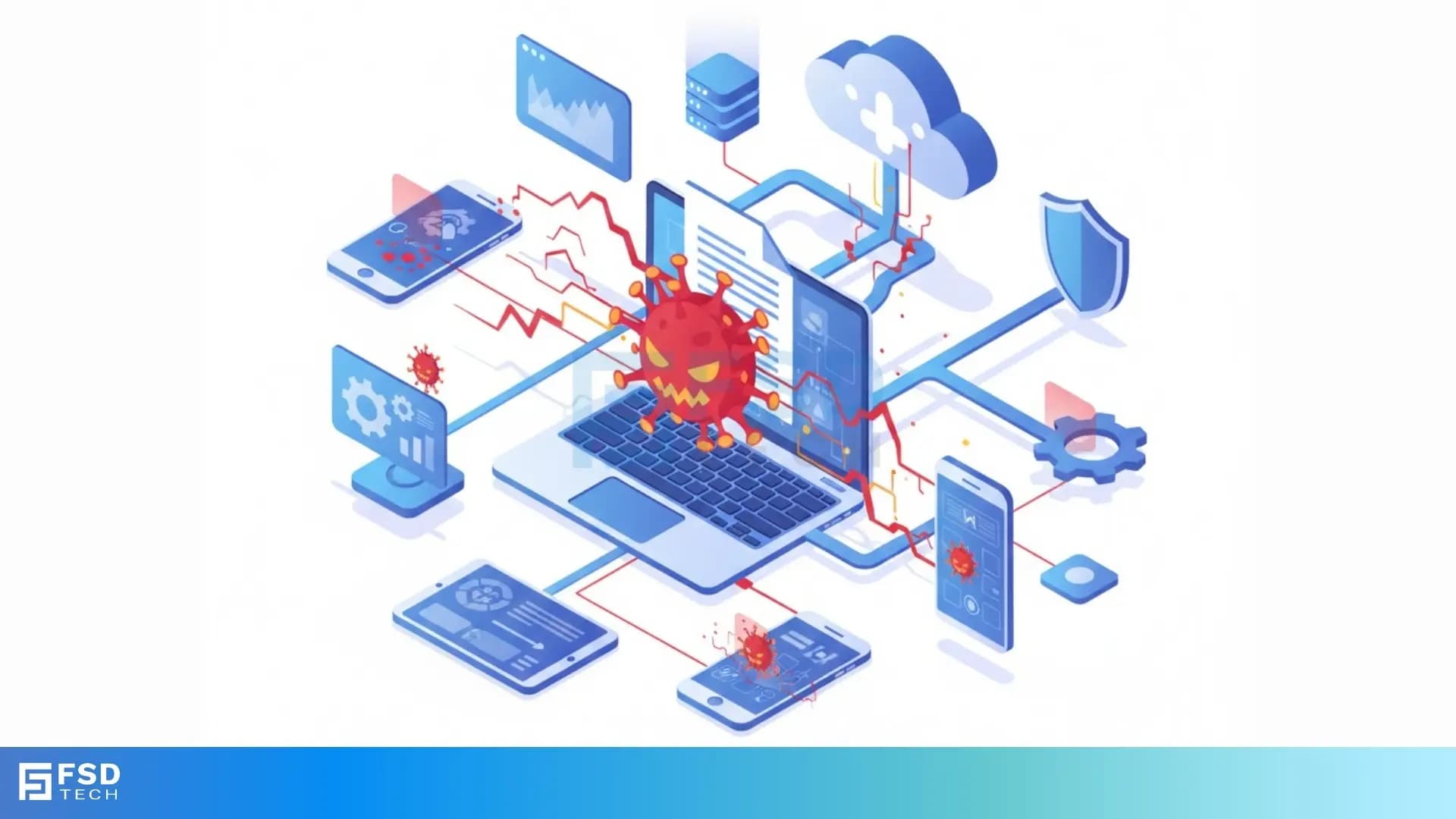
You use digital documents every day for work, school, and personal tasks. You rely on programs like Microsoft Office to create and edit spreadsheets, presentations, and reports. But did you know a hidden threat can live right inside these harmless-looking files? We are talking about the macro virus.
Understanding the macro virus definition is the first step in defending your system. This type of malware is a significant cybersecurity concern. A macro virus in a computer can cause a lot of damage, but you can learn how to protect yourself.
Let us explore what this threat is, how it works, and what you can do to stop it.
A macro virus is a specific type of malicious software, or malware. It targets the macros embedded within documents and templates created by applications like Microsoft Excel, Word, or PowerPoint.
Therefore, a macro virus is a sequence of code written in a macro language. The virus code attaches itself to documents or templates. When you open an infected file, the code runs, causing the harmful action.
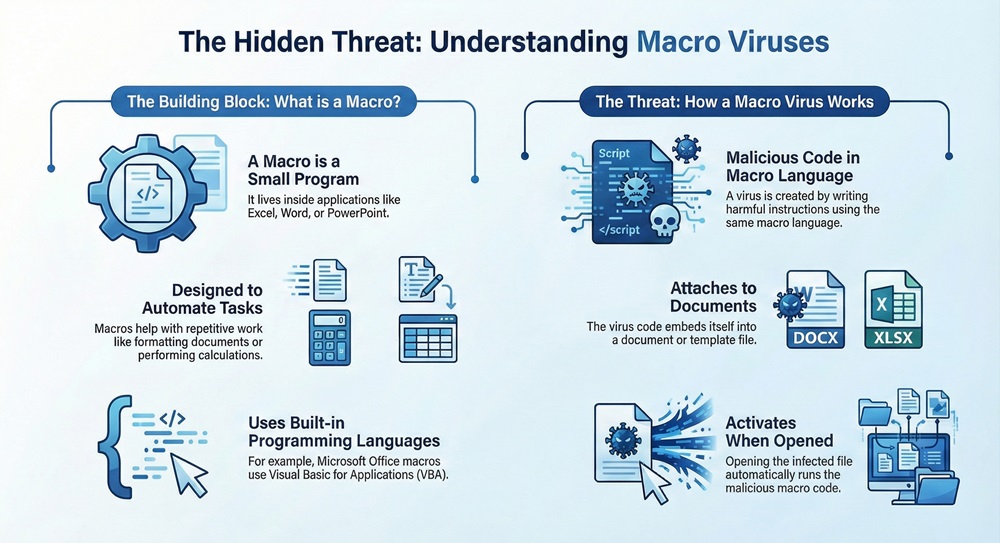
The vulnerability of macros is the reason for the virus.
The process works on the principle of execution. When an application opens an infected document:
The most famous example is the Melissa virus from 1999. It spread rapidly through infected Word documents sent via email.
The creation of this malware relies completely on the macro language. How are macro virus created? Cybercriminals use the same programming tools that legitimate developers use.
Creating macro virus malware involves a few key steps:
Once executed, the macro virus aims at spreading widely. The causation pattern explains the spread: Due to the virus's ability to infect document templates, any new document you create will also carry the virus.
The virus code executes this sequential pattern:
This is why a macro virus example often shows rapid propagation across an organization.
Also Read: What is BIOS Security? Features & Protection
Understanding the differences between a macro virus and a traditional virus helps you understand the unique risk of document-based threats. While both are malware, the systems they attack are different.
| Basis for Comparison | Macro Virus | Traditional Virus |
|---|---|---|
| Target | Application-specific macros (e.g., MS Office VBA) | Operating System (OS) files or executable programs (.exe) |
| Infection Medium | Documents, spreadsheets, and templates | Executable files, boot sectors, or operating system files |
| Language | Macro languages (e.g., VBA) | Low-level languages (e.g., C, Assembly) |
| Execution | Runs when the document is opened by the host application | Runs when the infected program is executed |
| Operating System Dependence | Works across various OS as long as the host application is installed (e.g., Office on Windows or macOS) | Highly dependent on the specific OS architecture |
Macro virus malware plays a vital role in modern cyberattacks. Its unique characteristics include:
Also Read: What is Cloud Virtual Private Network (VPN)?
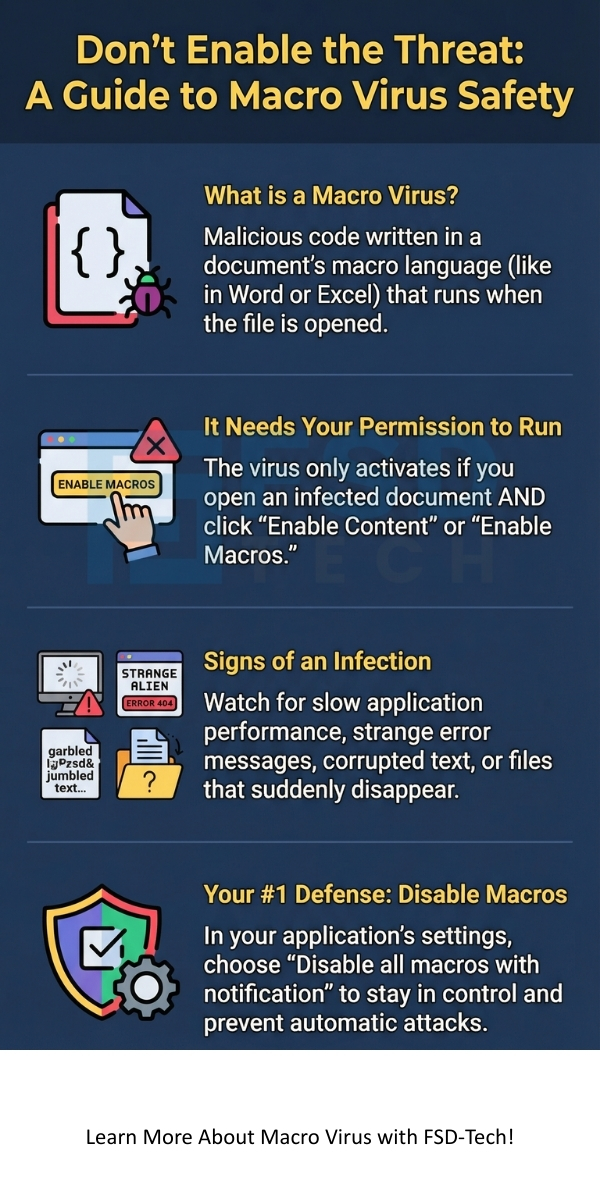
If your system is infected, you will see a variety of unusual behaviors. Recognizing the macro virus symptoms is crucial for quick removal.
A macro virus in a computer often causes the following issues:
When you see multiple of these symptoms, you must immediately suspect a macro virus infection.
Prevention is the most effective defense against the macro virus. You must take several key steps to ensure system security.
The following are essential practices to prevent a macro virus from harming your system:
Also Read: What is Click Fraud? Detection, Prevention & Tools
The best security setting for your Office applications is typically: "Disable all macros with notification." This setting is effective because it:
You might be wondering, how to remove macro virus from excel or Word if an infection occurs? Removing the virus requires a systematic approach.
Follow this sequential pattern to eliminate the macro virus:
Important Note: Back up your essential data regularly. This is a critical step that ensures you can always recover your files if a macro virus attack causes significant damage.
The macro virus poses a persistent and significant threat in the world of cybersecurity. This type of document-based malware utilizes the very feature designed for productivity—the macro—for harmful ends.
The threat relies completely on you, the end-user. The virus needs you to open the infected document and enable the macro content. Understanding the macro virus symptoms and the steps to remove macro virus from excel or other applications are critical skills in a digital world.
We ensure that our clients have the most effective and proactive security strategies available. Protecting your valuable data from threats like the macro virus is our primary mission.
Ready to secure your entire digital ecosystem against modern malware threats?
Contact us today to schedule a comprehensive security audit of your network.
Yes, a macro virus is a serious threat. The virus can delete important files, corrupt your data, change system settings, or steal sensitive information. The key danger lies in its ability to spread rapidly through shared documents.
Modern viruses, including variations of the macro virus malware, mutate frequently. Cybercriminals constantly change the code to avoid detection by antivirus software. This is why you must use an antivirus program that updates its definition files constantly. New threats emerge with the aim of bypassing traditional security.
You can stop a document from running a macro by disabling macros in your application’s security settings. You must ensure that the security level is high. When the application prompts you to enable content, always choose to keep the macros disabled unless you are 100% sure of the source.
Yes, a macro virus is a type of computer virus. It fits the broader macro virus definition of a virus: it is a program that replicates itself and attaches itself to a file to run malicious instructions. The difference is that it targets application-specific files (documents) instead of executable programs.

Surbhi Suhane is an experienced digital marketing and content specialist with deep expertise in Getting Things Done (GTD) methodology and process automation. Adept at optimizing workflows and leveraging automation tools to enhance productivity and deliver impactful results in content creation and SEO optimization.
Share it with friends!




.webp&w=3840&q=75)






share your thoughts