HomeNext Gen IT-InfraMonitoring & ManagementCyber SecurityBCP / DRAutomationDecoded
Next Gen IT-Infra
Cato’s SASE Supports Cybersecurity Skills Development

How Cato’s SASE Supports Cybersecurity Skills Development

🕓 April 8, 2025

How SASE Supports the Security Needs of SMBs

How SASE Supports the Security Needs of SMBs

🕓 February 9, 2025

Attack Surface Reduction with Cato’s SASE

Attack Surface Reduction with Cato’s SASE

🕓 February 10, 2025

SASE for Digital Transformation in UAE

SASE for Digital Transformation in UAE

🕓 February 8, 2025

Monitoring & Management
Understanding Atera’s SLA Management

Understanding Atera’s SLA Management

🕓 February 7, 2025

Cost-Performance Ratio: Finding the Right Balance in IT Management Networks

Cost-Performance Ratio: Finding the Right Balance in IT Management Networks

🕓 June 16, 2025

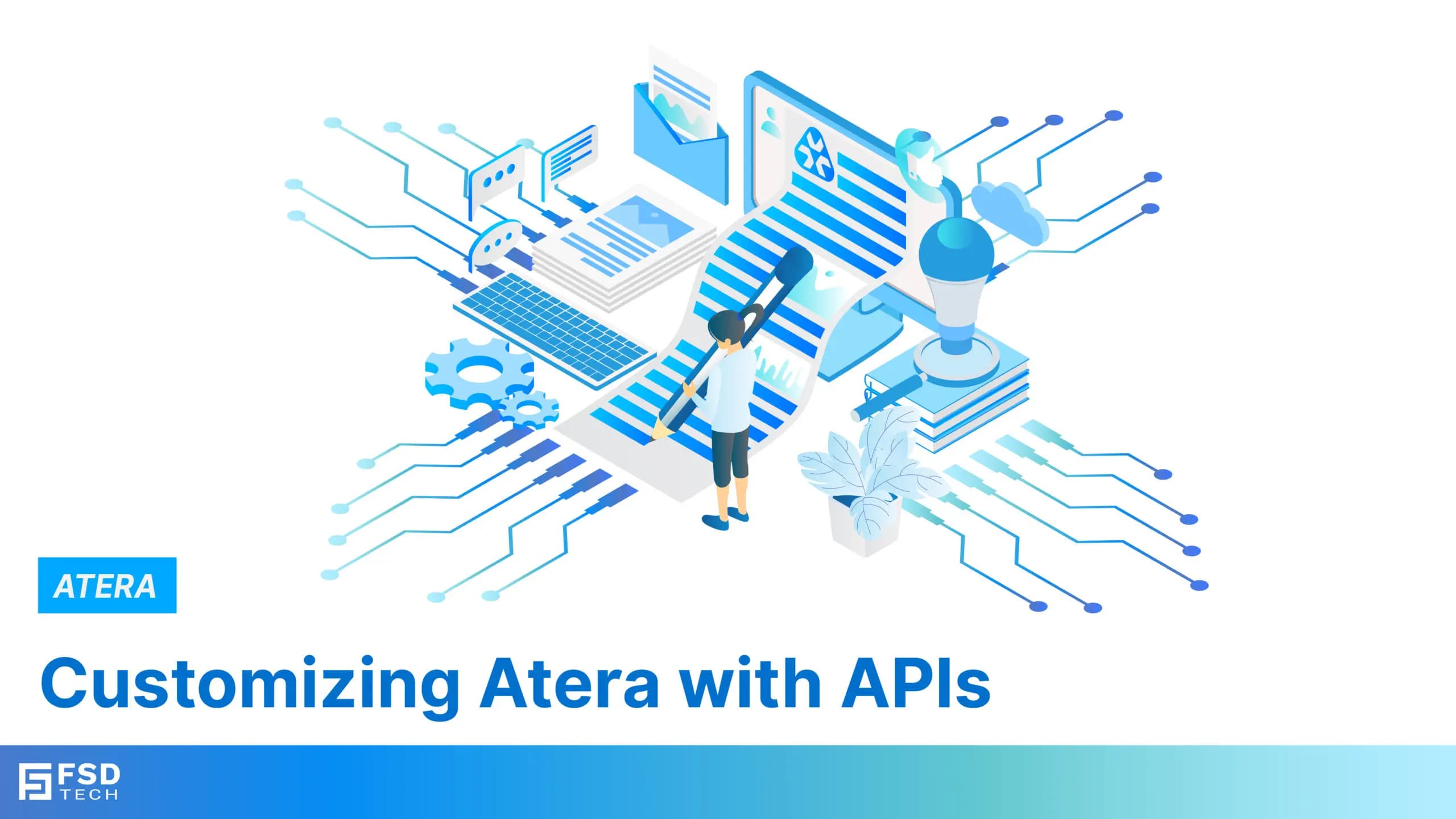
Customizing Atera with APIs

Customizing Atera with APIs

🕓 March 3, 2025

Power Up Your IT Team’s Strategy with Atera’s Communication Tools

Power Up Your IT Team’s Strategy with Atera’s Communication Tools

🕓 February 8, 2025

Cyber Security
Visual guide showing Cato CMA interface for configuring Internet and WAN firewall rules, enabling threat protection, and monitoring security events in real time for UAE IT teams.

Enforcing Firewall and Threat Protection Policies in Cato

🕓 July 25, 2025

Isometric illustration of professionals managing network performance, bandwidth analytics, and cloud-based optimization around the Cato Networks platform, symbolizing bandwidth control and QoS visibility.

Mastering Bandwidth Control and QoS in Cato Networks

🕓 July 26, 2025

Illustration of the Cato Cloud architecture showing its role in delivering SASE for secure, optimized global connectivity.

Understanding the Cato Cloud and Its Role in SASE

🕓 January 29, 2025

Global network backbone powering Cato SASE solution for secure, high-performance connectivity across regions.

Global Backbone: The Engine Powering Cato’s SASE Solution

🕓 January 30, 2025

BCP / DR
Illustration showing diverse business and IT professionals collaborating with cloud, backup, and security icons, representing Vembu use cases for SMBs, MSPs, and IT teams.

Who Uses Vembu? Real-World Use Cases for SMBs, MSPs & IT Teams

🕓 July 12, 2025

Graphic showcasing Vembu’s all-in-one backup and disaster recovery platform with icons for cloud, data protection, and business continuity for IT teams and SMBs.

What Is Vembu? A Deep Dive Into the All in One Backup & Disaster Recovery Platform

🕓 July 6, 2025

Illustration showing Vembu backup and disaster recovery system with cloud storage, server racks, analytics dashboard, and IT professionals managing data.

The Rising Cost of Data Loss: Why Backup Is No Longer Optional?

🕓 August 14, 2025

3D isometric illustration of cloud backup and data recovery infrastructure with laptop, data center stack, and digital business icons — FSD Tech

RPO & RTO: The Heart of Business Continuity

🕓 August 15, 2025

Automation
Cross-Functional Collaboration with ClickUp

Fostering Cross-Functional Collaboration with ClickUp for Multi-Departmental Projects

🕓 February 11, 2025

ClickUp Project Reporting

Revolutionizing Enterprise Reporting with ClickUp’s Advanced Analytics and Dashboards

🕓 June 16, 2025

ClickUp’s Design Collaboration and Asset Management Tools

Empowering Creative Teams with ClickUp’s Design Collaboration and Asset Management Tools

🕓 February 26, 2025

ClickUp Communication and Collaboration Tools

ClickUp Communication and Collaboration Tools: Empowering Remote Teams

🕓 March 12, 2025

Decoded
Multi-Factor Authentication (MFA)

Multi-Factor Authentication (MFA): All You Need to Know

🕓 December 7, 2025

L3 Switch

What Is an L3 Switch? L2 vs L3 & Why You Need Layer 3?

🕓 December 8, 2025

IPSec

IPSec Explained: Protocols, Modes, IKE & VPN Security

🕓 December 3, 2025

 Datagram Transport Layer Security (DTLS)

What is Datagram Transport Layer Security (DTLS)? How it works?

🕓 December 4, 2025

    Subscribe to our newsletter!

    About Us

    Follow Us

    Copyright © 2024 | Powered by 

    Cato SASE Architecture

    Inside Cato’s SASE Architecture: A Blueprint for Modern Security

    🕓 January 26, 2025

    Enterprise Data Security and Privacy with ClickUp

    Ensuring Enterprise Data Security and Privacy with ClickUp

    🕓 February 9, 2025

    DDoS protection SASE

    DDoS Protection and Cato’s Defence Mechanisms

    🕓 February 11, 2025

    Table of Contents

    Customizing Atera with APIs

    Anas Abdu Rauf
    March 3, 2025
    Comments
    Customizing Atera with APIs

    In the rapidly evolving landscape of IT management, customization is not just a luxury; it’s a necessity. As businesses strive to enhance their operational efficiency, the integration of tailored solutions has become pivotal. Atera, a comprehensive Remote Monitoring and Management (RMM) platform, offers powerful Application Performance Interfaces (APIs) that allow IT professionals to build custom solutions that align with their unique workflows. This blog will delve into customizing Atera through API capabilities, guide you through building your custom solutions, and highlight the benefits of API integration.


    Overview of Atera’s API Capabilities

    Atera’s API is a game-changer for IT departments looking to streamline processes and enhance functionality. It provides a robust framework for developers and IT professionals to integrate Atera’s capabilities with other software and services, creating a cohesive ecosystem tailored to organizational needs.


    What Can You Do with Atera’s API?

    1. Access Ticketing System: Manage tickets more effectively by creating, updating, and retrieving ticket information programmatically. This allows for coherent integration with existing help desk systems or custom IT workflows.
       
    2. Client Management: Automate client onboarding and management processes. With API access, IT teams can create client profiles, update information, and track interactions without manual entry.
       
    3. Reporting and Analytics: Generate custom reports that fit your specific business needs. The API allows for data extraction and analysis, enabling teams to visualize performance metrics and make data-driven decisions.
       
    4. Automate Routine Tasks: Use the API to automate routine IT tasks, such as generating invoices or managing assets, thus freeing up valuable time for IT professionals to focus on strategic initiatives.
       
    5. Integration with Third-party Tools: Atera’s API allows for seamless integration with popular tools like Slack, Microsoft Teams, and more. This enhances communication and collaboration within IT teams.


    Key Features of Atera’s APIs

    • RESTful Architecture: Atera’s API follows RESTful principles, making it easy to work with through standard HTTP methods.
       
    • Authentication: Security is paramount. Atera uses token-based authentication to ensure that only authorized users can access the API.
       
    • Comprehensive Documentation: Atera provides extensive documentation, including endpoints, parameters, and sample requests, making it easier for developers to get started.
       
    • Webhooks Support: For real-time updates, Atera supports webhooks that notify applications of changes in the system, allowing for timely responses to events.


    How to Build Custom Solutions with Atera

    1. Understand API Authentication: Atera’s API uses OAuth 2.0 for authentication, ensuring secure access. Before making API calls, set up your application in Atera to obtain the necessary credentials (client ID and client secret).
       
    2. Explore Available Endpoints: Atera’s API provides various endpoints for accessing resources like tickets, clients, devices, and reports. Familiarize yourself with the endpoint structure and the data they return to tailor your custom solutions effectively.
       
    3. Implement API Calls: Use tools like Postman or programming libraries in your preferred language (e.g., Python, JavaScript) to test API calls. Begin by retrieving data (e.g., list of devices) and gradually expand to modifying or creating resources.
       
    4. Integrate with Existing Systems: Atera’s API allows you to pull data into your existing IT management tools or systems. For instance, automate ticket creation in Atera based on alerts from other systems by sending POST requests to the tickets endpoint.
       
    5. Monitor and Optimize: After building your custom solution, monitor its performance and the API’s response times. Adjust your implementation as necessary to improve efficiency and usability.


    For precise details, please refer to the Atera API documentation here and the community discussions for insights from other users.


    The Benefits of Customizing Atera with APIs

    Integrating Atera’s API into your IT management practices can yield numerous benefits:


    1. Increased Efficiency: Automating routine tasks allows your IT team to focus on higher-value activities, improving overall productivity.
       
    2. Tailored Solutions: Custom solutions enable organizations to address unique challenges and requirements, enhancing operational efficiency.


    3. Improved Data Accuracy: Automating data entry and management reduces the risk of human error, ensuring more accurate and reliable information.
       
    4. Enhanced Collaboration: By integrating Atera with other tools, teams can communicate more effectively and collaborate seamlessly.
       
    5. Scalability: As your business grows, your custom solutions can evolve, adapting to changing needs and ensuring continued efficiency.


    Conclusion

    Atera’s APIs provide a powerful avenue for customizing IT management solutions, allowing organizations to enhance IT workflows, automate processes, and integrate with existing systems. By customizing Atera through APIs, IT teams can create tailored solutions that meet their specific needs and drive operational efficiency. The journey of developing custom solutions may seem complex, but with careful planning and execution, you can unlock the full potential of Atera and transform your IT management practices.


    Want to streamline your IT workflows? Join us in the next blog to explore the best practices of automation with Atera!


    Meanwhile, you can get acquainted with the basics of automation in IT management by clicking here.


    FAQs

    What is the Atera API?

    The Atera API allows developers to integrate Atera’s functionalities into custom applications, facilitating automated workflows, ticket management, and data reporting.


    How can custom IT solutions benefit my organization?

    Custom IT solutions help streamline processes, reduce manual errors, enhance data accuracy, and improve overall efficiency tailored to your specific business needs.


    What are the key features of Atera’s API?

    Atera’s API features RESTful architecture, token-based authentication, comprehensive documentation, and support for webhooks, enabling robust integrations.


    How do I get started with API integration in Atera?

    To get started, outline your requirements, set up a development environment, generate an API token for authentication, and begin making API calls to retrieve or manipulate data.


    Can I integrate Atera’s API with other software?

    Yes, Atera’s API allows for integration with various third-party tools, enabling seamless workflows and enhanced collaboration across your IT environment.


    Customizing Atera with APIs

    About The Author

    Anas Abdu Rauf

    Anas is an Expert in Network and Security Infrastructure, With over seven years of industry experience, holding certifications Including CCIE- Enterprise, PCNSE, Cato SASE Expert, and Atera Certified Master. Anas provides his valuable insights and expertise to readers.

    Like This Story?

    Share it with friends!

    Subscribe to our newsletter!

    Atera

    (48)

    Cato Networks

    (111)

    ClickUp

    (67)

    FishOS

    (7)

    Miradore

    (21)

    PointGuard AI

    (9)

    Vembu

    (22)

    Xcitium

    (33)

    ZETA HRMS

    (67)

    Workflow Automation(5)

    Workforce Automation(1)

    AI Project Management(1)

    HR Data Automation(1)

    RMM(1)

    IT Workflow Automation(1)

    IT security(2)

    GCC compliance(4)

    Payroll Integration(2)

    IT support automation(3)

    procurement automation(1)

    lost device management(1)

    IT Management(5)

    IoT Security(2)

    Cato XOps(2)

    IT compliance(4)

    Task Automation(1)

    Workflow Management(1)

    OpenStack automation(1)

    Kubernetes lifecycle management(2)

    AI-powered cloud ops(1)

    SMB Security(8)

    Data Security(1)

    MDR (Managed Detection & Response)(4)

    Atera Integrations(2)

    MSP Automation(3)

    XDR Security(2)

    SMB Cyber Protection(1)

    Ransomware Defense(3)

    HR Tech Solutions(1)

    Zero Trust Network Access(3)

    Zero Trust Security(2)

    Endpoint Management(1)

    SaaS Security(1)

    Payroll Automation(5)

    IT Monitoring(2)

    Xcitium EDR SOC(15)

    Ransomware Protection GCC(1)

    M&A IT Integration(1)

    Network Consolidation UAE(1)

    MSSP for SMBs(1)

    FSD-Tech MSSP(25)

    SMB Cybersecurity GCC(1)

    Managed EDR FSD-Tech(1)

    Ransomware Protection(3)

    Antivirus vs EDR(1)

    Cybersecurity GCC(12)

    Endpoint Security(1)

    Endpoint Protection(1)

    Data Breach Costs(1)

    Managed Security Services(2)

    SMB Cybersecurity(8)

    Zero Dwell Containment(31)

    Xcitium EDR(30)

    Cloud Backup(1)

    Hybrid Backup(1)

    Backup & Recovery(1)

    pointguard ai(4)

    disaster recovery myths(1)

    backup myths(1)

    vembu(9)

    SMB data protection(9)

    Vembu BDR Suite(19)

    Disaster Recovery(4)

    DataProtection(1)

    GCCBusiness(1)

    Secure Access Service Edge(4)

    GCC HR software(15)

    Miradore EMM(15)

    Cato SASE(7)

    Cloud Security(8)

    Talent Development(1)

    AI Cybersecurity(12)

    AI Risk Management(1)

    AI Governance(4)

    AI Security(2)

    AI Compliance(2)

    GCC business security(1)

    GCC network integration(1)

    compliance automation(4)

    GCC cybersecurity(2)

    education security(1)

    App management UAE(1)

    BYOD security Dubai(8)

    Miradore EMM Premium+(5)

    HealthcareSecurity(1)

    MiddleEast(1)

    Team Collaboration(1)

    IT automation(10)

    Zscaler(1)

    SD-WAN(6)

    HR Integration(4)

    Cloud Networking(3)

    device management(9)

    RemoteWork(1)

    ZeroTrust(2)

    VPN(1)

    MPLS(1)

    Project Management(9)

    HR automation(16)

    share your thoughts

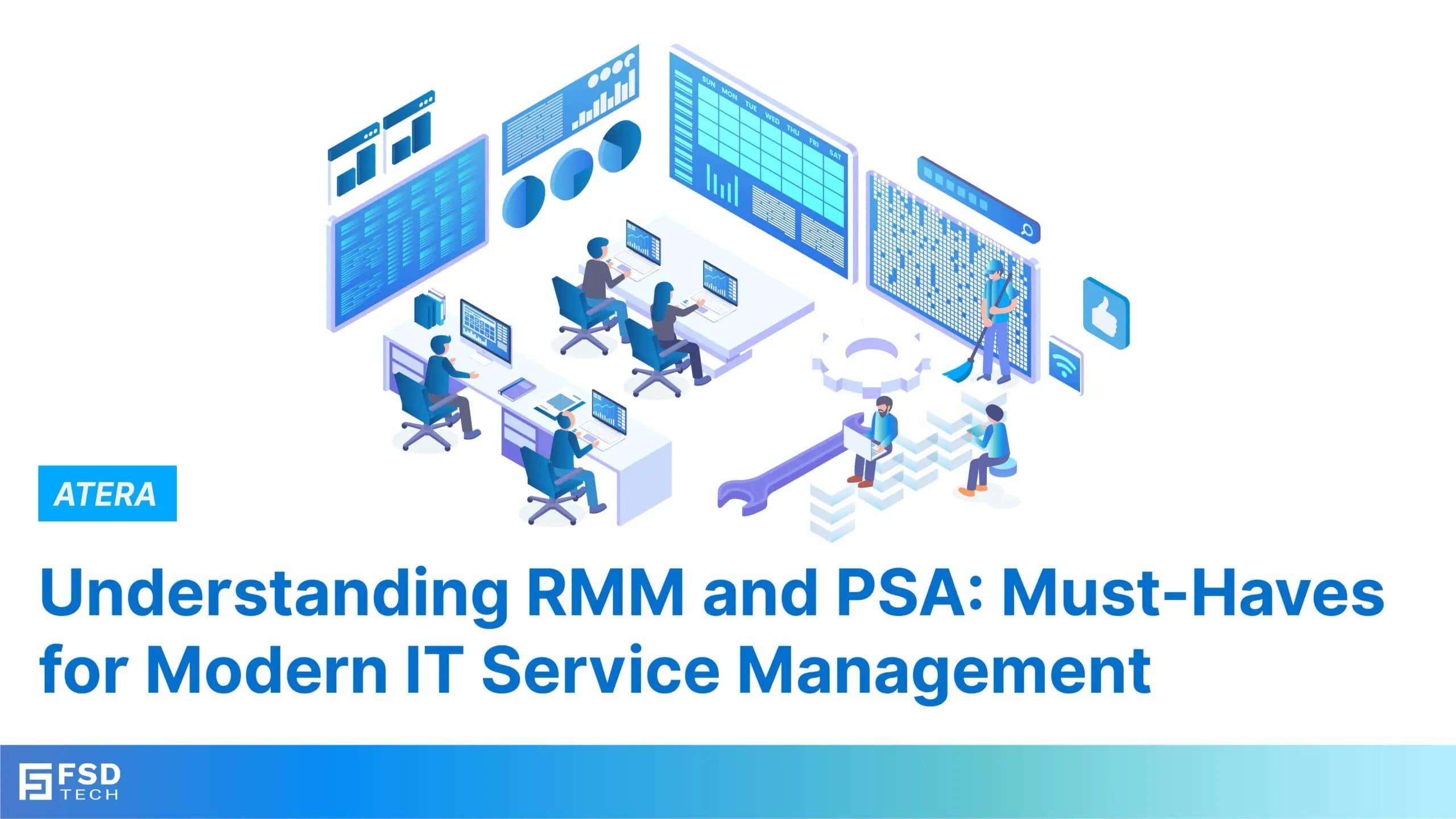
    Understanding RMM and PSA: Must-Haves for Modern IT Service Management

    Understanding RMM and PSA: Must-Haves for Modern IT Service Management

    🕓 January 22, 2025

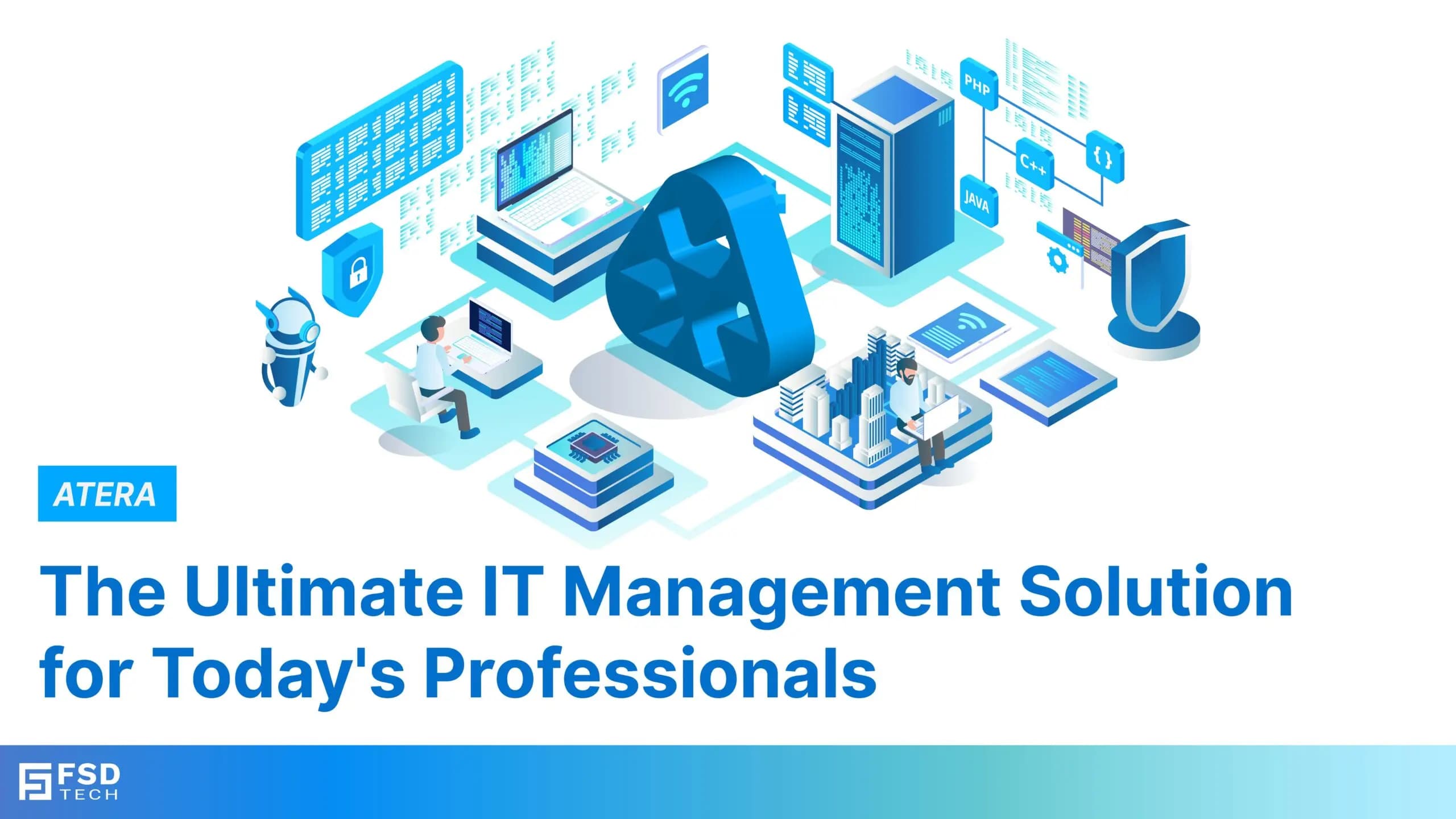
    Atera Networks: The Ultimate IT Management Solution for Today’s Professionals

    Atera Networks: The Ultimate IT Management Solution for Today’s Professionals

    🕓 January 23, 2025

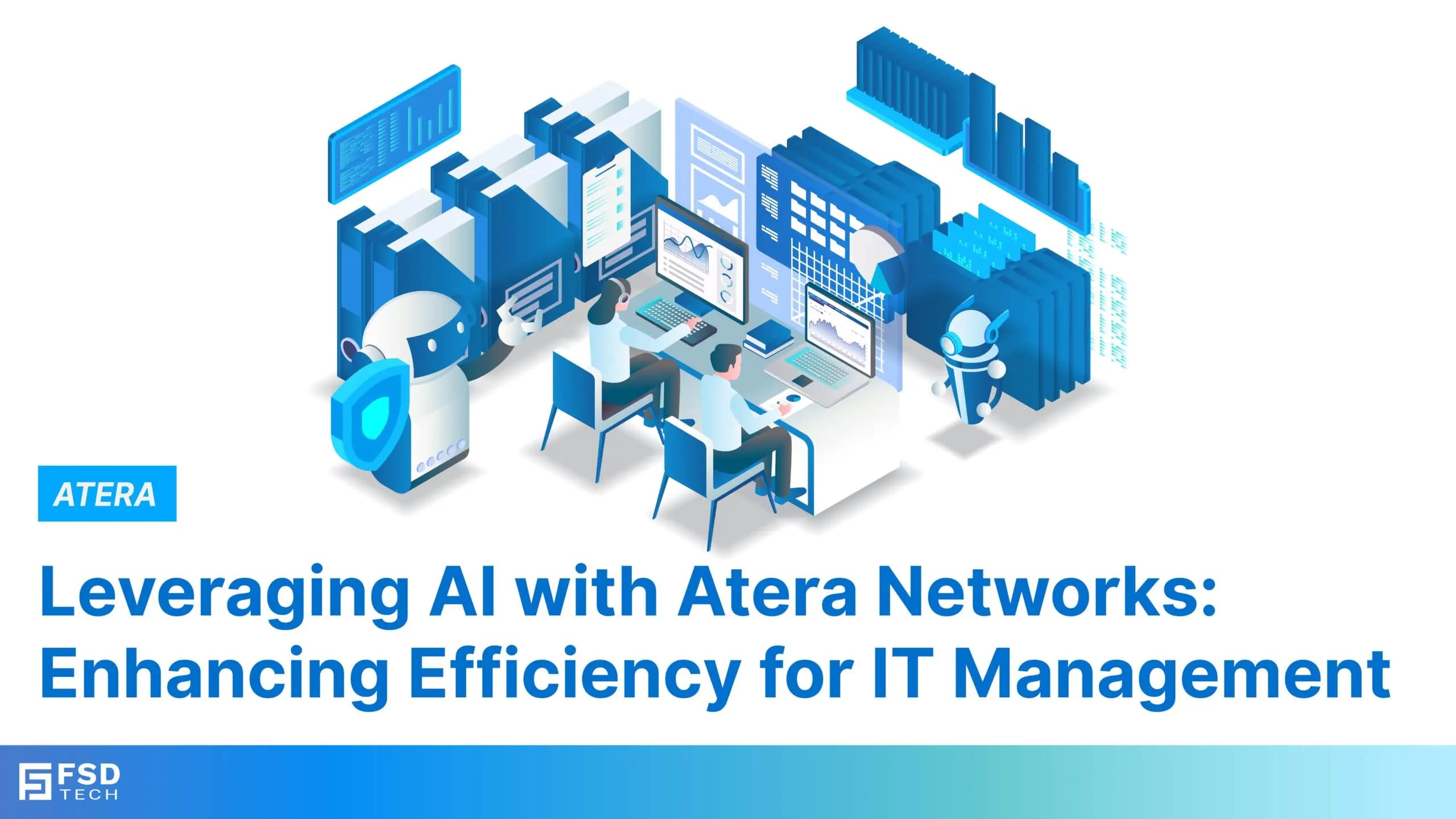
    Leveraging AI with Atera Networks: Enhancing Efficiency for IT Management

    Leveraging AI with Atera Networks: Enhancing Efficiency for IT Management

    🕓 January 24, 2025

    Decoded(48)

    Cyber Security(112)

    BCP / DR(22)

    Zeta HRMS(66)

    SASE(21)

    Automation(67)

    Next Gen IT-Infra(111)

    Monitoring & Management(69)

    ITSM(22)

    HRMS(21)

    Automation(24)