.webp&w=3840&q=75)
How ClickUp Enables Outcome-Based Project Management (Not Just Task Tracking)
🕓 February 15, 2026
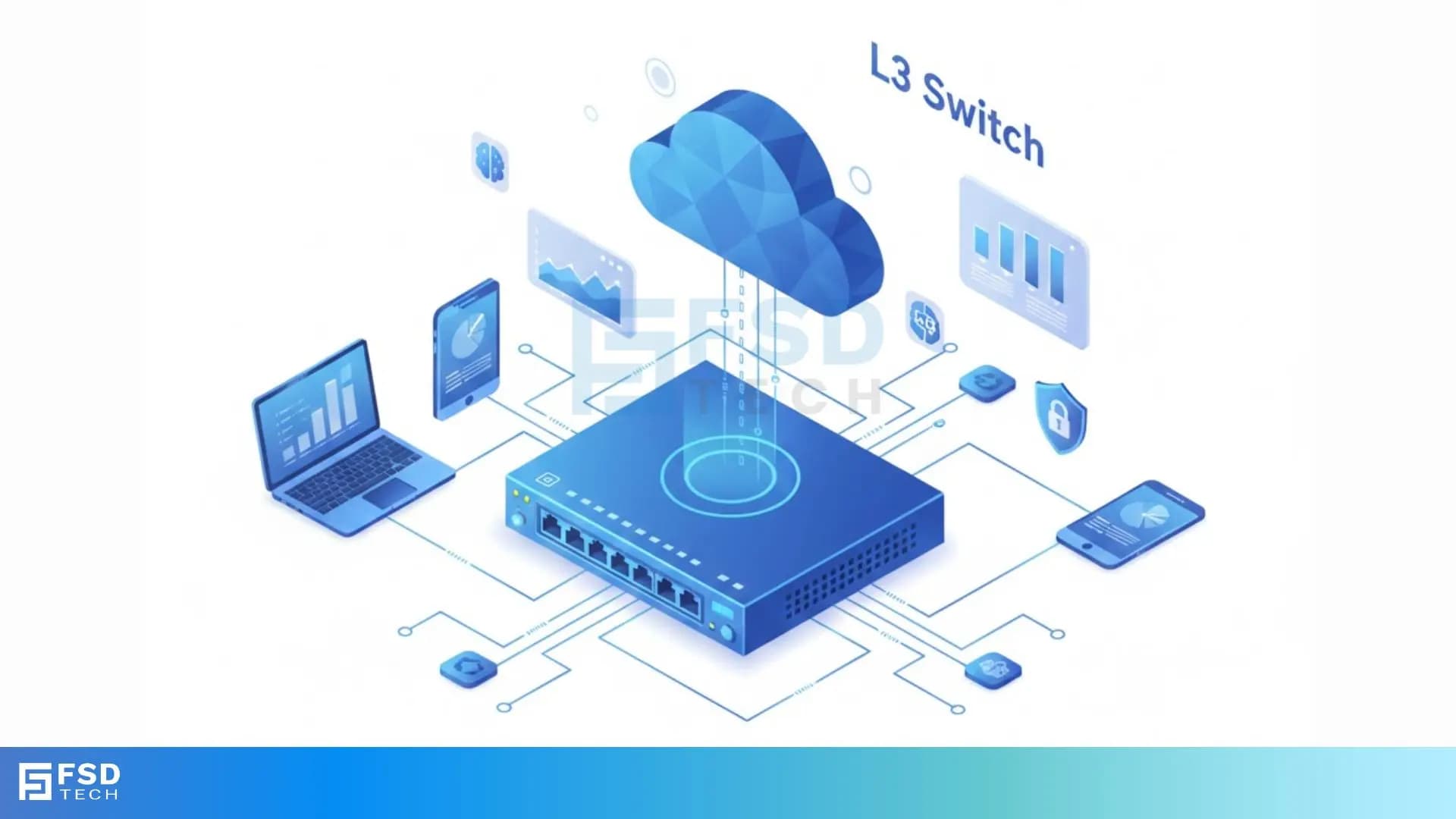
Are your internal networks sluggish? Do you struggle to make your VLANs talk without bottlenecks? Many network managers face this problem. They rely on traditional Layer 2 switches but then route all their internal traffic through one slow central router. This design is often a recipe for slow application performance.
What if you could combine the blistering speed of switching with the intelligent decision-making of routing? The solution lies in understanding the core functions of the L3 switch.
L3 Switches are essential tools in modern computer networks. They combine the fast data-handling of a traditional switch with the intelligent routing features of a router.
Let us start by clearly defining the key device. This section explains the fundamental difference between the simple L2 switch and the powerful L3 switch. We will discuss how the L3 switch can turbocharge your local network traffic.
An L3 switch is a device that works at the third layer of the OSI model. This third layer is known as the Network Layer. It is also sometimes called a multi-layer switch.
L3 switch functionality is simple. It does two main jobs:
In simple words, the L3 switch acts like a regular switch for devices within the same local network, and it acts like a router for devices that need to communicate between different networks or subnets.
This combination of functions makes an L3 switch very important for high-performance networks, especially those with many different virtual local area networks (VLANs).
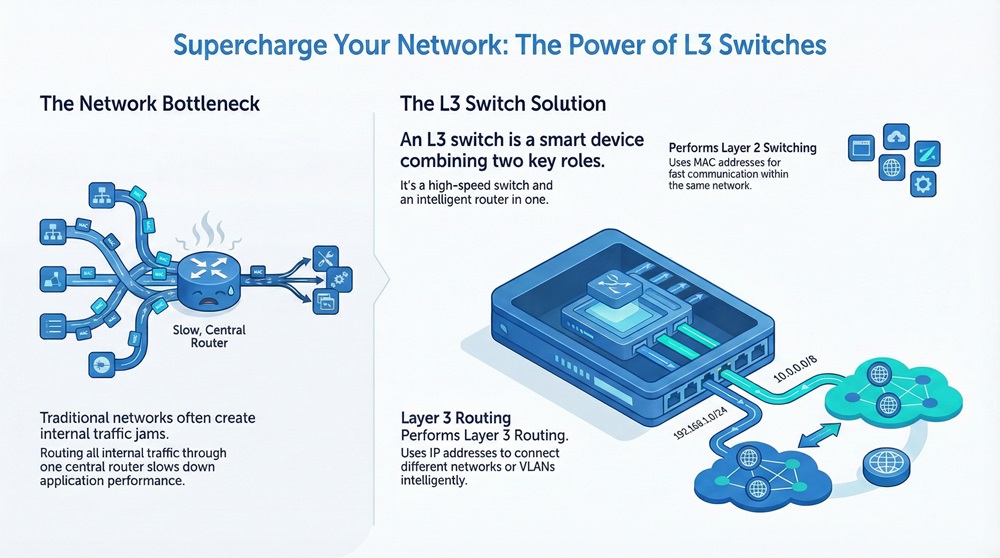
The core value of an L3 switch is its ability to switch data quickly and to route data intelligently.
Layer 2 Switching in the L3 Switch
Every L3 switch is, at its heart, a Layer 2 switch. This means:
Layer 3 Routing in the L3 Switch
The added feature is the Layer 3 capability. L3 switch handles the routing process in two main ways:
The routing function in an L3 switch is much faster than in a traditional router because it also uses the high-speed switching hardware to perform the packet forwarding after the initial route look-up. This process is often called route once, switch many.
Get Started with Cato SASE Today!
While both devices are used in a local area network (LAN), their primary function and the layer they operate on are different.
| Basis for Comparison | Layer 2 (L2) Switch | Layer 3 (L3) Switch |
|---|---|---|
| Meaning | Forwards data frames based on the MAC address (hardware address). | Forwards data frames and routes packets based on the IP address (logical address). |
| OSI Layer | Data Link Layer (Layer 2) | Network Layer (Layer 3) |
| Primary Focus | Switching (Intra-VLAN communication). | Routing and Switching (Inter-VLAN communication). |
| Forwarding Info | Uses a MAC Address Table to map MAC addresses to physical ports. | Uses a Routing Table to determine the best path between different IP networks/subnets. |
| Network Domains | Operates within a single Broadcast Domain (or multiple, separate VLANs). | Can connect and control traffic between multiple Broadcast Domains (VLANs). |
| Inter-VLAN Routing | Cannot perform Inter-VLAN routing; requires an external router. | Performs Inter-VLAN routing internally using specialized hardware. |
| Complexity | Simple, used for device connectivity within a network segment. | More complex, used as a backbone or distribution layer device. |
There are distinct points that separate the function and application of an L2 switch and an L3 switch.
Also Read: Cloud Security Posture Management: CSPM Vs CWPP
The power of an L3 switch shines in specific network designs. When should you use an L3 switch?
Need for Inter-VLAN Routing
L3 switch is often placed at the distribution layer of a large network.
Better Performance and Lower Latency
L3 switch offers better performance compared to using a separate L2 switch and a router for Inter-VLAN routing.
Supporting VLANs with the L3 Switch
L3 switch operation is fundamentally tied to its ability to handle VLANs.
This setup ensures that an L3 switch can manage network separation and security while keeping communication fast.
Also Read: What is Datagram Transport Layer Security (DTLS)? How it works?
Beyond simple routing, modern L3 switches often include features that make them essential for secure and reliable networks.
Security and Quality of Service (QoS)
L3 switch can enforce security policies based on IP addresses.
Handling Redundancy with the L3 Switch
L3 switch can use protocols to ensure the network stays up even if a path fails.
The L3 switch represents a powerful consolidation of network functions.
In conclusion, understanding the function of the L3 switch means recognizing its dual role as a high-speed switch and a fast router. This device solves the performance problem of Inter-VLAN routing while providing the control and segmentation needed for complex networks. It's a cornerstone of any large, well-designed network infrastructure.
Schedule a Call and Talk to Our Cato SASE experts today!
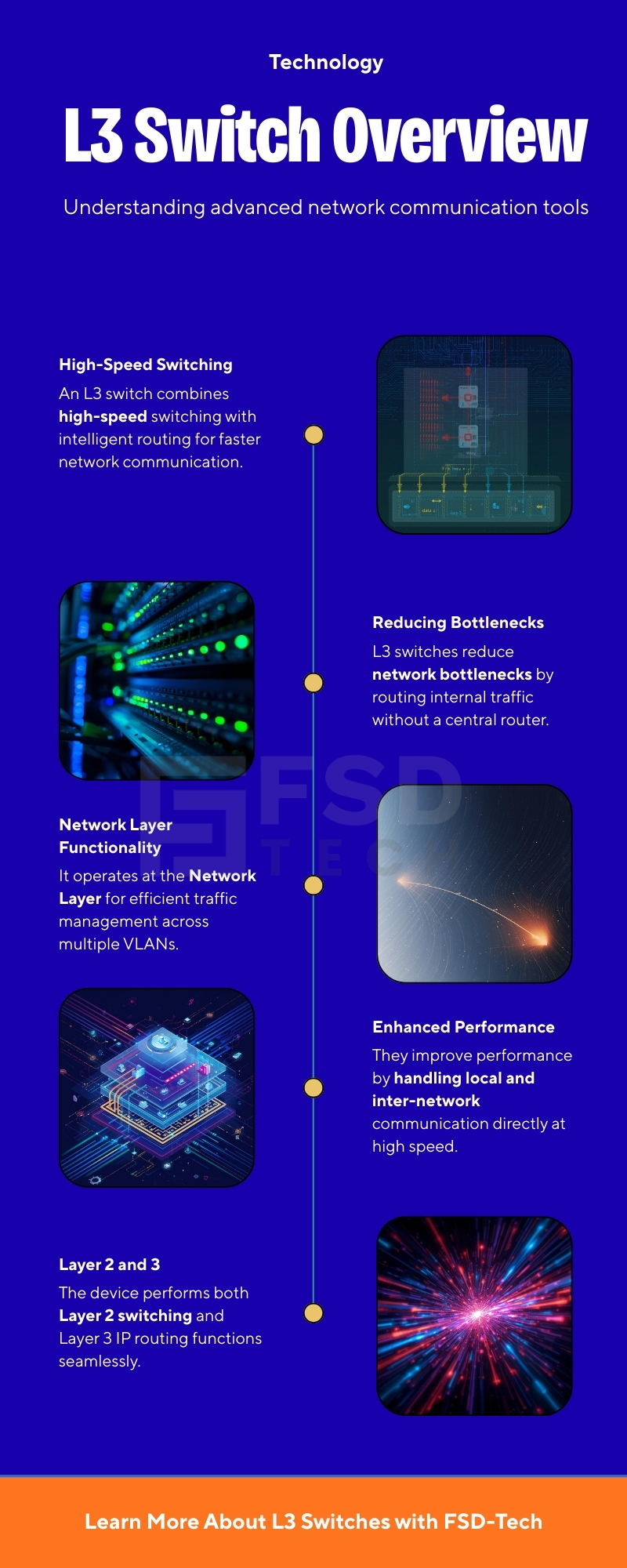
Key Takeaways
Here are ten common questions to help clarify the function and use of the L3 switch.
An L3 switch is a device that does the job of both a regular switch and a router. It moves data quickly within a network segment (switching) and also sends data between different network segments (routing).
An L3 switch can replace a router for local routing (like Inter-VLAN routing). However, it usually lacks the advanced features of a dedicated router, such as complex firewall functions, Network Address Translation (NAT), and high-capacity Wide Area Network (WAN) ports.
Inter-VLAN routing is the process of moving traffic between separate VLANs (Virtual Local Area Networks). The L3 switch is good at this because it performs the routing process using its high-speed switching hardware, leading to very low latency.
An L3 switch uses both. It uses the MAC address for Layer 2 switching within a local network segment. It uses the IP address for Layer 3 routing between different network segments.
The main benefits are higher performance for network segments that need to communicate often, lower latency for critical applications, and simplifying the network design by consolidating two functions (switching and routing) into one device.
The L3 switch is most often placed at the distribution layer in a large corporate network. This is the layer that connects the access layer (where end-user devices connect) to the core layer (the high-speed backbone).
Yes, an L3 switch maintains a routing table. This table contains information about all the reachable networks and the best path to reach them. This table is used for the Layer 3 forwarding decision.
The L3 switch is generally faster for internal network traffic. The L3 switch is designed to route packets in hardware, often at wire speed. Traditional routers may perform more complex processes in software, which can be slower.
Yes, you can. The L3 switch can use static routing instead of dynamic routing protocols like OSPF. You would manually configure the routes for the L3 switch to follow.
L3 switch can apply security policies using Access Control Lists (ACLs). These ACLs allow the L3 switch to filter traffic based on IP addresses, preventing unauthorized communication between network segments.

Surbhi Suhane is an experienced digital marketing and content specialist with deep expertise in Getting Things Done (GTD) methodology and process automation. Adept at optimizing workflows and leveraging automation tools to enhance productivity and deliver impactful results in content creation and SEO optimization.
Share it with friends!




.webp&w=3840&q=75)






share your thoughts