.webp&w=3840&q=75)
How ClickUp Enables Outcome-Based Project Management (Not Just Task Tracking)
🕓 February 15, 2026




.webp&w=3840&q=75)


Surbhi Suhane is an experienced digital marketing and content specialist with deep expertise in Getting Things Done (GTD) methodology and process automation. Adept at optimizing workflows and leveraging automation tools to enhance productivity and deliver impactful results in content creation and SEO optimization.
Share it with friends!
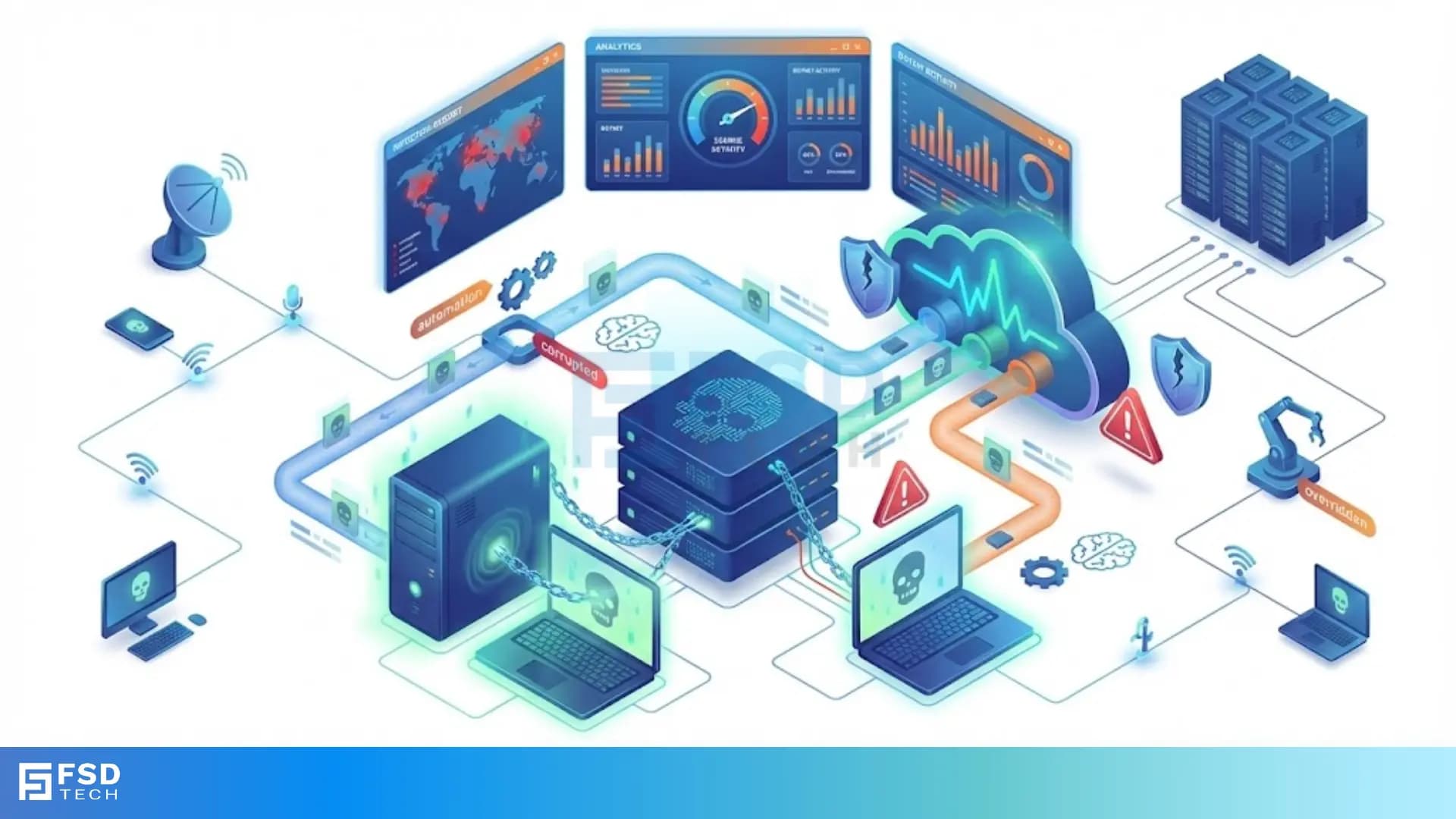
Have you ever noticed your computer running slow for no reason? Or perhaps your internet data finishes faster than usual? You might think your device is just getting old. However, there could be a darker reason behind these glitches. Your device might be working for someone else without your knowledge.
In the world of cybersecurity, this is a common threat. Hackers can take over devices and use them to launch attacks. They do this by turning your laptop or desktop into a zombie computer. But how does a normal PC become a "undead" tool for criminals? Is your personal data at risk? Let us explore what this term means and how it affects your digital life.
Zombie computer refers to a computer that a hacker has infected with malware. This infection allows a remote user to control the device. The actual owner usually has no idea that their system is compromised. These devices act like "zombies" because they follow the orders of a "master" hacker rather than the user.
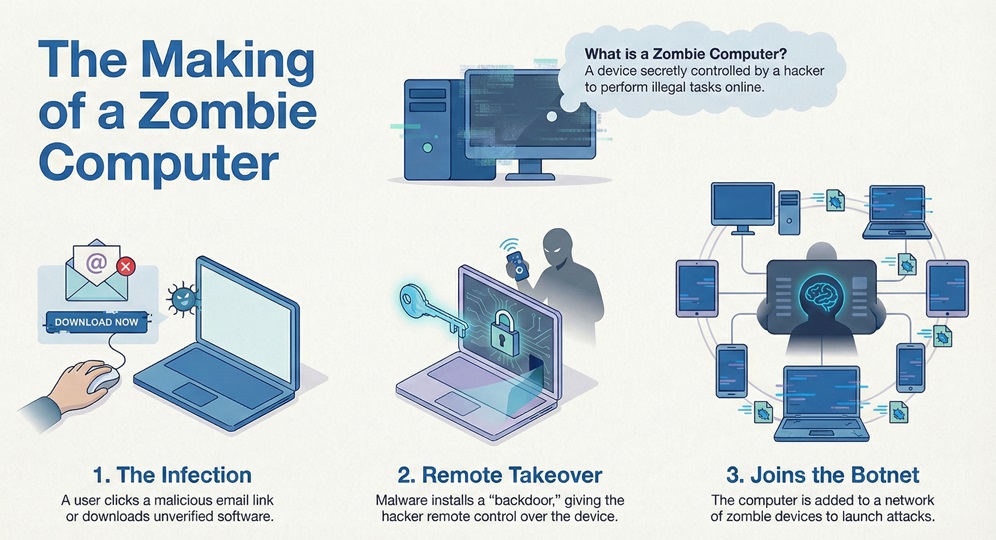
A zombie computer stays connected to the internet. This connection allows the hacker to send commands. The hacker, often called a bot herder, uses these machines to perform illegal tasks. Most of the time, the goal is to hide the hacker's true identity. By using your IP address, the criminal stays invisible while you take the blame for the traffic.
Zombie computer creation starts with a simple infection. You might click on a malicious link in an email. Or, you could download software from an unverified source. Once the malicious code enters your system, it installs a small program.
This program opens a "backdoor" for the hacker. The hacker then links your machine to a larger network. This network of infected devices is known as a botnet.
It is easy to confuse different types of cyber threats. To understand the zombie computer better, we should look at how it differs from standard viruses or spyware.
| Basis for Comparison | Zombie Computer | Regular Malware (Virus/Worm) |
|---|---|---|
| Primary Goal | Remote control for external attacks | Data theft or system damage |
| User Awareness | Usually zero; stays hidden | Often obvious (pop-ups, deleted files) |
| Network Status | Part of a larger botnet | Usually a standalone infection |
| Control | Controlled by a bot herder | Self-executing or manual trigger |
| Main Threat | Used for DDoS attacks and spam | Corrupts local files and OS |
Also Read: What is BIOS Security? Features & Protection
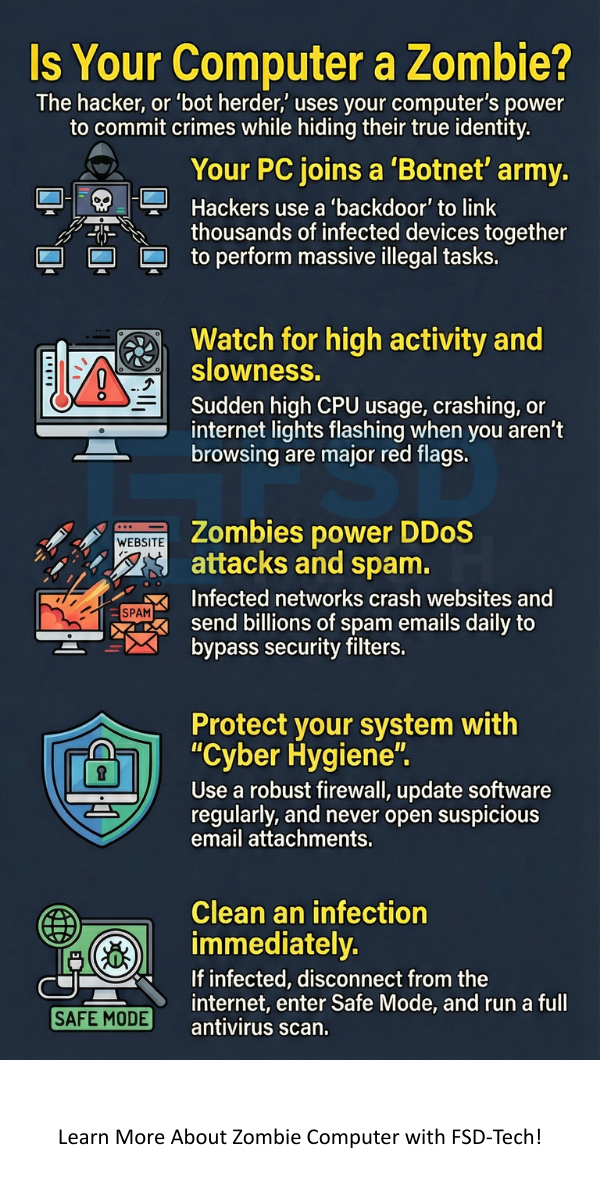
Zombie computer networks serve many criminal purposes. One single computer cannot do much damage. However, when a hacker links thousands of zombie computers together, they gain massive power.
1. Launching DDoS Attacks
Zombie computer power is most visible during a Distributed Denial of Service (DDoS) attack. The hacker commands all infected machines to visit one website at the same time. This flood of traffic crashes the website's server. Companies lose millions when their services go offline.
2. Distributing Spam
Zombie computer systems send out billions of spam emails every day. Hackers use your email account or server to bypass spam filters. Because the mail comes from a "real" user, it looks legitimate. This helps criminals spread phishing links or sell fake products.
3. Identity Theft and Sniffing
Zombie computer malware often includes keyloggers. This software records every stroke you make on your keyboard. The hacker can see your passwords, credit card numbers, and private messages. They "sniff" the data passing through your network to find valuable info.
4. Click Fraud
Zombie computer owners might unknowingly participate in click fraud. The hacker runs invisible browser windows that click on online ads. This generates illegal revenue for the hacker while wasting the advertiser's budget.
Zombie computer infections are hard to spot because they are designed to be quiet. But if you look closely, you can find clues. Does your computer exhibit any of these behaviors?
Zombie computer activity often happens at night or when the machine is idle. The hacker waits for you to stop using the device so they can use the full processing power.
Also Read: What is Cloud Virtual Private Network (VPN)?
Zombie computer units are the building blocks of a botnet. A botnet is basically a private army of infected computers. The bot herder uses a Command and Control (C&C) server to manage the army.
Zombie computer botnets are highly resilient. If one computer is cleaned, the rest of the network keeps working. Some modern botnets use peer-to-peer (P2P) structures. This means there is no central server to shut down. This makes it very hard for the police to stop the attack.
Zombie computer prevention is easier than the cure. You must be proactive about your cyber hygiene. If you follow simple steps, you can keep the "undead" malware away from your hard drive.
Use a Robust Firewall
Zombie computer malware needs to talk to the hacker. A firewall monitors incoming and outgoing traffic. It can block unauthorized connections. Always keep your OS firewall active.
Keep Software Updated
Zombie computer creators love "exploits." These are holes in old software. When developers find a hole, they release a patch. If you do not update your Windows or Mac OS, you leave the door open for hackers.
Be Careful with Email Attachments
Zombie computer infections often hide in .zip or .exe files. Never open an attachment from someone you do not know. Even if the sender looks familiar, verify the email if it seems "off."
Use Strong Passwords
Zombie computer bots sometimes spread by "brute forcing" passwords. They try thousands of combinations to log into your account. Use a mix of letters, numbers, and symbols to stay safe.
Also Read: What is a Botnet? How Botnet Attacks Work & Prevention
Zombie computer removal requires a deep scan of your system. If you suspect your PC is a bot, do not panic. Follow these steps to reclaim your device.
Zombie computer malware can be stubborn. Sometimes, the only way to be 100% sure is to perform a factory reset. This wipes the drive and starts fresh.
Your digital safety depends on how well you guard your devices. A zombie computer is a silent threat that turns your own tools against you. It drains your resources and helps criminals harm others. By staying alert and using the right security tools, you can keep your computer healthy and "alive."
At our core, we believe that every user deserves a safe browsing experience. We focus on providing clear, actionable advice to help you stay ahead of hackers. Your security is our top priority.
Stop Botnet Control Contact FSD-Tech today
A bot is the software or script that performs the task. A zombie is the hardware (your computer) that runs that bot. Essentially, your computer becomes a zombie once it is infected with a bot.
Yes. Zombie computer logic applies to any device connected to the internet. Hackers frequently target Android and iOS devices to create mobile botnets. These are used for SMS spam and clicking on ads.
It is not illegal to be a victim. However, if your zombie computer is used in a crime, your internet service provider (ISP) might suspend your account. You could also lose access to certain websites if your IP address is blacklisted.
It can. While the primary goal is often to use your system's power, many bots also include spyware modules. They can steal your browser history, saved passwords, and personal photos.





share your thoughts