.webp&w=3840&q=75)
How ClickUp Enables Outcome-Based Project Management (Not Just Task Tracking)
🕓 February 15, 2026
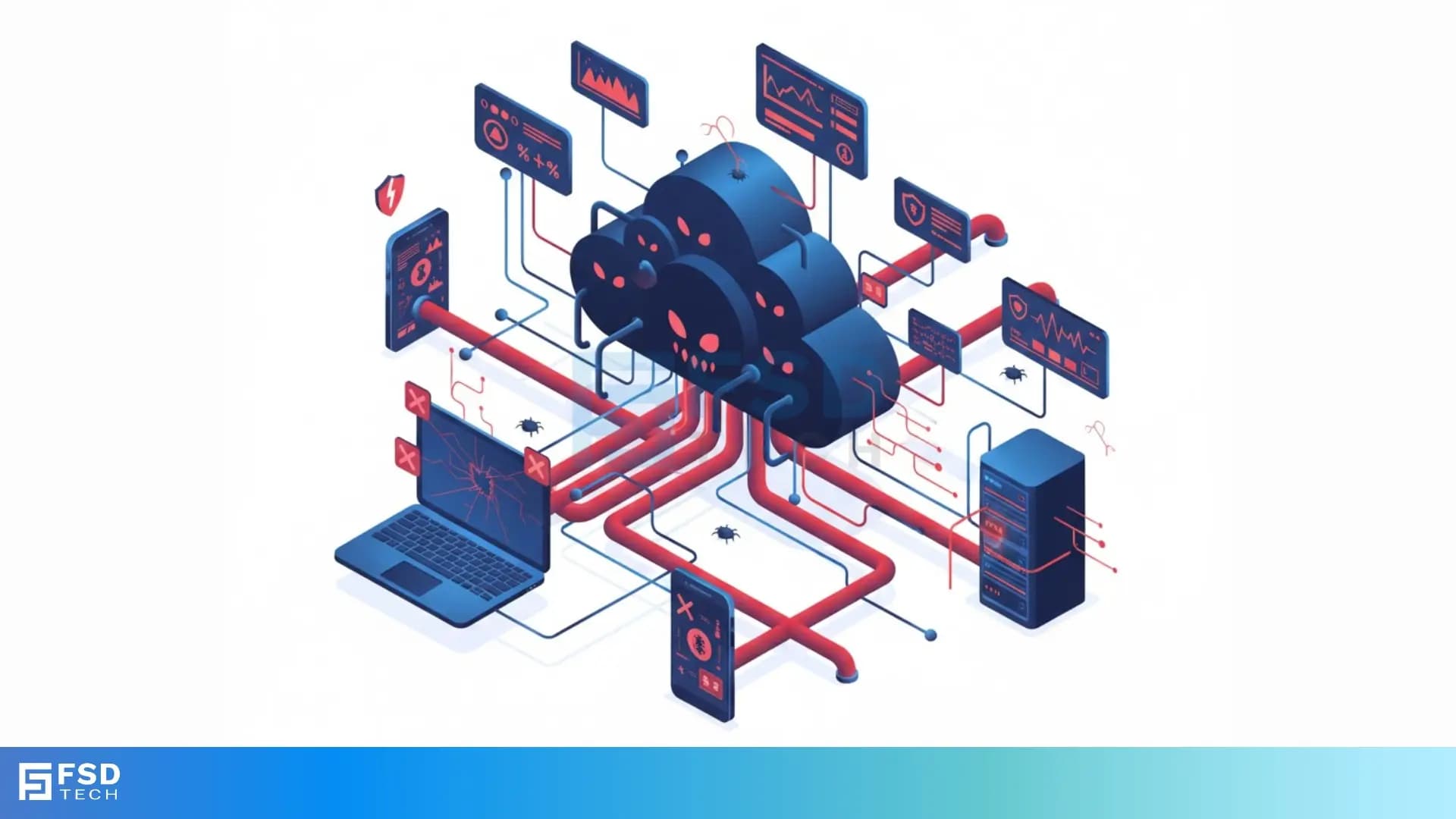
Have you ever wondered how major websites suddenly go offline, or how spam emails flood your inbox every day? The answer often involves a vast, hidden network of compromised computers acting under a single master's control. This system is known as a botnet. Understanding what a botnet is and how botnet works is crucial for securing your digital life.
A botnet can be understood as a collection of Internet-connected devices, which includes personal computers, servers, and even IoT devices. A remote attacker has compromised these devices without the owners' knowledge. The term botnet is nothing but a portmanteau of the words “robot” and “network.” This vast digital army performs automated, malicious tasks on the attacker’s command.
The creation of these networks is one of the most significant challenges in modern cybersecurity. This is because a botnet allows a single cybercriminal to gain massive processing power and network bandwidth. They can leverage this power for illegal activities on an astonishing scale.
Now, the question arises: Is botnet a malware? While a botnet itself is a network of devices, the botnet attack begins with the installation of bot malware onto the target devices. This malware is what allows the attacker to remotely control the machine.
Let us now explore this complex network structure and find out what does a botnet do to cause such widespread damage.
A botnet refers to the architecture that supports modern, large-scale cybercrime. It is a network of compromised machines—bots—that an attacker, the botmaster, controls through a Command and Control (C2) server.
The primary function of a botnet is to provide the botmaster with a distributed and powerful platform for conducting various cybercrimes. By using thousands of different IP addresses, the attacker can effectively hide their identity and amplify the impact of their attacks.
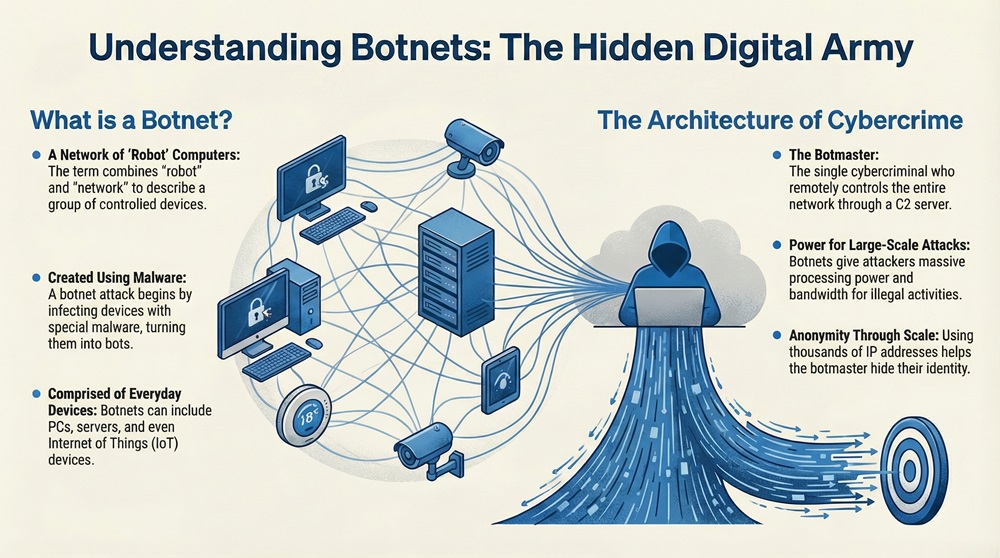
Definition: A botnet can be understood as a scalable network of compromised devices (bots) controlled by a central malicious entity (botmaster) to perform coordinated automated tasks.
Cybercriminals use a botnet primarily because of the need for scale and anonymity.
Also Read: What Is Spyware Software? Types, Signs & Removal Guide
A botnet attack is a multi-stage process. It involves three primary phases: infection, command and control, and execution. Understanding this process is key to botnet detection.
1. Infection: Spreading the Botnet Malware
The initial phase requires the botmaster to infect devices. The botnet malware or virus spreads through common vectors:
2. Command and Control (C2): Establishing Botnet Traffic
Once a device is successfully infected, the newly created bot establishes a connection with the Command and Control (C2) server. This server is the botnet's brain.
3. Execution: Carrying Out the Malicious Botnet Attack
Finally, the bots execute the commanded task simultaneously and coordinately. This unified action is what makes botnets so powerful and destructive.
Also Read: Spear Phishing: Learn About #1 CEO fraud
It is vital to distinguish a botnet from standard, individual malware. While the bot that infects your machine is a form of malware, the term botnet describes the entire resulting network and system of control.
Botnet vs. Traditional Malware Comparison Chart
| Basis for Comparison | Botnet | Traditional Malware (e.g., Ransomware) |
|---|---|---|
| Primary Goal | Control and Coordination of many devices for a massive, distributed attack. | Direct damage or extortion on a single, local machine. |
| Structure | A network of compromised devices (bots) controlled by a central C2 server. | A single malicious program acting independently on one machine. |
| Scale of Operation | Massive and distributed. The impact is felt network-wide (e.g., taking down a server). | Local and isolated. The impact is primarily on the infected device (e.g., file encryption). |
| Attacker’s Role | The botmaster actively manages the network and sends real-time commands. | The attacker's involvement often ends after the initial infection. |
The sheer power of a distributed network makes the botnet the ideal tool for numerous high-impact cybercrimes. What does a botnet do? Here are the most common uses:
1. Distributed Denial of Service (DDoS) Attacks
A DDoS attack is arguably the most recognized application of a botnet.
2. Spam and Phishing Campaigns
A botnet is a powerful engine for sending unsolicited emails.
3. Stealing Data and Credentials
The bot client installed on your computer can perform various surveillance tasks.
4. Cryptomining and Ad Fraud
Cybercriminals use the combined processing power of a botnet for other financial gain.
Also Read: What is a Next Generation Firewall (NGFW)? Why UAE/GCC businesses need it?
Protecting yourself and your organization requires proactive steps against the spread of botnet malware.
1. Staying Updated and Patched
2. Employing Strong Security Tools
3. Monitoring for Anomalous Activity
You can spot an infection by observing unusual device performance.
4. Implementing Network Segmentation
For organizations, isolating different parts of the network can prevent an infection from spreading.
History shows us the massive scale that a botnet can reach. The size and complexity of these operations demonstrates the ongoing threat they pose.
You now possess the knowledge to recognize and understand the grave threat posed by a botnet. Protecting your business and your personal information is not just about installing an antivirus; it is about adopting a comprehensive security approach.
We ensure that our comprehensive security solutions not only identify the classic signs of botnet malware but also adapt to the new, sophisticated methods of C2 communication.
Take control of your digital security today and prevent your devices from becoming the next soldier in a criminal botnet army.
Protect Your Network Reach our experts

A botnet is not a virus in the traditional sense, which is a type of self-replicating malware. However, the software that turns your device into a bot is a form of malware. The botnet itself is the entire network structure used for the attack.
Botnet traffic refers to the data packets flowing between the compromised bots and the Command and Control (C2) server. This traffic usually follows specific, suspicious patterns and is the signature sign of a botnet operating within a network.
In simple words, a botnet is a secret digital army of hijacked computers that a single criminal uses to launch massive, coordinated attacks online.

Surbhi Suhane is an experienced digital marketing and content specialist with deep expertise in Getting Things Done (GTD) methodology and process automation. Adept at optimizing workflows and leveraging automation tools to enhance productivity and deliver impactful results in content creation and SEO optimization.
Share it with friends!




.webp&w=3840&q=75)






share your thoughts