.webp&w=3840&q=75)
How ClickUp Enables Outcome-Based Project Management (Not Just Task Tracking)
🕓 February 15, 2026
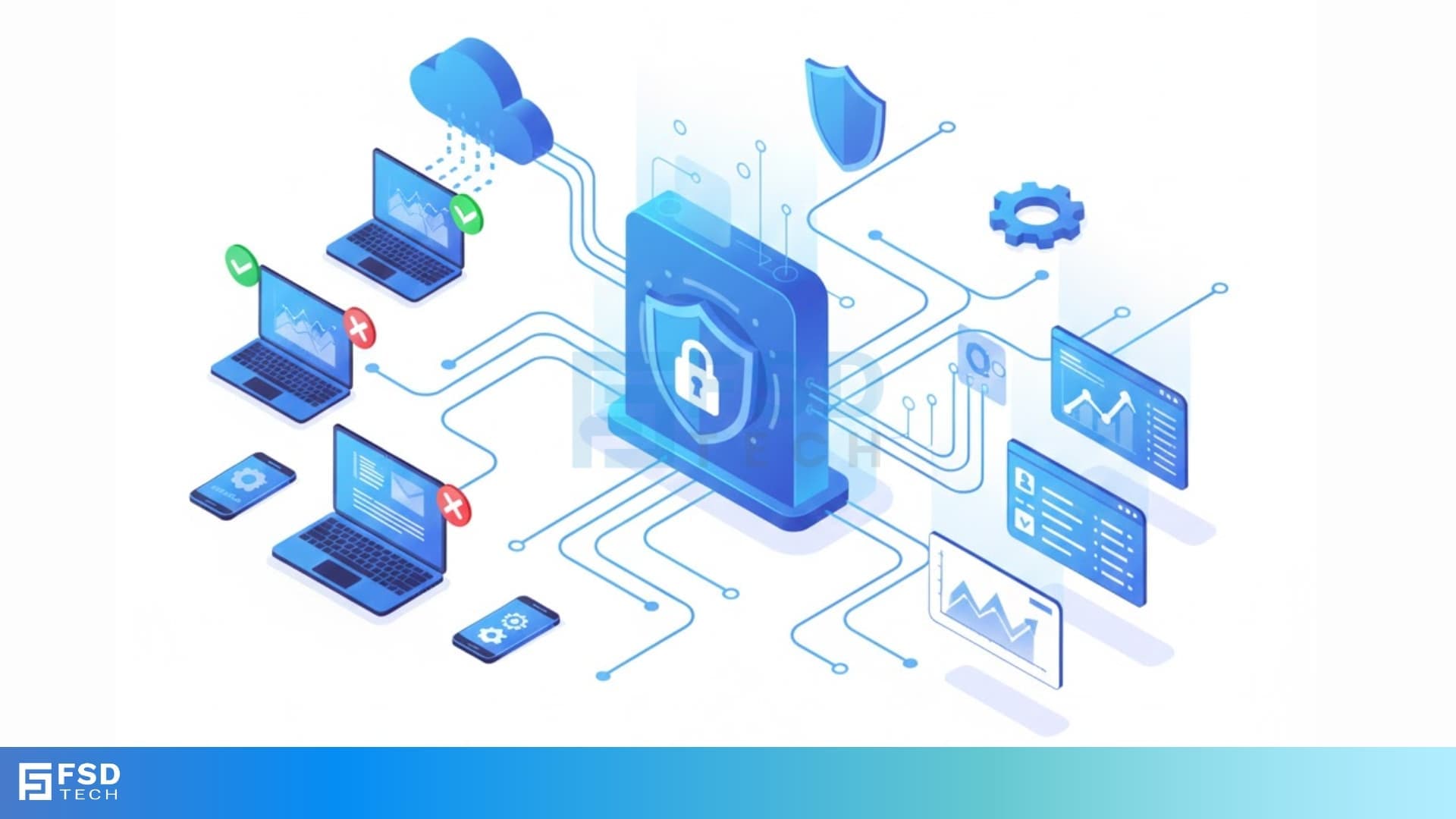
If you manage a business network, you know the daily challenge of keeping your digital assets safe. Every new device—employee laptop, contractor tablet, or even a smart thermostat—introduces a new security risk. You need a system that checks every connection request before it reaches your valuable resources.
This is precisely where Network Access Control (NAC) comes in. It is a critical security solution that helps your organization manage and oversee all devices and users attempting to access your private network. You want to control who gets onto your network, and you need a way to ensure their devices meet your security policies. This comprehensive guide will help you understand what NAC is, how it works, and why your business cannot do without it.
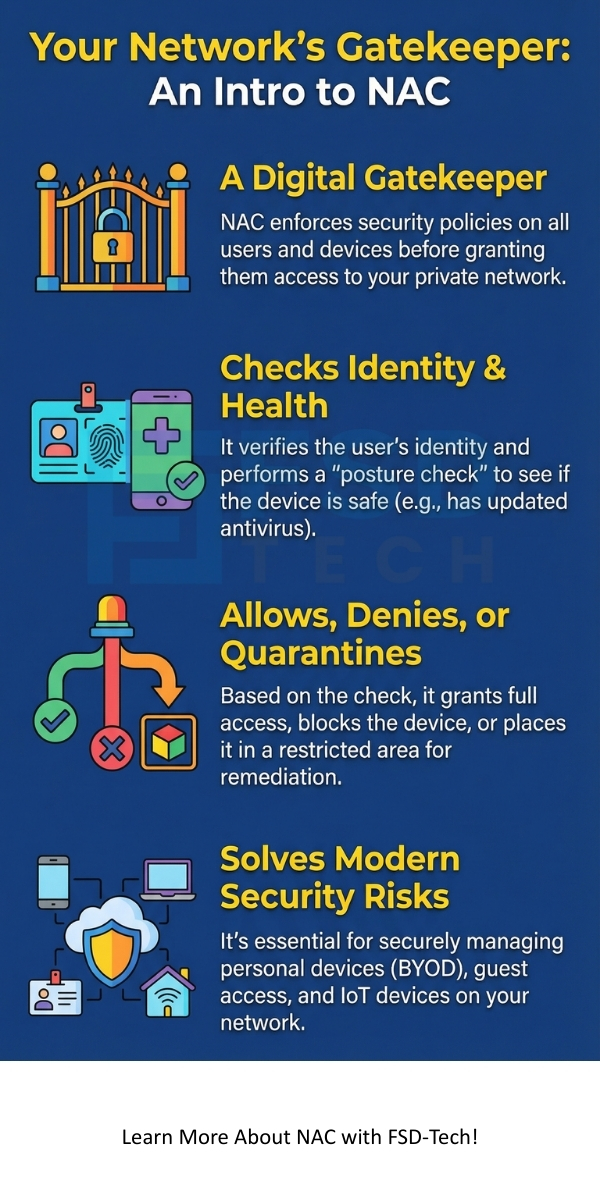
Network Access Control (NAC) can be understood as a security mechanism that enforces specific security policies for every user and every device that tries to connect to a corporate network. Simply put, NAC acts as a gatekeeper. It performs an authentication check and a posture assessment before granting a user or device access.
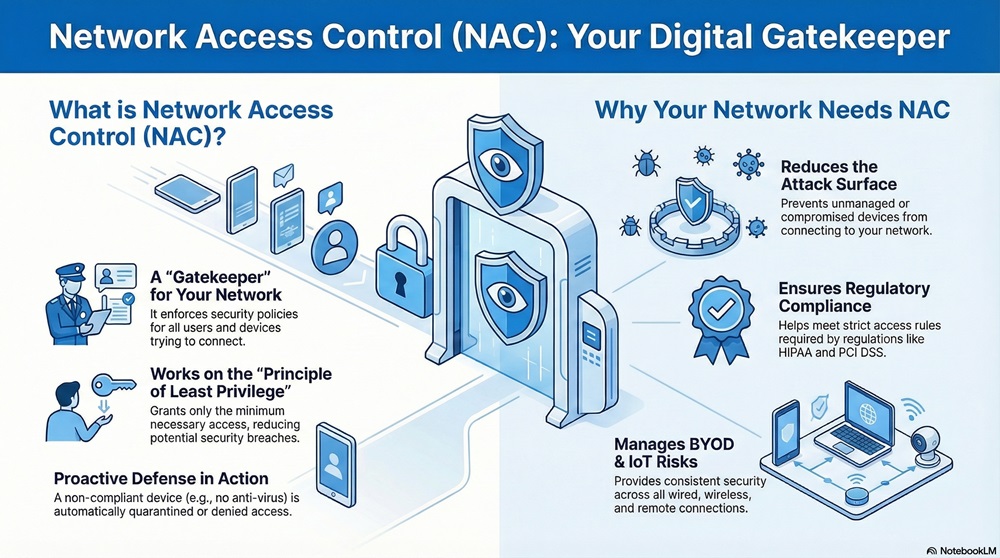
NAC is nothing but a policy-based approach to network security. The system works on the principle of least privilege, which means it grants the minimum necessary access to perform a job, thus reducing the potential for a security breach.
In today's dynamic work environment, the need for Network Access Control is essential. Due to the rise of Bring Your Own Device (BYOD) policies and the growing number of IoT devices, the network edge has become highly volatile.
This approach means that if a contractor's laptop lacks the latest anti-virus software, the NAC system will automatically quarantine it or deny it access. This proactive defense is vital for maintaining network integrity.
To understand the core value of Network Access Control, we must compare it to older, less robust security models. While firewalls and antivirus software are still essential, they often fall short in handling the complexities of modern network access.
| Basis for Comparison | Traditional Security (Firewall-Only Model) | Network Access Control (NAC) |
|---|---|---|
| Primary Focus | Controlling traffic flow at the network perimeter (i.e., North/South traffic). | Controlling access before connection and during the session (i.e., East/West traffic control). |
| Authentication | Often limited to basic username/password for network login. | Requires 802.1X authentication or similar methods; validates both the user and the device. |
| Device Visibility | Limited visibility into specific devices and their security status. | Provides real-time visibility into every connected device's identity, type, and security posture. |
| Policy Enforcement | Generally a simple "allow" or "deny" based on IP address or port. | Applies granular access policies (micro-segmentation) based on user role and device health. |
| Response to Threats | Passive; often requires manual intervention after a threat is identified. | Active; automatically quarantines or restricts non-compliant devices. |
| Mobile/BYOD Support | Poor or non-existent support for securing personal devices. | Strong support; a core function is to manage and secure BYOD and guest access. |
Also Read: What is Attribute Based Access Control (ABAC)?
A comprehensive Network Access Control solution comprises several key components working together to secure your network. This systematic breakdown makes policy enforcement possible.
1. Policy Decision Point (PDP)
The Policy Decision Point is the central intelligence of the NAC system. It determines what access a user or device should receive.
2. Policy Enforcement Point (PEP)
The Policy Enforcement Point acts as the physical gate at the network access layer. This point is typically an access switch, a wireless access point, or a network firewall.
3. Policy Information Point (PIP)
The Policy Information Point gathers and provides context about the user and the device. This information is vital for the Policy Decision Point to make an intelligent choice.
Understanding the sequential process is critical to appreciating the value of NAC. Network Access Control works in a defined series of steps, ensuring that no unauthorized or unhealthy device enters the network.
1. Authentication
The process starts when a user or a device attempts to access the network. This action is known as the access request.
2. Authorization and Posture Assessment
Once the user's identity is verified, the NAC system must determine what the user can access and if their device is safe.
3. Policy Enforcement
Based on the authorization and posture assessment, the Network Access Control solution enforces the predefined policy.
4. Remediation
When a device is quarantined, the Network Access Control system helps the user fix the issue.
Also Read: What is Role-Based Access Control (RBAC)
Modern Network Access Control solutions offer a rich set of features that help organizations build a robust security framework. You must look for these capabilities when evaluating a NAC solution.
Comprehensive Visibility and Profiling
A strong NAC solution provides full visibility into every device that connects or attempts to connect to your network.
Role-Based Access Control (RBAC)
Role-Based Access Control is a core pillar of NAC. It ensures that access is based on a user's role within the organization, not their location or the type of device they use.
Guest and Contractor Management
Handling guest and contractor access can introduce security holes. NAC provides a secure, streamlined process for these users.
Automated Threat Response
Network Access Control provides an automated response to security threats, working closely with other security tools like intrusion detection systems.
Also Read: What is Cloud Virtual Private Network (VPN)?
Organizations typically deploy Network Access Control using one of three common models. The choice of implementation depends on the organization's existing infrastructure and security needs.
1. Out-of-Band (OOB) NAC
The Out-of-Band model uses the network infrastructure to enforce policies, but the NAC appliance itself is not in the direct path of the data traffic.
2. In-of-Band (IOB) NAC
The In-of-Band model places the NAC appliance directly in the path of the network traffic.
3. Agent-Based vs. Agentless NAC
You also need to choose the method for device posture assessment.
So, with the above discussion, we can say that Network Access Control is no longer a luxury; it is a fundamental requirement for any organization serious about network security. The sheer number of devices connecting to modern networks demands a powerful, automated gatekeeper. NAC provides the essential visibility, granular control, and automated response capabilities that traditional security methods simply cannot offer.
You must implement a strong Network Access Control solution to enforce the principle of least privilege, secure your BYOD environment, and maintain strict compliance. Considering the ongoing threat of cyberattacks, investing in a robust NAC solution today will save you from significant operational and financial losses tomorrow.
Secure Your Network Edge Reach our experts
Now, the question arises: what are the common concerns people have about implementing NAC?
A: The biggest challenge is often device profiling and policy creation. Accurately identifying every device (printers, sensors, legacy systems) and then writing comprehensive policies for all of them requires thorough planning and testing.
A: No, NAC does not replace your firewall. The firewall manages traffic between different network segments and the internet, while NAC manages who or what gets onto your network in the first place. They play different but complementary roles in network security.
A: Network Access Control is an internal security technology; it is not a payable instrument. However, if you are referring to the cost of the solution, the cost is typically payable to the NAC vendor (e.g., Cisco, Fortinet, Allied Telesis) for licenses and support.
A: Yes, a modern NAC solution is specifically designed to handle IoT and OT devices. Since you cannot install an agent on these devices, the solution relies on agentless profiling and micro-segmentation to isolate them completely, thus preventing attacks from spreading.

Surbhi Suhane is an experienced digital marketing and content specialist with deep expertise in Getting Things Done (GTD) methodology and process automation. Adept at optimizing workflows and leveraging automation tools to enhance productivity and deliver impactful results in content creation and SEO optimization.
Share it with friends!




.webp&w=3840&q=75)






share your thoughts