.webp&w=3840&q=75)
How ClickUp Enables Outcome-Based Project Management (Not Just Task Tracking)
🕓 February 15, 2026
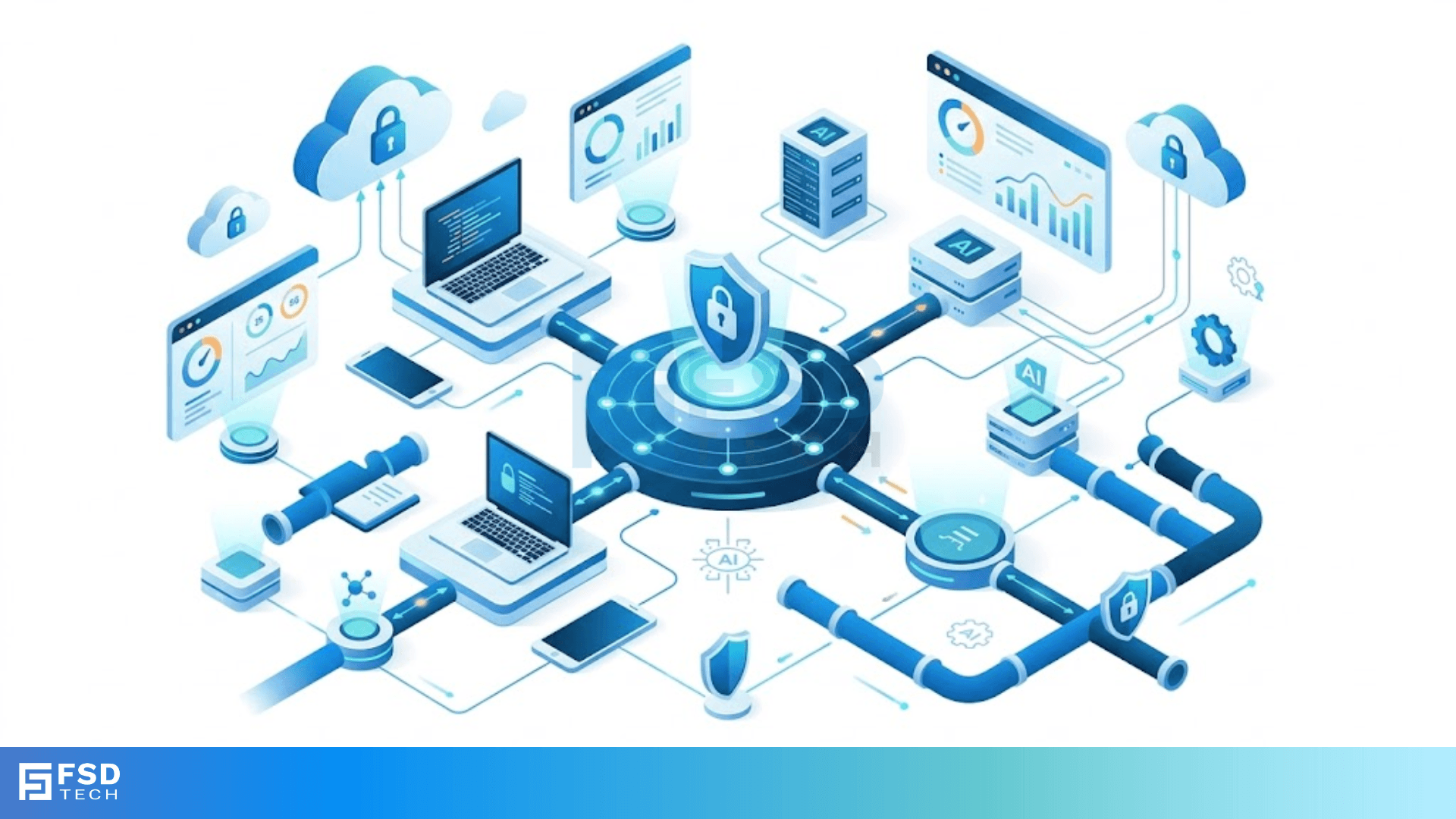
Have you ever noticed the little padlock icon in your browser's address bar? It's a small detail, but it represents a massive amount of work happening behind the scenes. Every time you shop online or check your email, a complex dance called the HTTPS TLS handshake takes place in milliseconds.
But what actually happens during this digital greeting? To be honest, most people think it’s just magic. In my view, understanding this process is vital if you want to know how the modern web protects your privacy. We've all been there—hoping our credit card info doesn't leak. That's exactly where Transport Layer Security (TLS) steps in to save the day.
Roughly 95% of web traffic now uses encryption. This means the HTTPS TLS handshake isn't just a "nice to have" feature anymore. It is the backbone of internet trust. So, how do two computers that have never met suddenly agree on a secret code?
Before we get into the gears and bolts, let's define it simply. The HTTPS TLS handshake refers to the opening conversation between a client (your laptop) and a server (a website). Think of it like a secret handshake between two spies. They need to verify who they are and then decide on a special language to use for the rest of the meeting.
This process serves three main goals:
That said, the way we do this has changed. While people still use the term "SSL," we actually use TLS now. Fast-forward to today, and TLS 1.3 is the gold standard because it's faster and more secure than older versions.
Also Read: What is Token Ring Topology? How it Works?
While TLS 1.3 is gaining ground, many systems still rely on TLS 1.2. It involves a few more steps, but it's great for understanding the logic. Picture this: your browser knocks on the server's door and says, "I'd like to talk privately."
1. The Client Hello
The HTTPS TLS handshake starts here. Your browser sends a message to the server. This "Hello" includes the TLS version you support, some random numbers, and a list of "cipher suites" (sets of encryption algorithms) you can use.
2. The Server Hello
The server responds with its own "Hello." It picks the best cipher suite from your list and sends its own random number. At this point, the server also sends its SSL/TLS certificate.
3. Authentication and Key Exchange
This is the "Trust" phase. Your browser checks the certificate against a list of trusted authorities (CAs). If the certificate is valid, your browser uses the server's public key to encrypt a new secret value called the "Pre-Master Secret." Only the server can decrypt this because it has the matching private key.
4. Creating Session Keys
Now, both sides use the random numbers and the Pre-Master Secret to create "Session Keys." These are temporary keys used only for this specific visit. Once you close the tab, they're gone.
5. Finishing Up
The client sends a "Finished" message, encrypted with the new session key. The server does the same. Now, the secure tunnel is open!
Also Read: How ARP Connects Your IP Address to a Local Network Identity
You might wonder, why did we need a new version? Here’s the thing: TLS 1.2 required several "round trips" between the browser and server. This caused a tiny bit of lag.
The HTTPS TLS handshake in version 1.3 cuts the talk in half. It removes old, weak encryption methods and allows the client and server to agree on keys in just one message exchange. It even has a feature called 0-RTT (Zero Round Trip Time) that remembers returning visitors to make the connection almost instant.
Without certificates, the HTTPS TLS handshake would fall apart. A certificate is like a digital passport. It’s issued by a Trusted Third Party. If a hacker tries to pretend to be your bank, they won't have a certificate signed by a trusted CA. Your browser will immediately show a big red warning. Have you ever seen that "Your connection is not private" screen? That’s TLS doing its job.
At our core, we believe everyone deserves a private and secure internet experience. We don't just talk about security; we live it. Our team focuses on building tools that respect your data and keep your digital life under lock and key. We're dedicated to helping you navigate the web with total confidence.
Not exactly. SSL (Secure Sockets Layer) is the old version. TLS is the modern, updated version. Most people say "SSL" because the name stuck, but we're almost always using TLS.
In the past, yes. But with TLS 1.3 and modern hardware, the delay is so small (often under 100 milliseconds) that you won't even notice it.
It is extremely difficult. As long as the server uses modern versions like TLS 1.2 or 1.3 and strong keys, the connection is safe from standard "Man-in-the-Middle" attacks.

Surbhi Suhane is an experienced digital marketing and content specialist with deep expertise in Getting Things Done (GTD) methodology and process automation. Adept at optimizing workflows and leveraging automation tools to enhance productivity and deliver impactful results in content creation and SEO optimization.
Share it with friends!




.webp&w=3840&q=75)






share your thoughts