.webp&w=3840&q=75)
How ClickUp Enables Outcome-Based Project Management (Not Just Task Tracking)
🕓 February 15, 2026
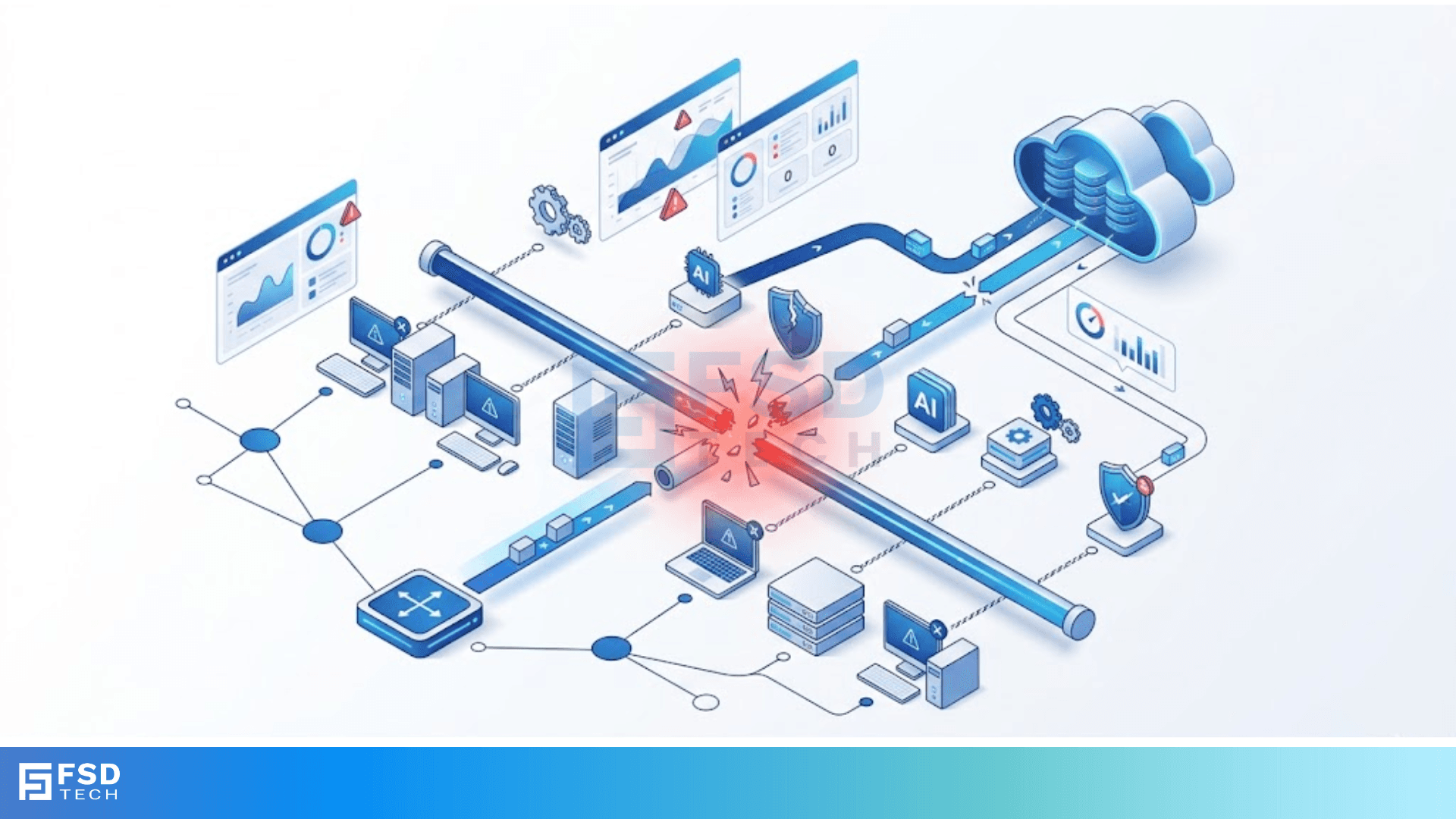
Bus topology failures can frustrate anyone trying to keep a small office or home network running smoothly. We’ve all been there: you’re mid-task, and suddenly, every computer in the room loses its connection. In a bus network, every device connects to a single main cable, which we call the backbone. While this setup is cheap and easy to build, it has a "weakest link" problem. If that main cable has an issue, the whole system goes dark.
In my experience, people choose this layout because it’s simple. You just run one wire and tap into it. But have you ever wondered why your entire office goes offline just because one person bumped a connector? This is the reality of working with a shared communication line. To be honest, understanding how these crashes happen is the first step to building a more reliable system.
A bus topology failure usually starts at the backbone. This central cable acts like a one-lane highway for data. Every "node" or computer waits for its turn to send a message. If the highway is blocked, no one gets through. Unlike a star network where each PC has its own line, the bus forces everyone to share.
When we talk about failures, we often look at the physical hardware. T-connectors and terminators are the most common culprits. If you don’t have a terminator at the end of the line, signals bounce back. This "signal reflection" creates noise that drowns out actual data. It's roughly like trying to have a conversation in a room with a massive echo; eventually, you can't hear a word.
We can't fix a problem until we know what caused it. In many network setups, the causes are surprisingly physical. Here are the most frequent reasons your bus network might fail:
1. Main Cable Breaks
This is the "big one." Since every device relies on the backbone, a single break in the wire splits the network. Data cannot jump the gap. In this scenario, devices on one side of the break can talk to each other, but they can't see anyone on the other side. More importantly, the broken ends now lack terminators, causing signals to bounce and crash the whole thing anyway.
2. Loose T-Connectors
We use T-connectors to plug a computer into the main line. Over time, these can wiggle loose. A loose connection might cause intermittent speed drops or "ghost" devices that disappear from the network map. Have you checked your physical plugs lately? Often, a quick tighten solves a "major" technical crisis.
3. Missing or Damaged Terminators
The bus topology requires a resistor at each end of the backbone. We call these terminators. Their job is to absorb the signal when it reaches the end of the wire. Without them, the signal bounces back. This causes a "collision" with new incoming data. To be honest, missing terminators are the #1 reason for "packet loss" in these older setups.
Also Read: What is Token Ring Topology? How it Works?
In a bus setup, only one device can talk at a time. If two computers send data at once, they collide. This is a standard part of how the network works, but too many collisions lead to a bus topology failure.
Understanding CSMA/CD
Most bus networks use a system called Carrier Sense Multiple Access with Collision Detection (CSMA/CD). Think of it as a polite dinner party. You listen for silence before you speak. If two people start talking at once, they both stop, wait a random amount of time, and try again.
However, as you add more computers, the "silence" becomes rare. If your network has 30 or 40 devices, they spend more time waiting than talking. Eventually, the network gets so congested that it feels like it has failed, even if the wires are perfectly fine.
Distance and Signal Attenuation
The longer your backbone cable, the weaker the signal gets. This is called attenuation. If your cable is too long, the computer at the far end might not "hear" the data clearly. This leads to errors and forces the system to resend data, which slows everyone else down.
So, your network is down. What do you do? In my view, the best approach is to start from the ends and work your way in.
Here is a quick comparison of why these networks fail compared to other types:
| Feature | Bus Topology | Star Topology |
|---|---|---|
| Central Point of Failure | The Backbone Cable | The Central Hub/Switch |
| Impact of Node Failure | None (usually) | None |
| Troubleshooting Difficulty | High (hard to find breaks) | Low (easy to spot faulty cable) |
| Cost to Fix | Low (cheap cables) | Moderate (requires new hardware) |
Is it worth keeping your bus network? Let's be real. While it's great for a tiny budget, it's risky for a growing business.
Why People Like It
It is incredibly cheap. You use less cable than any other topology. For a simple lab or a home basement setup, it’s a quick "plug and play" solution. We've all used it because it doesn't require expensive switches or routers.
Why It Fails Modern Standards
The main issue is scalability. As we discussed, more nodes mean more collisions. Furthermore, finding a break in a 200-foot cable hidden behind walls is a nightmare. It takes hours of testing every segment to find the one faulty connector. Thus, most modern offices have moved toward Star or Mesh layouts.
Also Read: Subnetting Techniques: Guide to IP Network Efficiency
We've mentioned "bouncing signals" a few times. Let’s look at why this is so dangerous for your connectivity. In a bus topology, the signal is an electrical pulse. When it hits the end of a wire that isn't terminated, the energy has nowhere to go. It reflects back down the wire.
Picture this: you throw a ball at a wall, and it hits you in the face on the way back. That is signal reflection. The reflected pulse hits the next "real" pulse of data, corrupting the information. This means the receiving computer gets gibberish. It then asks for the data again, which creates more traffic, leading to a total bus topology failure.
Yes, by using the correct resistance. Most bus networks use 50-ohm or 75-ohm terminators. Using the wrong one is just as bad as having none at all. It’s a small detail, but it makes the difference between a working network and a pile of useless wire.
Understanding bus topology failures helps you appreciate how far networking has come. While this layout is a classic, it requires careful maintenance to stay healthy. At our company, we believe in giving you the tools to understand your tech, not just fix it. We focus on clear solutions that save you time and money.
If you're tired of chasing cable breaks, maybe it's time to rethink your setup? We're here to help you transition to more reliable, modern networking solutions that grow with your business. Your success is our priority, and we're committed to keeping your data moving safely.
Contact our expert team today!
If you want to avoid a bus topology failure, keep these points in mind:
The entire network will likely crash. Signals will reflect back and forth, creating enough noise to stop all data transmission.
Usually, no. If a single PC breaks, the rest keep working. However, if the PC's connector breaks the "loop" or its NIC starts sending constant junk data, it can cause a total failure.
You often have to use a process of elimination. Split the network in half and see which side works. Keep splitting the non-working side until you find the broken segment.

Surbhi Suhane is an experienced digital marketing and content specialist with deep expertise in Getting Things Done (GTD) methodology and process automation. Adept at optimizing workflows and leveraging automation tools to enhance productivity and deliver impactful results in content creation and SEO optimization.
Share it with friends!




.webp&w=3840&q=75)






share your thoughts