.webp&w=3840&q=75)
How ClickUp Enables Outcome-Based Project Management (Not Just Task Tracking)
🕓 February 15, 2026
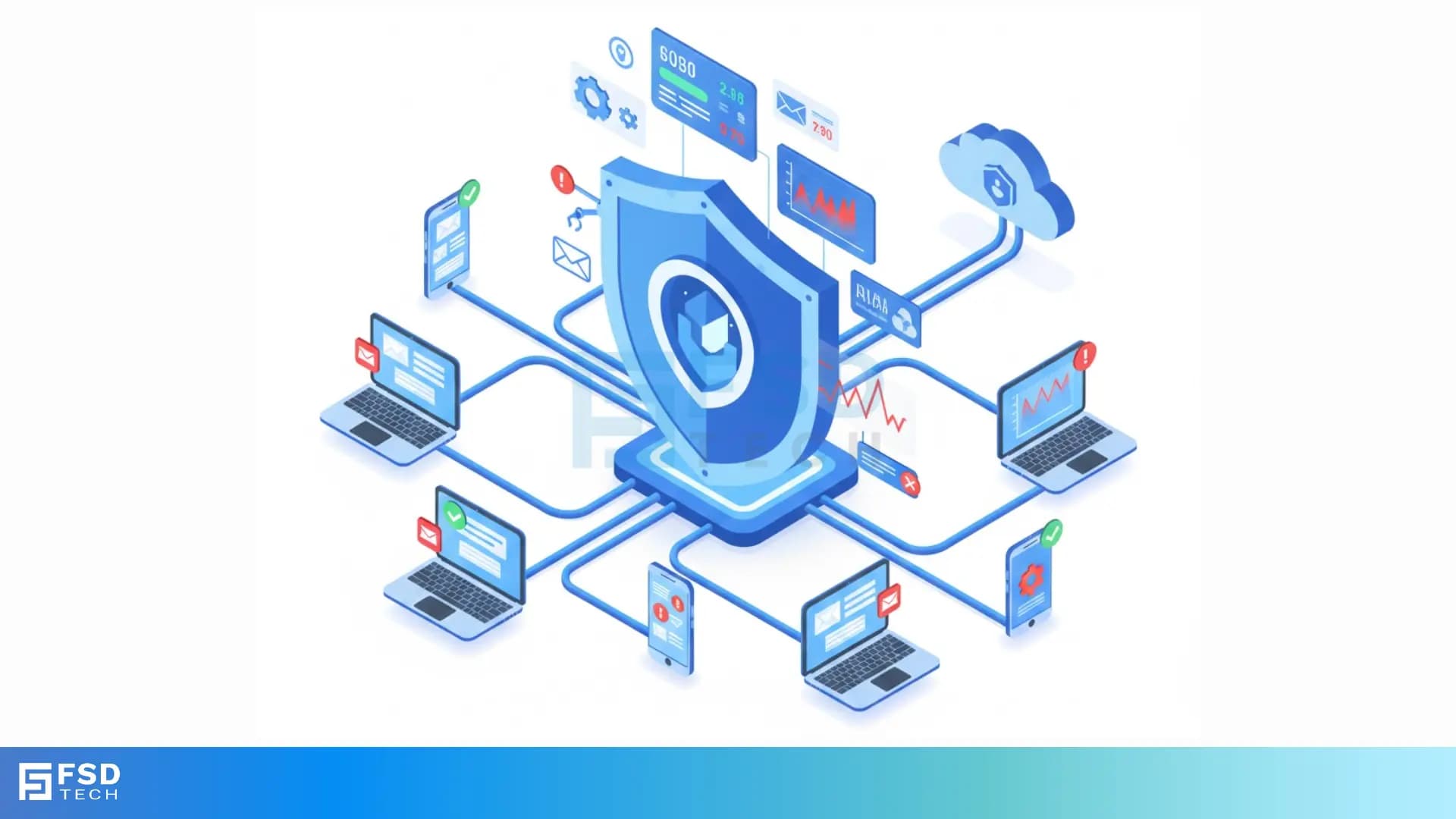
You send and receive countless emails every day. Did you ever stop to think about how you keep your inbox safe from online threats? Email security gateway solutions play a vital role in protecting your organization’s sensitive data and keeping malicious content out of your system.
Email security gateway can be understood as a critical defense system that sits between your organization's internal mail server and the wider internet. It acts as a digital checkpoint, ensuring that only clean, legitimate email traffic enters your network. This technology is a crucial component of a comprehensive cybersecurity plan.
In simple words, the email security gateway examines every incoming and outgoing email. It is nothing but a gatekeeper that allows good emails to pass through while simultaneously identifying and blocking dangerous ones.
Now, the question arises, why is this security system so important for your business? We will discuss this essential topic in detail.
An email security gateway is a specialized defense system that sits between your organization's internal mail server and the internet. It acts as a critical checkpoint, performing deep inspection on every incoming and outgoing email. The gateway applies a multi-layered defense to keep your inbox safe.
This process comprises anti-spam and anti-malware filtering, Advanced Threat Protection (ATP) like sandboxing, and Data Loss Prevention (DLP). It identifies and blocks sophisticated threats such as phishing, ransomware, and Business Email Compromise (BEC) attacks.
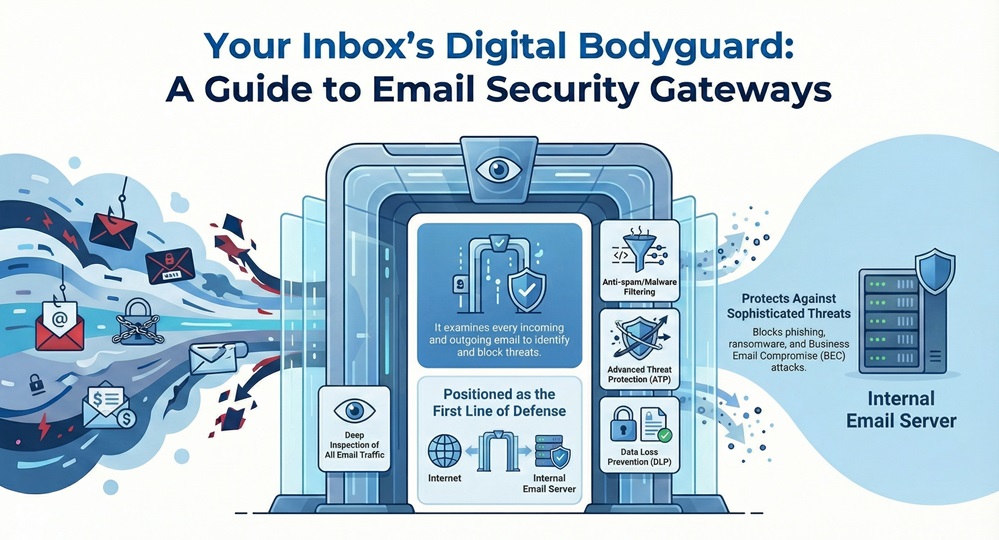
By filtering malicious traffic, the email security gateway protects your sensitive data and maintains your network's integrity, playing a vital role in modern cybersecurity.
Email remains the number one way attackers try to breach a network. Due to this, relying only on basic inbox spam filters exposes your organization to significant risk. Email security is important because it directly affects your business's continuity, reputation, and financial health.
Cybercriminals are constantly finding new ways to exploit email vulnerabilities. They are no longer just sending generic spam. Modern attacks are highly sophisticated and often look completely legitimate.
Taking into account these threats, a dedicated email security gateway provides the essential protective layers your business needs to survive.
Also Read: Cloud Encryption Gateway (CEG): Keep Keys, Secure Data
How does an email security gateway manage to stop these sophisticated threats? It works on the principle of multi-layered inspection, checking various aspects of an email during the process.
How email gateway works is a systematic process that comprises several stages. Let us now discuss this process in detail.
1. Connection and Sender Verification
The email security gateway performs checks before it even accepts the message. This initial screening helps to reduce the overall load on your system.
2. Message Inspection and Content Filtering
If the connection is accepted, the gateway moves on to inspecting the content of the message itself. This stage is where the main action takes place.
3. Policy Enforcement and Outbound Scanning
The email security gateway does not only deal with incoming threats. It also manages traffic leaving your network.
This systematic approach ensures that the email security gateway offers comprehensive protection across all layers of the email communication process.
When you look for best email security gateway options, you quickly find that there are two primary deployment models available: On-Premise and Cloud-Based. While both deliver the email security gateway solutions you need, they differ significantly in their operation, cost, and management.
To understand this better, we must compare the characteristics of both models.
| Basis for Comparison | On-Premise Email Security Gateway | Cloud-Based Email Security Gateway |
|---|---|---|
| Deployment | Installed as hardware or software on your organization’s physical servers. | Hosted and managed entirely by the vendor in their data centers. |
| Management | Your internal IT team performs all maintenance, upgrades, and patching. | The vendor handles all maintenance and updates automatically. |
| Cost Structure | High upfront capital expenditure (CAPEX) for hardware and software licenses. | Predictable, subscription-based operating expenditure (OPEX), typically per user per month. |
| Scalability | Limited by the capacity of the purchased hardware; difficult to scale quickly. | Highly flexible; scales automatically to accommodate changes in user count or email volume. |
| Latency | Minimal latency since the processing occurs within your network. | May introduce a slight latency as traffic must route through the vendor’s cloud infrastructure. |
| Customization | Offers maximum control and customization over policies and integrations. | Policies are managed via a web interface; customization is limited by the vendor’s platform. |
On-Premise Email Security Gateway Solutions
The on-premise model gives you maximum control. You own the hardware and the software, which means you can fine-tune the settings to match your specific security requirements. However, this model requires a significant upfront investment and demands that your IT team performs the ongoing maintenance and updates.
Cloud-Based Email Security Gateway Solutions
The cloud-based model, on the other hand, is a more modern and flexible solution. It is nothing but a managed service. This model drastically reduces the burden on your IT staff because the vendor maintains the infrastructure. Scalability is automatic, which makes it an ideal solution for growing businesses.
What is the preferred deployment model for your business? This depends completely on your budget, IT resources, and overall need for control.
Also Read: Spear Phishing: Learn About #1 CEO fraud
Simply having an email security gateway is not enough. You must actively maintain and configure it to ensure it continues to offer the maximum level of protection. Following these email gateway security best practices will significantly enhance your overall defense.
1. Enable Advanced Threat Protection (ATP)
You must ensure that your email security gateway has its ATP features turned on. This is especially true for the sandbox analysis.
2. Implement Strict Outbound Scanning
Outbound scanning helps to prevent two major issues.
3. Regularly Update and Patch the System
If you use an on-premise model, you are responsible for updating the software and the threat intelligence feeds.
4. Use Multi-Factor Authentication (MFA)
You must require MFA for access to the gateway’s administration console.
5. Train Your Users Constantly
The email security gateway is your technical defense, but your employees remain your most vital asset against phishing attacks.
6. Configure Detailed Reporting
You must regularly review the reports the email security gateway generates.
These practices ensure your email security gateway works optimally and provides a strong, reliable shield for your business communications.
Also Read: Multi-Factor Authentication (MFA): All You Need to Know
Regulatory requirements, such as GDPR, HIPAA, and CCPA, demand that organizations protect personal and sensitive information. The email security gateway plays a vital role in helping you meet these obligations.
It performs this function in two main ways:
So, with the above discussion, we can say that the email security gateway is not merely a tool; it is a foundational element of modern cybersecurity infrastructure. You now understand that relying on basic anti-spam features leaves your business vulnerable to financially damaging attacks like BEC and ransomware.
The systematic, multi-layered approach of the email security gateway solutions—from initial reputation checks to Advanced Threat Protection (ATP) and Data Loss Prevention (DLP)—ensures comprehensive defense. Email security is important because it directly protects your most sensitive data and preserves your company’s reputation.
If you opt for a cloud-based solution or manage an on-premise system, you must implement email gateway security best practices, including regular updates and user training, to ensure maximum effectiveness. Ultimately, implementing a robust email security gateway allows your team to communicate securely and focus on achieving business goals without the constant worry of cyber threats.
Secure Email Today Contact our experts now
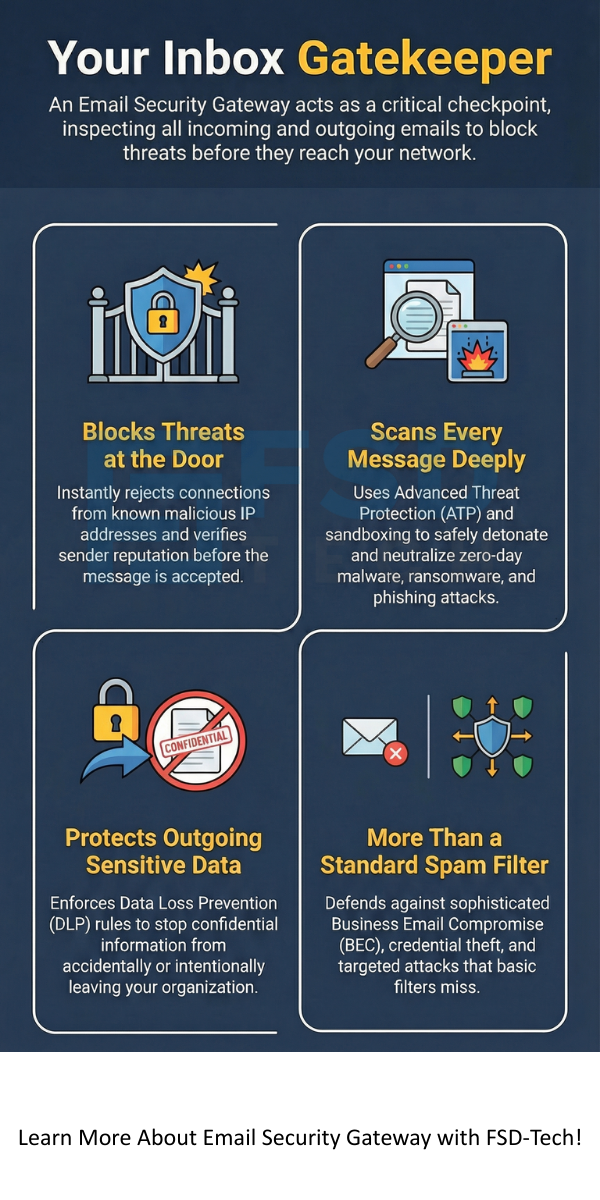
You have learned that the email security gateway is a fundamental security tool for any modern organization. It is not an optional extra; it is a core requirement.
Ultimately, choosing and correctly configuring a best email security gateway is a decision that protects your organization from financial loss, reputational damage, and operational downtime.
Email security gateway solutions offer significantly more protection than a standard spam filter. A spam filter primarily looks for simple unsolicited bulk mail. On the other hand, the email security gateway performs deep content inspection, applying anti-virus, anti-malware, and Advanced Threat Protection (ATP) techniques like sandboxing. This allows it to block sophisticated phishing, zero-day attacks, and targeted malware that simple filters miss.
Neither option is inherently "safer." A cloud-based email security gateway generally provides faster updates and automatic patching, which can reduce the risk of vulnerabilities due to neglect. An on-premise system gives you maximum control but requires that your IT team performs all maintenance diligently. The best email security gateway is the one you manage and configure correctly, regardless of its deployment model.
Yes, a modern email security gateway plays a vital role in protecting against internal threats through its outbound scanning capabilities. It uses Data Loss Prevention (DLP) rules to prevent employees from accidentally or intentionally sending sensitive company or customer data outside the network. This process ensures that confidential information remains secure.
ATP is a crucial component of how email security works against unknown threats. When the email security gateway identifies a suspicious attachment or link that is not yet on known threat lists, it sends it to a sandbox. The sandbox is an isolated virtual environment where the potential threat executes safely. If the file shows malicious behavior, the gateway blocks the email before it can ever reach your users.
While platforms like Microsoft 365 and Google Workspace include built-in security, many organizations opt for third-party email security gateway solutions to add a crucial layer of specialized defense. These dedicated gateways often provide more granular control, superior ATP features, and more robust DLP capabilities, which allows for deeper protection against targeted and complex attacks.

Surbhi Suhane is an experienced digital marketing and content specialist with deep expertise in Getting Things Done (GTD) methodology and process automation. Adept at optimizing workflows and leveraging automation tools to enhance productivity and deliver impactful results in content creation and SEO optimization.
Share it with friends!




.webp&w=3840&q=75)






share your thoughts