.webp&w=3840&q=75)
How ClickUp Enables Outcome-Based Project Management (Not Just Task Tracking)
🕓 February 15, 2026
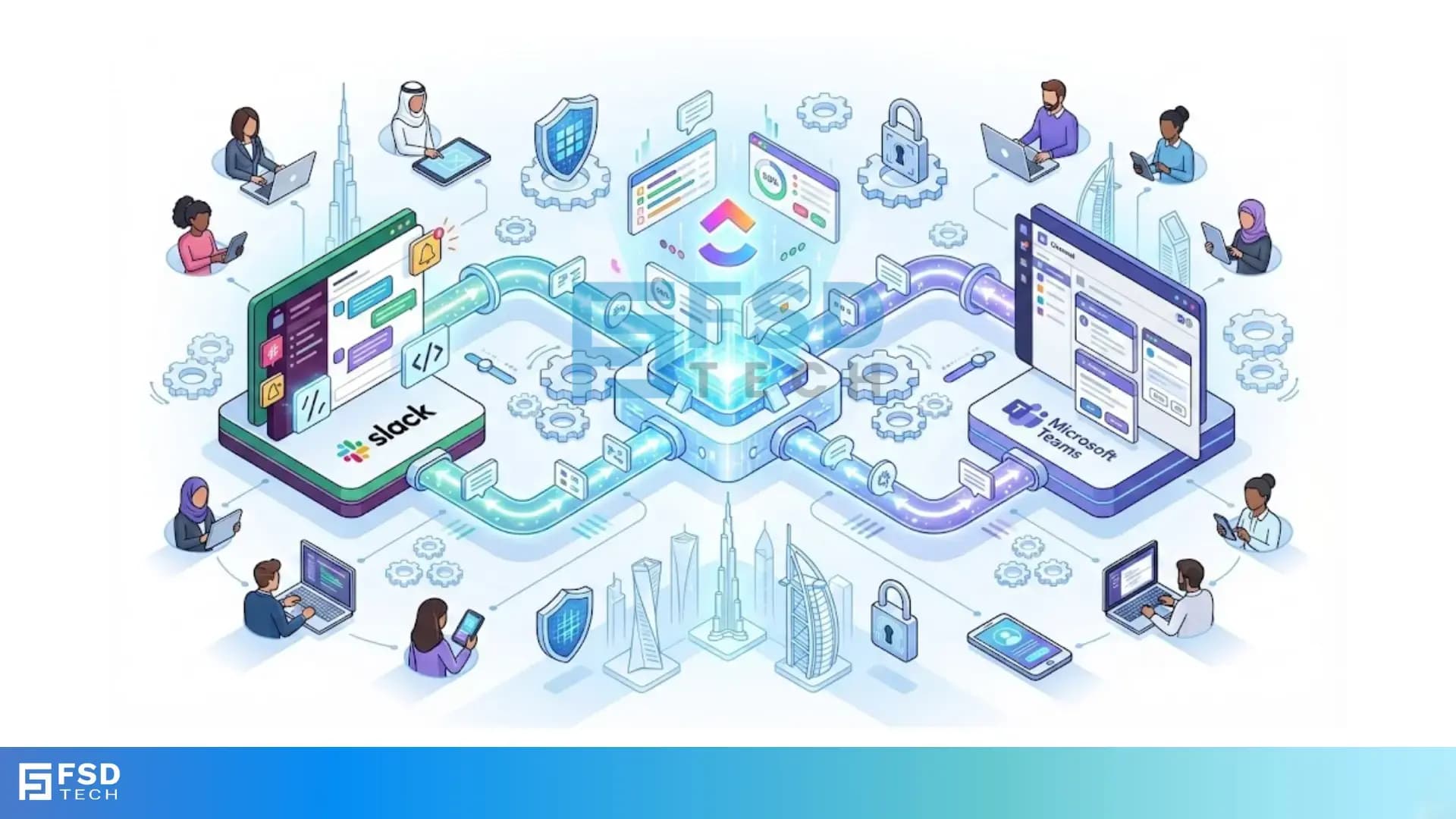
Remote and hybrid teams in the UAE and across the Middle East are redefining how work gets done. But with multiple platforms in play, keeping everyone aligned can be a daily challenge. Missed updates, fragmented conversations, and endless app-switching all threaten productivity. The solution? Integrate your project management and communication tools. With ClickUp’s integration for Slack and Microsoft Teams , you can automate workflows, receive instant updates, and manage tasks—right from your team’s chat window.
The UAE’s dynamic business environment demands agility and seamless collaboration. Remote and hybrid teams need to move fast, adapt to change, and keep everyone in the loop—no matter where they’re working from. Manual processes and scattered communication slow down progress and increase the risk of errors. Workflow automation bridges these gaps, empowering teams to focus on results, not repetitive admin.
ClickUp brings together tasks, docs, and project tracking in one place. Slack and Microsoft Teams are the digital heartbeats of modern organizations, connecting colleagues across cities and time zones. By integrating ClickUp with Slack or Teams, you create a unified workspace where updates, discussions, and actions flow in real time—without the friction of switching between apps.
ClickUp’s integrations with Slack and Teams are designed for efficiency and flexibility:
For Slack:
1. Install the ClickUp app from the Slack App Directory.
2. Connect your ClickUp workspace by following the authentication prompts.
3. Configure notifications to select which updates (e.g., new tasks, comments) appear in which channels.
4. Use slash commands like /clickup new task to create and manage tasks directly from Slack.
For Teams:
1. Enable the ClickUp integration within your Microsoft Teams workspace.
2. Authorize ClickUp to send notifications for task activity, comments, and attachments.
3. Set up notification preferences to ensure relevant updates reach the right Teams channels.
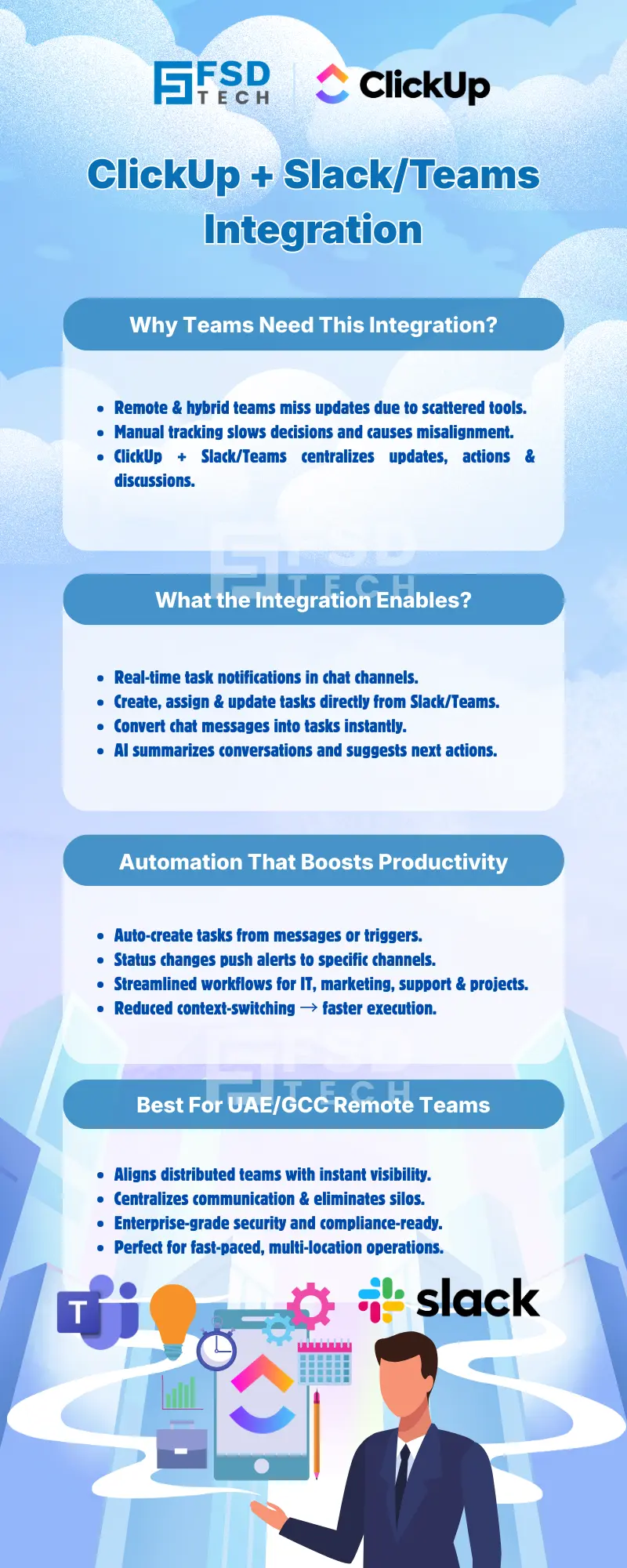
With ClickUp integrated into Slack or Teams, every key task update—new assignments, comments, or status changes—triggers an instant notification in your chosen chat channel. This keeps everyone on the same page and eliminates the need to constantly check multiple platforms.
Example:
A UAE-based product team gets notified in their #dev channel whenever a bug is reported in ClickUp. Developers see the details immediately, discuss solutions in Slack, and resolve issues faster.
Team members can create, assign, and update ClickUp tasks directly from chat conversations . With simple slash commands or message actions, ideas and requests become actionable tasks—no need to leave Slack or Teams.
Example:
During a campaign planning session, a team lead types /clickup new task Launch Ramadan social campaign in Slack. The task is instantly created in ClickUp, assigned to the marketing manager, and tracked from both platforms.
Modern integrations leverage AI to supercharge productivity . Slack AI, for instance, can summarize lengthy conversations, suggest next steps, and even generate ClickUp tasks automatically based on chat context.
Example:
After a strategy discussion in Teams, AI summarizes the key points and prompts the team to create a ClickUp task for follow-up. Action items are captured without missing a beat.
ClickUp’s integration allows teams to convert chat messages into tasks with a single click or command. This is invaluable for remote support, brainstorming, and project coordination.
Example:
An IT support team receives a message in Teams: “Printer not working in office 3.” The message is instantly converted into a ClickUp task, assigned to the technician, and tracked until resolved.
Teams can map ClickUp task statuses to specific Slack or Teams channels , ensuring updates reach the right audience. Automated alerts keep stakeholders informed without manual intervention.
Example:
When a task moves to “Ready for Review” in ClickUp, an alert is sent to the #qa channel in Slack, prompting the quality assurance team to take action.
By bringing ClickUp task details, attachments, and discussions into Slack or Teams, teams benefit from centralized communication . This reduces information silos and ensures everyone has access to the latest updates.
Example:
A UAE-based hybrid team manages a cross-departmental project. All task updates, comments, and files are accessible in their dedicated Slack channel, streamlining collaboration across locations.
A UAE fintech startup is preparing to launch a new app. The product, marketing, and support teams work remotely across Dubai and Abu Dhabi. Using ClickUp’s integration with Slack:
This unified workflow ensures that every team member, regardless of location, is aligned and empowered to contribute.
A global marketing team brainstorms ideas in Slack. Using ClickUp integration:
An IT department uses Teams to manage support requests. With ClickUp integration:
Teams can customize which notifications appear in which channels , ensuring that only relevant updates reach the right people. This prevents information overload and keeps chat streams focused.
Tip:
Configure ClickUp to send only critical updates (e.g., task assignments, status changes) to main channels, while less urgent notifications go to dedicated project channels.
For organizations with strict compliance needs, integrations like Unito offer SOC 2 Type 2 certification and robust security controls, making them suitable for enterprise environments.
Tip:
Review integration security settings regularly and ensure only authorized users can access sensitive task data.
Encourage team members to use slash commands and message actions to manage tasks directly from chat. This minimizes app-switching and keeps workflows efficient.
Set up automated notifications for key task updates and milestones. Use AI features to summarize progress and highlight priorities, ensuring everyone stays aligned even across time zones.
Streamline real-time collaboration and automate workflows with ClickUp, Slack, and Teams → Book your Free no-obligation call now.
Yes. You can use slash commands or message actions to create, assign, and update ClickUp tasks directly from Slack or Teams chats. This feature streamlines task management and reduces the need to switch between platforms.
Absolutely. Task creation, comments, attachments, and status changes in ClickUp trigger real-time notifications in your chosen Slack or Teams channels, keeping everyone up-to-date.
Yes. ClickUp allows you to configure notification preferences so that only relevant updates reach the right channels and team members, helping to reduce noise and focus attention.
Yes. Integrations like Unito offer SOC 2 Type 2 certification and robust security controls, making them suitable for organizations with strict compliance requirements, including those operating in the GCC.
Yes. Slack AI and similar tools can summarize conversations, suggest actions, and automate task creation based on chat context, enhancing productivity for distributed teams.
ClickUp integration with Slack and Teams ensures UAE-based teams receive instant updates, automate repetitive tasks, and centralize communication—key for maintaining alignment across remote and hybrid workforces.
Yes. When creating a task via ClickUp’s integration, you can assign it to specific team members directly from the chat interface, ensuring accountability and clarity.
You can receive notifications for new tasks, comments, attachments, status changes, and more. Notification types are fully customizable to fit your team’s workflow.
Yes. You can set up automated workflows that trigger task creation, status changes, or channel alerts based on predefined rules, saving time and reducing manual effort.
Customize your notification settings within ClickUp to send only high-priority updates (like assignments or deadline changes) to main channels, while routing less urgent notifications to dedicated project channels.
Both integrations offer similar core features, such as task creation and notifications. However, specific commands and workflow automations may vary slightly between Slack and Teams due to platform differences.
Yes. Many IT teams use ClickUp with Teams or Slack to convert support requests into tasks, track status changes, and keep all stakeholders informed in real time.
ClickUp integrations offer enterprise-grade security and compliance features, including SOC 2 Type 2 certification, making them suitable for regulated industries and organizations in the Middle East.
Yes. When AI features generate tasks based on chat context, those tasks are created in ClickUp and can trigger notifications or updates in your connected Slack or Teams channels.
Install the ClickUp app from the Slack App Directory or enable it in Microsoft Teams, connect your workspace, and configure your notification and workflow preferences. ClickUp’s setup guides provide step-by-step instructions for a smooth deployment.

Nhaif is an AI Automation Engineer & Business Analyst focused on ClickUp, AI, Automation, and Workflow Optimization. He helps businesses shift from scattered processes to streamlined, data-driven operations. With hands-on expertise, he simplifies complex tools into clear, easy-to-apply solutions.
Share it with friends!




.webp&w=3840&q=75)






share your thoughts