HomeNext Gen IT-InfraMonitoring & ManagementCyber SecurityBCP / DRAutomationDecoded
Next Gen IT-Infra
Cato’s SASE Supports Cybersecurity Skills Development

How Cato’s SASE Supports Cybersecurity Skills Development

🕓 April 8, 2025

How SASE Supports the Security Needs of SMBs

How SASE Supports the Security Needs of SMBs

🕓 February 9, 2025

Attack Surface Reduction with Cato’s SASE

Attack Surface Reduction with Cato’s SASE

🕓 February 10, 2025

SASE for Digital Transformation in UAE

SASE for Digital Transformation in UAE

🕓 February 8, 2025

Monitoring & Management
Understanding Atera’s SLA Management

Understanding Atera’s SLA Management

🕓 February 7, 2025

Cost-Performance Ratio: Finding the Right Balance in IT Management Networks

Cost-Performance Ratio: Finding the Right Balance in IT Management Networks

🕓 June 16, 2025

Customizing Atera with APIs

Customizing Atera with APIs

🕓 March 3, 2025

Power Up Your IT Team’s Strategy with Atera’s Communication Tools

Power Up Your IT Team’s Strategy with Atera’s Communication Tools

🕓 February 8, 2025

Cyber Security
Visual guide showing Cato CMA interface for configuring Internet and WAN firewall rules, enabling threat protection, and monitoring security events in real time for UAE IT teams.

Enforcing Firewall and Threat Protection Policies in Cato

🕓 July 25, 2025

Isometric illustration of professionals managing network performance, bandwidth analytics, and cloud-based optimization around the Cato Networks platform, symbolizing bandwidth control and QoS visibility.

Mastering Bandwidth Control and QoS in Cato Networks

🕓 July 26, 2025

Illustration of the Cato Cloud architecture showing its role in delivering SASE for secure, optimized global connectivity.

Understanding the Cato Cloud and Its Role in SASE

🕓 January 29, 2025

Global network backbone powering Cato SASE solution for secure, high-performance connectivity across regions.

Global Backbone: The Engine Powering Cato’s SASE Solution

🕓 January 30, 2025

BCP / DR
Illustration showing diverse business and IT professionals collaborating with cloud, backup, and security icons, representing Vembu use cases for SMBs, MSPs, and IT teams.

Who Uses Vembu? Real-World Use Cases for SMBs, MSPs & IT Teams

🕓 July 12, 2025

Graphic showcasing Vembu’s all-in-one backup and disaster recovery platform with icons for cloud, data protection, and business continuity for IT teams and SMBs.

What Is Vembu? A Deep Dive Into the All in One Backup & Disaster Recovery Platform

🕓 July 6, 2025

Illustration showing Vembu backup and disaster recovery system with cloud storage, server racks, analytics dashboard, and IT professionals managing data.

The Rising Cost of Data Loss: Why Backup Is No Longer Optional?

🕓 August 14, 2025

3D isometric illustration of cloud backup and data recovery infrastructure with laptop, data center stack, and digital business icons — FSD Tech

RPO & RTO: The Heart of Business Continuity

🕓 August 15, 2025

Automation
Cross-Functional Collaboration with ClickUp

Fostering Cross-Functional Collaboration with ClickUp for Multi-Departmental Projects

🕓 February 11, 2025

ClickUp Project Reporting

Revolutionizing Enterprise Reporting with ClickUp’s Advanced Analytics and Dashboards

🕓 June 16, 2025

ClickUp’s Design Collaboration and Asset Management Tools

Empowering Creative Teams with ClickUp’s Design Collaboration and Asset Management Tools

🕓 February 26, 2025

ClickUp Communication and Collaboration Tools

ClickUp Communication and Collaboration Tools: Empowering Remote Teams

🕓 March 12, 2025

Decoded
Multi-Factor Authentication (MFA)

Multi-Factor Authentication (MFA): All You Need to Know

🕓 December 7, 2025

L3 Switch

What Is an L3 Switch? L2 vs L3 & Why You Need Layer 3?

🕓 December 8, 2025

IPSec

IPSec Explained: Protocols, Modes, IKE & VPN Security

🕓 December 3, 2025

 Datagram Transport Layer Security (DTLS)

What is Datagram Transport Layer Security (DTLS)? How it works?

🕓 December 4, 2025

    Subscribe to our newsletter!

    About Us

    Follow Us

    Copyright © 2024 | Powered by 

    Cato SASE Architecture

    Inside Cato’s SASE Architecture: A Blueprint for Modern Security

    🕓 January 26, 2025

    Enterprise Data Security and Privacy with ClickUp

    Ensuring Enterprise Data Security and Privacy with ClickUp

    🕓 February 9, 2025

    DDoS protection SASE

    DDoS Protection and Cato’s Defence Mechanisms

    🕓 February 11, 2025

    Table of Contents

    Using Device Conditions in Cato Internet Firewall Rules for Granular Access Control

    Anas Abdu Rauf
    January 22, 2026
    Comments
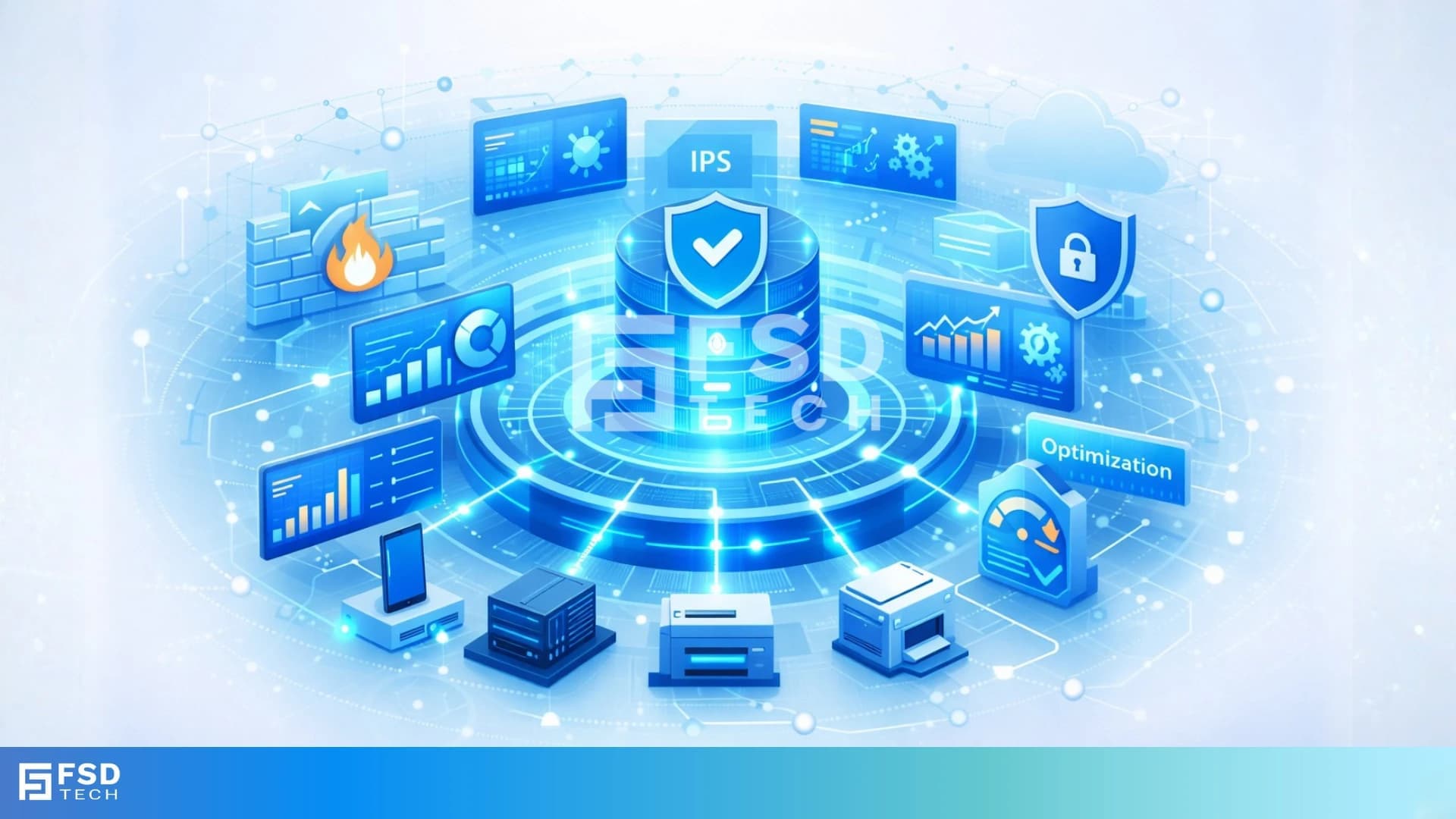
    Illustration showing a centralized security and analytics platform with connected enterprise devices, dashboards, firewall, IPS, and optimization modules, representing real-time device intelligence and security enforcement in a cloud-based network.

    Modern internet security is no longer just about who the user is or what application they are accessing. In distributed enterprises, security decisions increasingly depend on the device itself -its type, operating system, manufacturer, and context.
     

    The Cato Networks SASE platform addresses this need by allowing administrators to apply device-aware conditions directly inside Internet Firewall rules. By combining Cato’s Device Inventory intelligence with firewall policy enforcement, organizations gain precise, scalable control over internet access-without adding agents, tools, or manual classification workflows.

    This blog explains how device conditions work in the Cato Internet Firewall, why they matter, and how they support Zero Trust and enterprise security outcomes.


    Why Device-Aware Internet Firewall Policies Matter in Cato SASE

    Traditional firewall policies rely on static constructs like IP ranges, users, or application categories. In contrast, Cato SASE enables security teams to enforce policies using real-world device context, including:

    • Device operating system
    • Manufacturer and model
    • Device category and type
    • OS version and platform
       

    This approach allows organizations to:

    • Apply different internet access rules to corporate laptops vs unmanaged devices
    • Restrict sensitive SaaS access to approved device types
    • Reduce risk exposure without over-blocking productivity tools

    All of this is done natively inside the Cato Management Application (CMA).


    How Device Conditions Work in the Cato Internet Firewall

    Device conditions are configured directly inside Internet Firewall rules under the Device criteria section.

    Where Device Conditions Are Applied

    Administrators configure these rules in:

    • Security → Internet Firewall in the CMA

    Once added, device conditions become part of the rule-matching logic, evaluated for every internet session.


    Device Attributes Available for Internet Firewall Policies

    Cato populates device attributes through its Device Inventory engine, which passively analyzes network traffic and enriches it with metadata.

    The following officially supported device attributes can be used in Internet Firewall rules:

    • Category (e.g., IT, IoT, OT)
    • Type (e.g., Workstation, Mobile, Printer)
    • Operating System
    • OS Version
    • Manufacturer
    • Model
       

    These attributes are visible in:

    • Home → Devices → Inventory
       and can be referenced directly in firewall policies.


    Policy Logic: How Device Conditions Are Evaluated

    Understanding the evaluation logic is essential to building effective Cato firewall rules.

    Logic Between Device Conditions (AND)

    When multiple different device conditions are configured in a single rule, they are evaluated using AND logic.

    Example:
     A rule matches only if:

    • OS = Windows
       AND
    • Manufacturer = Dell
       AND
    • Device Type = Workstation

    Logic Within a Single Condition (OR)

    When multiple values are selected within the same condition, they are evaluated using OR logic.

    Example:

    • OS = Windows OR macOS
    • Manufacturer = Dell OR HP

    Combining Device Conditions with Other Firewall Criteria

    Device conditions can be combined with:

    • Application or category
    • User or user group
    • Country
    • Action (Allow / Block)

    All conditions together must match for the rule to apply.

    Cato documents several practical and enterprise-ready use cases for device-based enforcement.

    Restricting Internet Access by Device Type

    Organizations can allow access to specific SaaS applications only from approved device types, while blocking the same access from unmanaged or unknown devices.

    Enforcing Manufacturer-Based Security Policies

    Device manufacturer attributes can be used to ensure only approved hardware vendors are allowed to access specific internet resources.

    Applying Consistent Policy Across Locations

    Because device attributes are evaluated regardless of user location, the same Internet Firewall policy applies whether users are remote or onsite—supporting hybrid work securely.


    Licensing and Prerequisites

    Device Inventory License Requirement

    Using device attributes in Internet Firewall rules requires a Device Inventory license, which is part of Cato’s IoT/OT Security capabilities.

    MAC Address Detection Dependency

    Firewall rules using device attributes are enforced only for devices whose MAC address has been detected.
     Cato recommends:

    • Using Cato DHCP services
    • Enabling traffic visibility for accurate detection
       

    Operational Visibility and Monitoring

    Administrators can verify device-based enforcement using:

    • Device Inventory Page – confirms attribute values and data sources
    • Device Dashboard – summarizes device activity and firewall events
    • Events Page – shows Internet Firewall policy hits involving devices

    This ensures device-aware policies are transparent, auditable, and easy to validate.


    Strategic Value: Device-Aware Security in Cato SASE

    By enabling device conditions in Internet Firewall rules, Cato SASE delivers:

    • Stronger Zero Trust enforcement
    • Reduced attack surface
    • More accurate access decisions
    • Unified policy control across users, devices, and locations

    All without deploying additional agents or maintaining parallel security systems.


    Enforce Zero Trust where it matters - at the device level → Schedule a free Cato Internet Firewall strategy session Now.
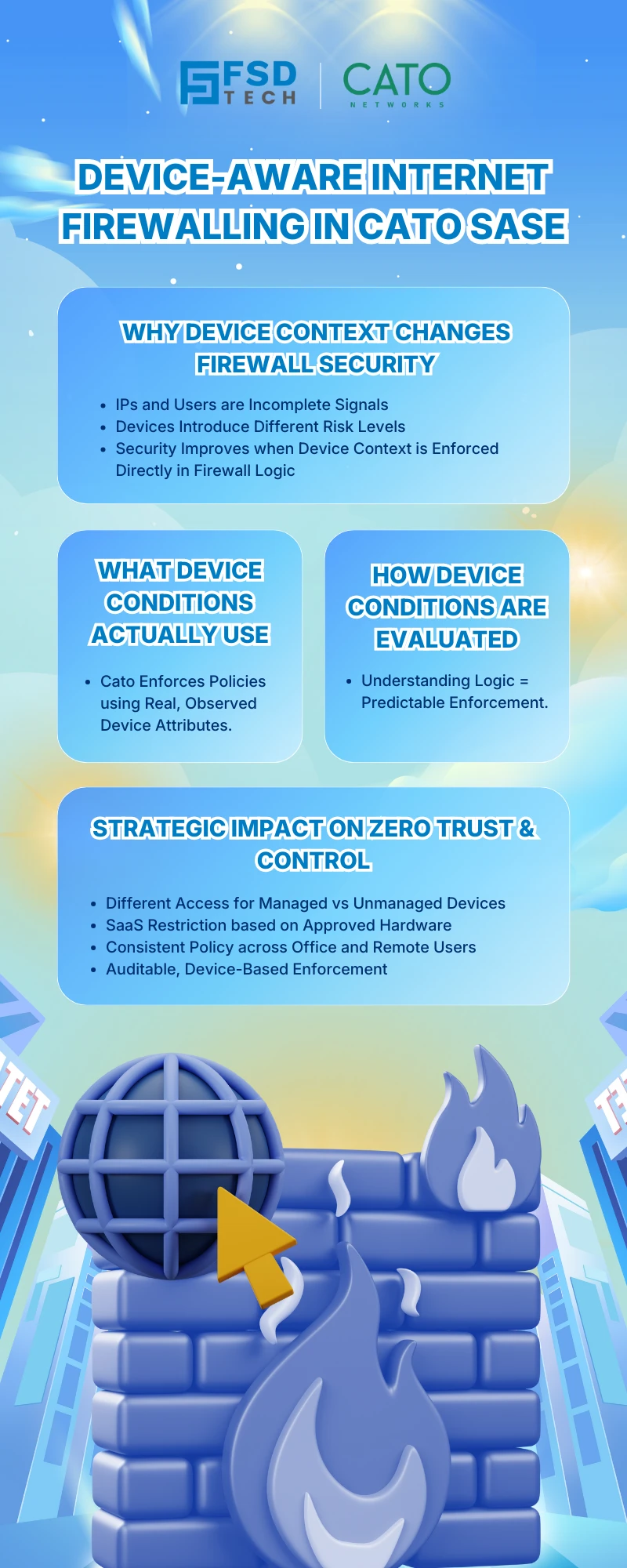
     

    Infographic explaining device-aware internet firewalling in Cato SASE, highlighting how device context improves firewall security, Zero Trust enforcement, and policy control for managed and unmanaged devices.


    Frequently Asked Questions

    How does Cato SASE use device conditions in Internet Firewall rules?

    Cato SASE allows administrators to apply device attributes—such as OS, manufacturer, and device type—directly inside Internet Firewall rules, enabling granular, context-aware access control.


    Which device attributes can be used in Cato Internet Firewall policies?

    Cato Internet Firewall rules support attributes including device category, type, operating system, OS version, manufacturer, and model, sourced from the Cato Device Inventory engine.


    Do device conditions in Cato SASE require the Cato Client?

    No. Device attributes are derived from passive network detection. However, accurate enforcement depends on MAC address detection and Device Inventory licensing.


    How does Cato SASE evaluate multiple device conditions in firewall rules?

    Different device conditions use AND logic, while multiple values within the same condition use OR logic, ensuring flexible and precise policy design.


    Is a Device Inventory license required for device-based firewall rules in Cato?

    Yes. Using device attributes in Cato Internet Firewall rules requires a Device Inventory license as part of the IoT/OT Security service.


    Where can administrators monitor device-based Internet Firewall enforcement in Cato SASE?

    Admins can monitor enforcement via the Device Inventory page, Device Dashboard, and Events page within the Cato Management Application.


    How do device conditions support Zero Trust in the Cato SASE platform?

    By enforcing internet access based on verified device context—not just user identity—Cato SASE ensures continuous, device-aware Zero Trust enforcement.


    Closing Note

    Device conditions transform the Cato Internet Firewall from a traditional policy engine into a context-aware security control point. By combining device intelligence with unified SASE enforcement, Cato enables organizations to protect internet access with precision, simplicity, and scale.


    Using Device Conditions in Cato Internet Firewall Rules for Granular Access Control

    About The Author

    Anas Abdu Rauf

    Anas is an Expert in Network and Security Infrastructure, With over seven years of industry experience, holding certifications Including CCIE- Enterprise, PCNSE, Cato SASE Expert, and Atera Certified Master. Anas provides his valuable insights and expertise to readers.

    Like This Story?

    Share it with friends!

    Subscribe to our newsletter!

    Atera

    (48)

    Cato Networks

    (116)

    ClickUp

    (70)

    FishOS

    (7)

    Miradore

    (21)

    PointGuard AI

    (9)

    Vembu

    (22)

    Xcitium

    (33)

    ZETA HRMS

    (73)

    Decoded(80)

    Cyber Security(116)

    BCP / DR(22)

    Zeta HRMS(72)

    SASE(21)

    Automation(70)

    Next Gen IT-Infra(116)

    Monitoring & Management(69)

    ITSM(22)

    HRMS(21)

    Automation(24)

    Workflow Automation(8)

    Workforce Automation(1)

    AI Project Management(1)

    HR Data Automation(1)

    RMM(1)

    IT Workflow Automation(1)

    IT security(2)

    GCC compliance(4)

    Payroll Integration(2)

    IT support automation(3)

    procurement automation(1)

    lost device management(1)

    IT Management(5)

    IoT Security(2)

    Cato XOps(2)

    IT compliance(4)

    Task Automation(1)

    Workflow Management(1)

    AI-powered cloud ops(1)

    Kubernetes lifecycle management(2)

    OpenStack automation(1)

    SMB Security(8)

    Data Security(1)

    MDR (Managed Detection & Response)(4)

    Atera Integrations(2)

    MSP Automation(3)

    XDR Security(2)

    SMB Cyber Protection(1)

    Ransomware Defense(3)

    HR Tech Solutions(1)

    Zero Trust Network Access(3)

    Zero Trust Security(2)

    Endpoint Management(1)

    SaaS Security(1)

    Payroll Automation(5)

    IT Monitoring(2)

    Xcitium EDR SOC(15)

    Ransomware Protection GCC(1)

    Network Consolidation UAE(1)

    M&A IT Integration(1)

    MSSP for SMBs(1)

    Antivirus vs EDR(1)

    FSD-Tech MSSP(25)

    Ransomware Protection(3)

    Managed EDR FSD-Tech(1)

    SMB Cybersecurity GCC(1)

    Cybersecurity GCC(12)

    Endpoint Security(1)

    Endpoint Protection(1)

    Data Breach Costs(1)

    Xcitium EDR(30)

    Zero Dwell Containment(31)

    SMB Cybersecurity(8)

    Managed Security Services(2)

    Hybrid Backup(1)

    Cloud Backup(1)

    Backup & Recovery(1)

    pointguard ai(4)

    backup myths(1)

    vembu(9)

    SMB data protection(9)

    disaster recovery myths(1)

    Disaster Recovery(4)

    Vembu BDR Suite(19)

    GCCBusiness(1)

    DataProtection(1)

    Secure Access Service Edge(4)

    GCC HR software(16)

    Miradore EMM(15)

    Cato SASE(7)

    Cloud Security(8)

    Talent Development(1)

    AI Governance(4)

    AI Risk Management(1)

    AI Security(2)

    AI Cybersecurity(12)

    AI Compliance(2)

    GCC business security(1)

    GCC network integration(1)

    compliance automation(5)

    education security(1)

    GCC cybersecurity(2)

    BYOD security Dubai(8)

    App management UAE(1)

    Miradore EMM Premium+(5)

    MiddleEast(1)

    HealthcareSecurity(1)

    Team Collaboration(1)

    IT automation(12)

    Zscaler(1)

    SD-WAN(6)

    HR Integration(4)

    Cloud Networking(3)

    device management(9)

    VPN(1)

    RemoteWork(1)

    ZeroTrust(2)

    MPLS(1)

    Project Management(9)

    HR automation(16)

    share your thoughts

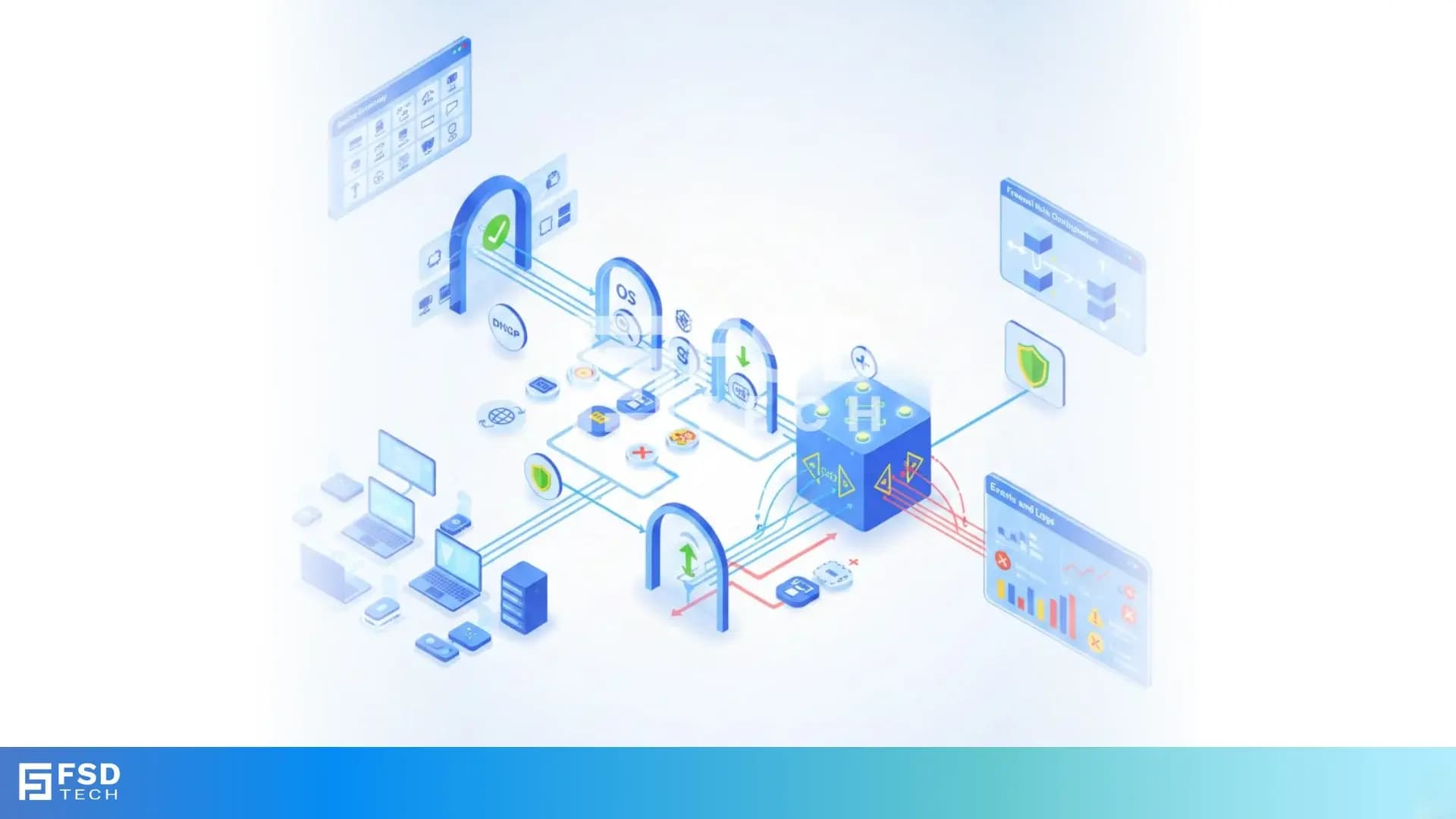
    Cato SASE platform visual showing device-aware WAN firewall enforcement with centralized security controls, analytics dashboards, IPS, and Zero Trust policy monitoring across enterprise infrastructure.

    Device-Aware WAN Firewall Policies in Cato SASE

    🕓 January 23, 2026

    Illustration showing a centralized security and analytics platform with connected enterprise devices, dashboards, firewall, IPS, and optimization modules, representing real-time device intelligence and security enforcement in a cloud-based network.

    Using Device Conditions in Cato Internet Firewall Rules for Granular Access Control

    🕓 January 22, 2026

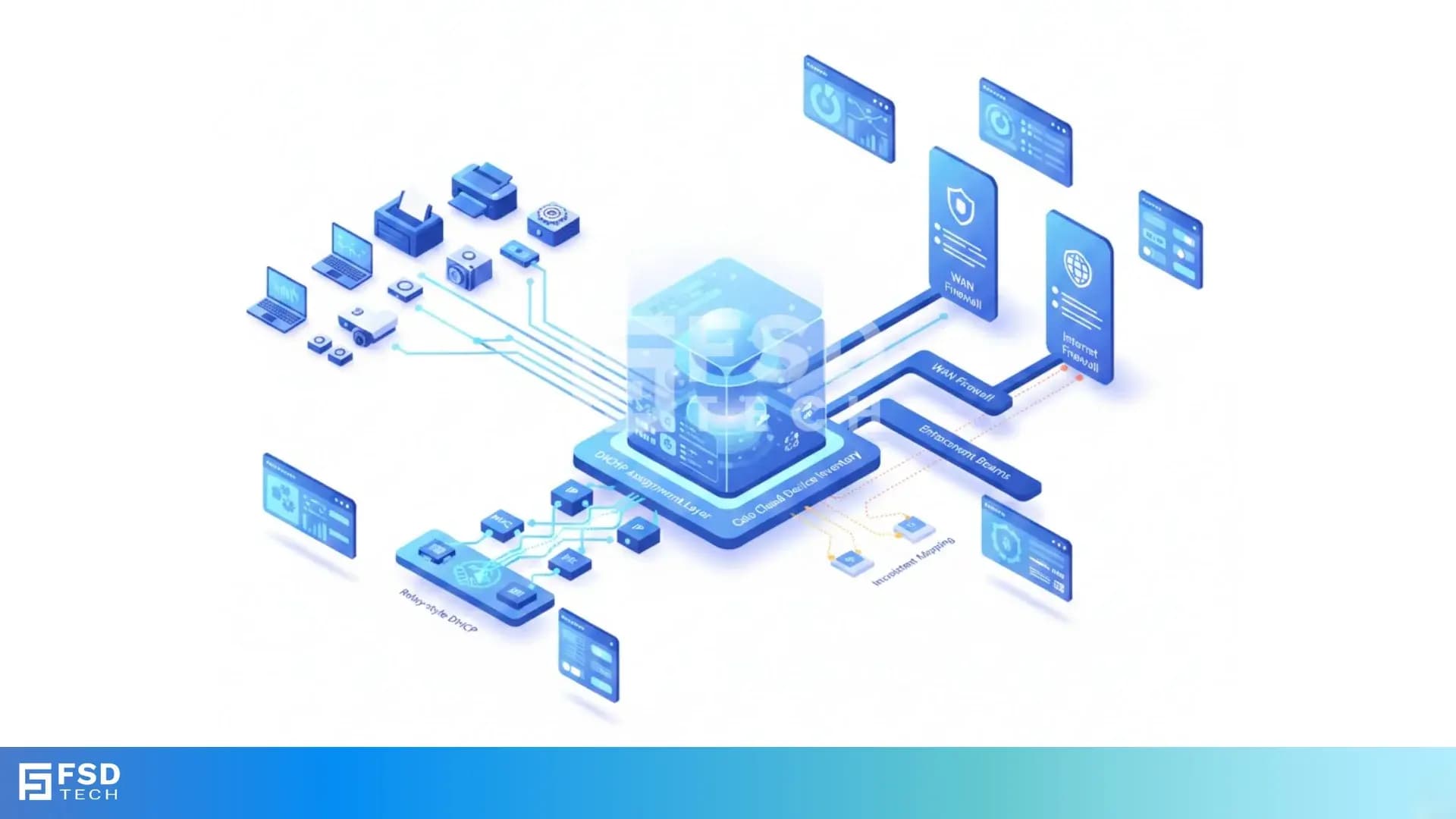
    Illustration of Cato Device Inventory using passive traffic analysis to identify IT, IoT, and OT devices, providing real-time device context, security visibility, and policy precision across cloud networks.

    Deep Dive into the Cato Device Inventory Page: Unified Asset Visibility for Cato SASE

    🕓 January 21, 2026