.webp&w=3840&q=75)
How ClickUp Enables Outcome-Based Project Management (Not Just Task Tracking)
🕓 February 15, 2026
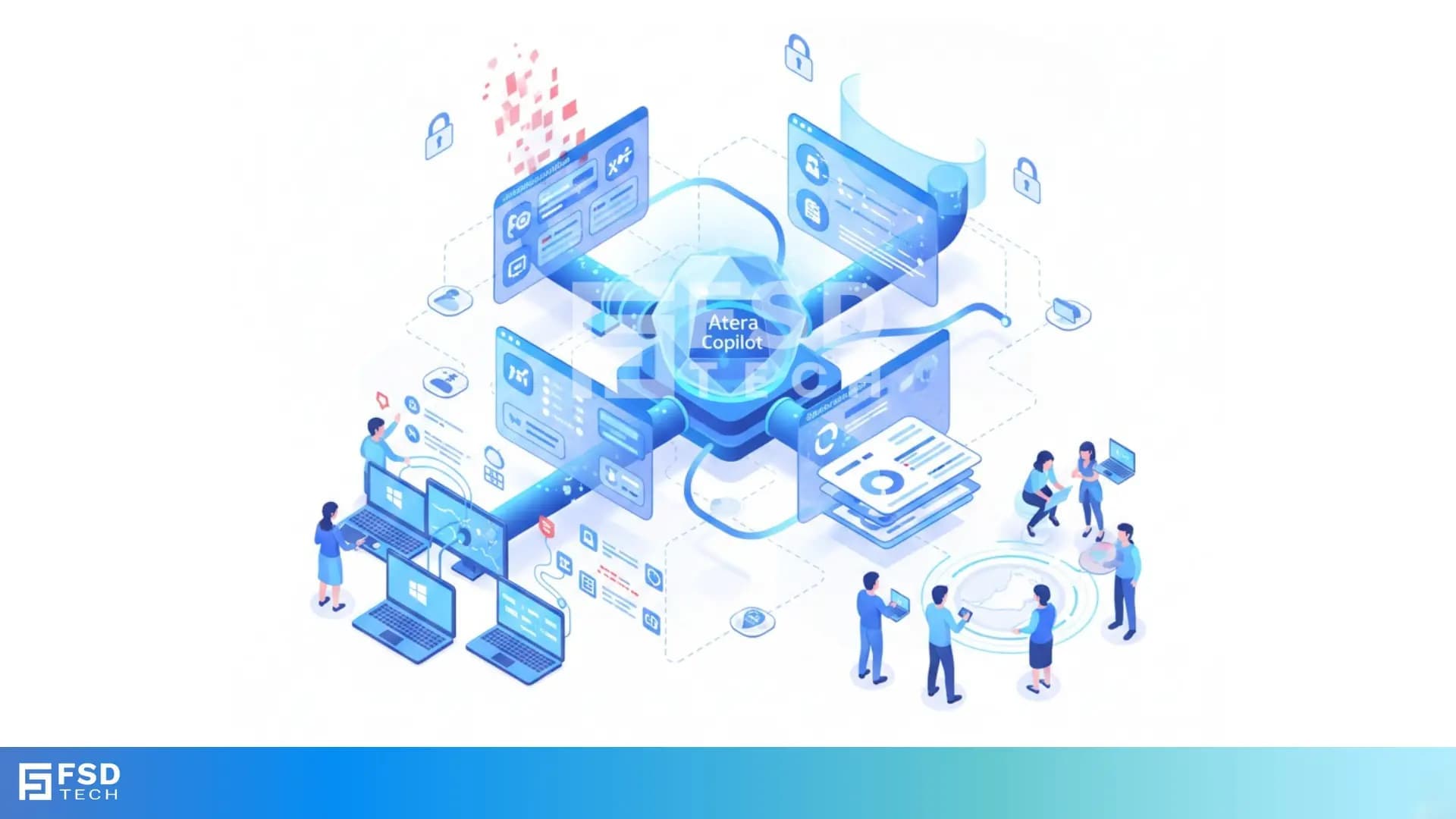
Atera’s AI-powered Remote Session Summaries eliminate one of the most persistent operational challenges in IT support: accurately documenting what happened during a remote session. Instead of spending time writing notes after completing a task, technicians simply end the session — and Atera automatically converts the device activity into a structured, human-readable report.
For MSPs and internal IT departments serving distributed teams and multi-location environments (a common setup in GCC enterprises), this feature dramatically improves accuracy, accountability, and operational speed.
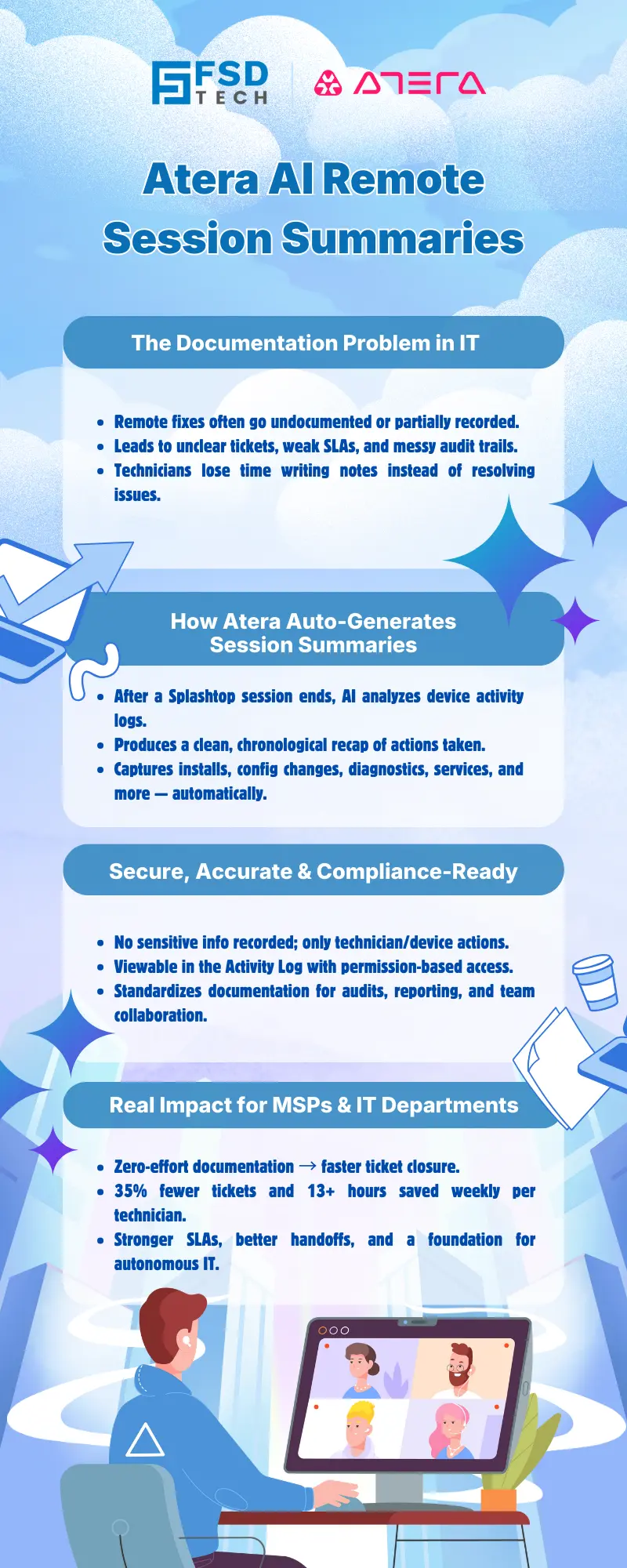
Remote troubleshooting is dynamic - settings change, services restart, applications get installed, and diagnostics run. But capturing all those steps manually is tedious, and in the rush of day-to-day operations, documentation often becomes incomplete or inconsistent.
This leads to:
Atera solves this by packaging each session’s activity into a clean, chronological summary — without requiring technicians to write a single line.
When a Splashtop remote session ends on a Windows device, Atera’s AI Copilot analyzes the device’s activity log and generates an itemized recap of what occurred during the session.
The summary includes:
The experience is simple: disconnect the session, open the device’s Activity Log, and the summary is instantly available.
Why Splashtop Only?
Splashtop provides the device-level event data required for reliable session reconstruction. While Atera supports multiple remote access tools, automated session summaries currently apply only to Splashtop sessions.
The Remote Session Summary reflects practical, technician-focused activity such as:
It gives the IT team a clear picture of what was done — not just a vague description.
To maintain privacy and security:
This ensures the summary remains accurate, safe, and compliant.
Remote Session Summaries are accessible inside the Agent Console → Activity Log for each device.
Permissions follow a simple structure:
This keeps visibility controlled and aligned with organizational responsibilities.
While the session summary itself is device-specific, Atera’s broader AI ecosystem strengthens documentation across the platform:
Combined with Remote Session Summaries, this creates a documentation workflow that is quicker, more consistent, and more reliable.
The summary captures technical actions automatically, freeing technicians from administrative follow-up work.
Clear, structured summaries reduce the back-and-forth often needed to finalize resolutions.
Session histories become traceable, structured, and easy to reference when reporting KPIs or responding to clients.
Whether technicians are local, remote, or distributed across regions, everyone gains a shared understanding of what happened during support sessions.
Every remote session becomes a verified record in the device’s activity history — essential for compliance-oriented industries and larger enterprises.
Patterns seen in remote sessions help Atera’s AI recommend scripts, KB articles, follow-up actions, and future automations.
To provide clarity for implementation:
These boundaries ensure reliability, security, and predictable performance.
Remote Session Summaries represent more than documentation — they are a stepping stone toward proactive, autonomous IT operations.
As Atera evolves:
Today, technicians get automated notes.
Tomorrow, they get automated actions — built on the context captured from these sessions.
Across MSPs and IT departments, teams report major gains:
What used to be a manual chore now happens automatically — every single time.
GCC organizations often manage:
Remote Session Summaries give these teams a dependable, standardized record of support actions — improving service transparency without adding manual workload.
See how Atera helps IT teams save time with automated session summaries → Schedule a quick, no-obligation call today.
Summaries are currently generated for Splashtop sessions on Windows endpoints and must be initiated through the device’s Activity Log.
It can be copied into a ticket manually. Ticket summaries and resolution notes, however, are automated separately through Copilot.
No. Sensitive data such as passwords or private fields are excluded by design.
Admins can view all summaries, while technicians can only see their own.
Device details are visible in the Agent Console where the summary is accessed, though they are not embedded inside the summary text.
It provides a reliable record of device actions and session activity, designed to support audit trails and internal compliance policies.
Atera’s roadmap suggests deeper integration between session insights, Action Mode, and automated remediation workflows.

Anas is an Expert in Network and Security Infrastructure, With over seven years of industry experience, holding certifications Including CCIE- Enterprise, PCNSE, Cato SASE Expert, and Atera Certified Master. Anas provides his valuable insights and expertise to readers.
Share it with friends!




.webp&w=3840&q=75)

.webp&w=3840&q=75)
🕓 March 25, 2026

🕓 March 22, 2026

🕓 March 20, 2026


share your thoughts