.webp&w=3840&q=75)
How ClickUp Enables Outcome-Based Project Management (Not Just Task Tracking)
🕓 February 15, 2026
In both MSP and internal IT environments, major incidents often trace back to something simple that went unnoticed:
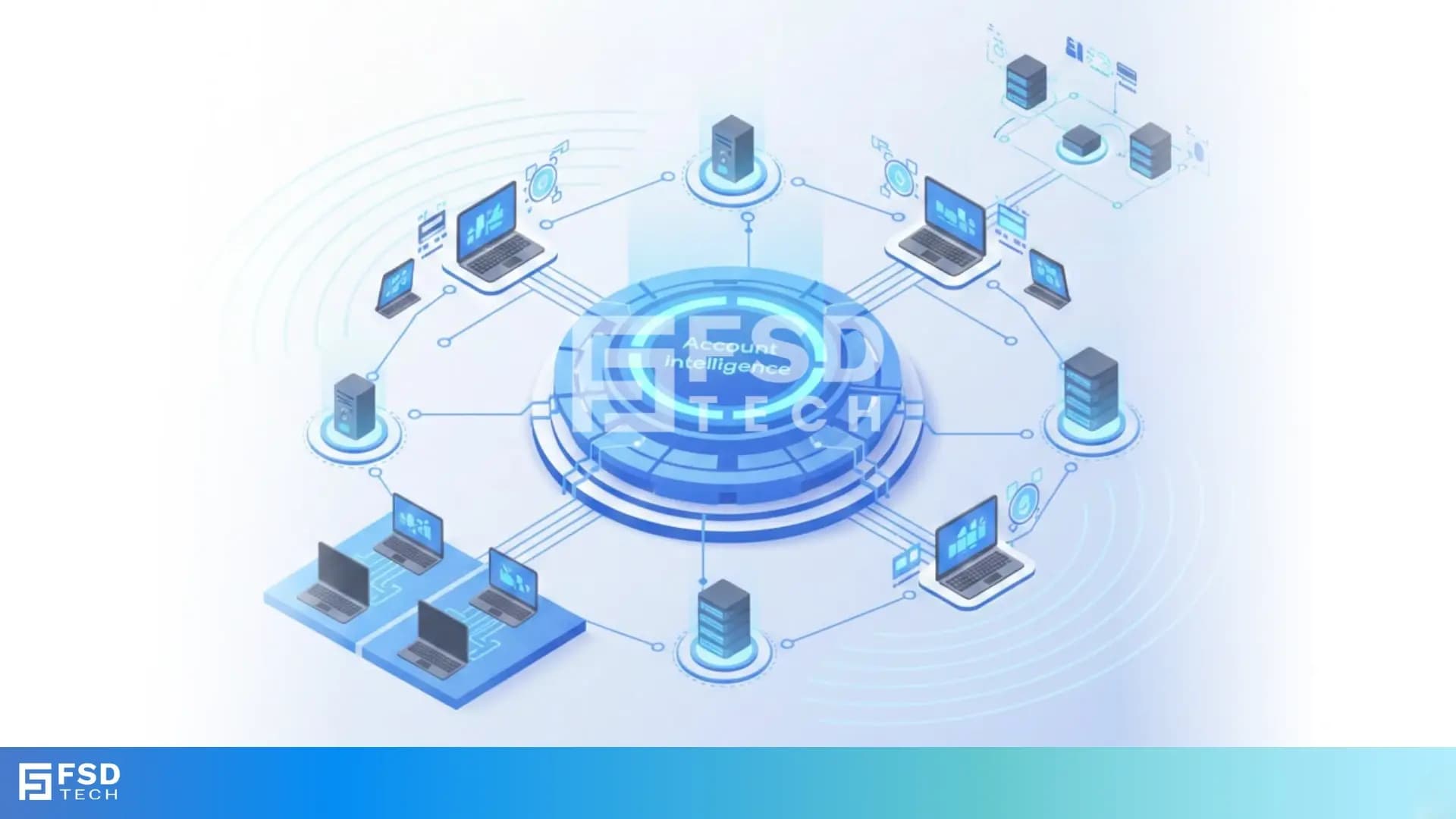
Account intelligence in Atera is not about flashy dashboards. It’s about confidently answering basic questions every day:
Atera delivers account-level visibility through a combination of device data, health logic, lifecycle controls, and discovery tools that work together.
Within the Devices view, teams can quickly isolate subsets of endpoints—such as offline devices, specific OS types, or machines not seen recently. In environments where AI-powered filtering is enabled, natural-language style filters further reduce the time spent building complex queries.
Atera doesn’t rely solely on a binary online/offline state. Agent health logic adds context, helping teams understand whether a device is genuinely unreachable or experiencing agent-level issues. This distinction is critical for prioritization and root-cause analysis.
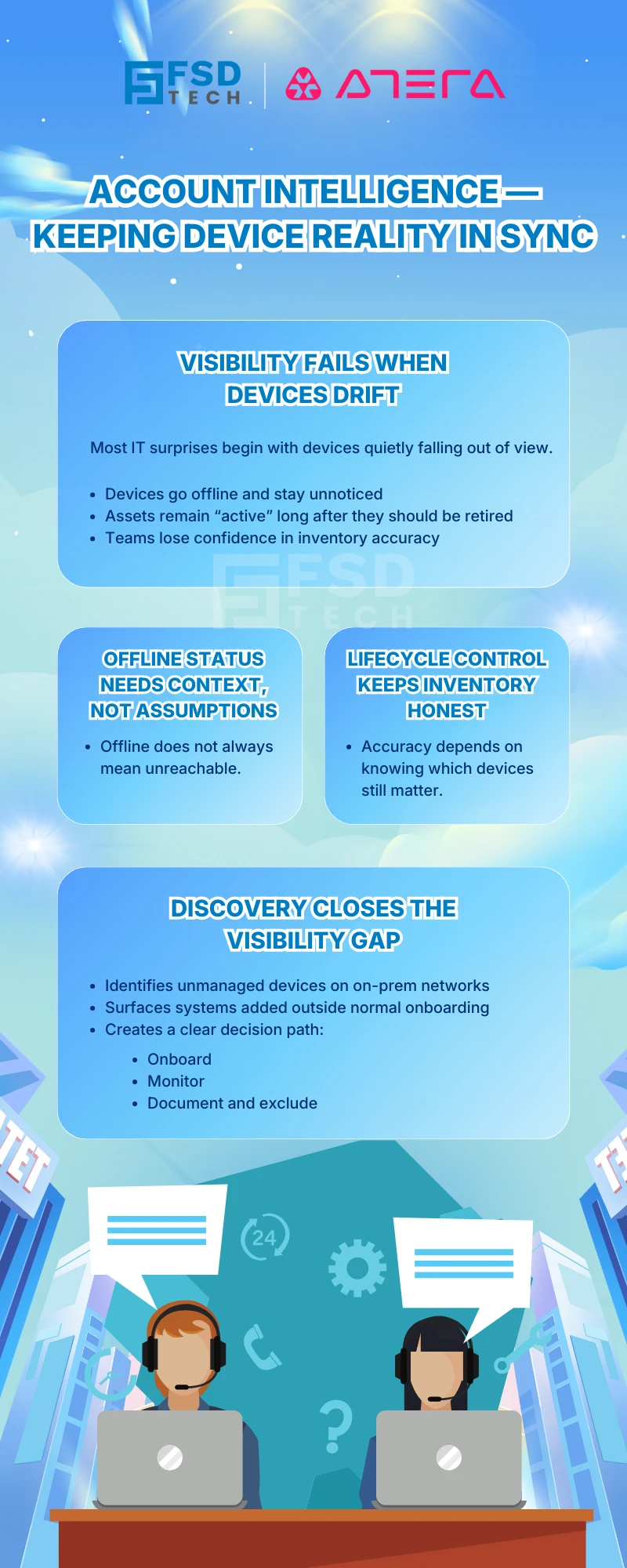
Atera formally supports the concept of retired devices, allowing teams to distinguish between endpoints that are temporarily offline and those that are no longer part of the managed environment. This keeps device counts accurate and reports meaningful.
Network Discovery scans help identify devices present on on-premise networks that are not yet managed by Atera. This includes workstations, servers, and SNMP-capable devices. Discovery results can be reviewed, exported, and acted upon—turning unknown assets into managed endpoints or documented exclusions.
Start with a simple offline device list and treat it as an operational queue:
Agent health indicators help teams avoid false assumptions. A device may be “online” but unhealthy, or appear offline due to agent-level issues rather than true connectivity loss.
Unretired legacy endpoints distort reporting, inflate device counts, and create unnecessary alerts. A clean retirement process keeps visibility accurate and conversations with stakeholders grounded in reality.
Trends: practical patterns, not buzzwords
In day-to-day operations, trends are simply repeated behaviors you can act on, such as:
By combining device filtering, health indicators, and proper lifecycle states, teams gain a stable baseline they can trust—without relying on guesswork.
Network Discovery allows teams to scan local networks from an online Windows agent, schedule scans, fine-tune scan behavior, and export results for reconciliation.
Unmanaged devices are often where problems originate:
Once discovered, teams can decide whether to:
This simple rhythm reduces surprise outages, shortens troubleshooting cycles, and keeps inventory aligned with reality.
For MSPs
For Internal IT teams
Turn device sprawl into a managed lifecycle→ Explore Atera’s offline tracking and discovery tools in 30 minutes.
Use the Devices view with appropriate filters. Where available, AI-powered filters can further speed up discovery using natural language.
Because “online” does not always mean “healthy.” Agent health helps identify endpoints that need attention before users report issues.
When it is permanently removed from the environment—decommissioned, replaced, or no longer under IT responsibility.
No. Network Discovery is designed for on-premise networks.
Scans require an online Windows agent. If the agent disconnects, the scan resumes automatically once it reconnects.
Yes. Results can be exported for reconciliation, audits, or onboarding workflows.
No. Account intelligence focuses on device visibility and inventory awareness, while AI Copilot supports technicians across workflows such as tickets, scripts, and actions.
Track:

Anas is an Expert in Network and Security Infrastructure, With over seven years of industry experience, holding certifications Including CCIE- Enterprise, PCNSE, Cato SASE Expert, and Atera Certified Master. Anas provides his valuable insights and expertise to readers.
Share it with friends!




.webp&w=3840&q=75)

.webp&w=3840&q=75)
🕓 March 25, 2026

🕓 March 22, 2026

🕓 March 20, 2026


share your thoughts