.webp&w=3840&q=75)
How ClickUp Enables Outcome-Based Project Management (Not Just Task Tracking)
🕓 February 15, 2026
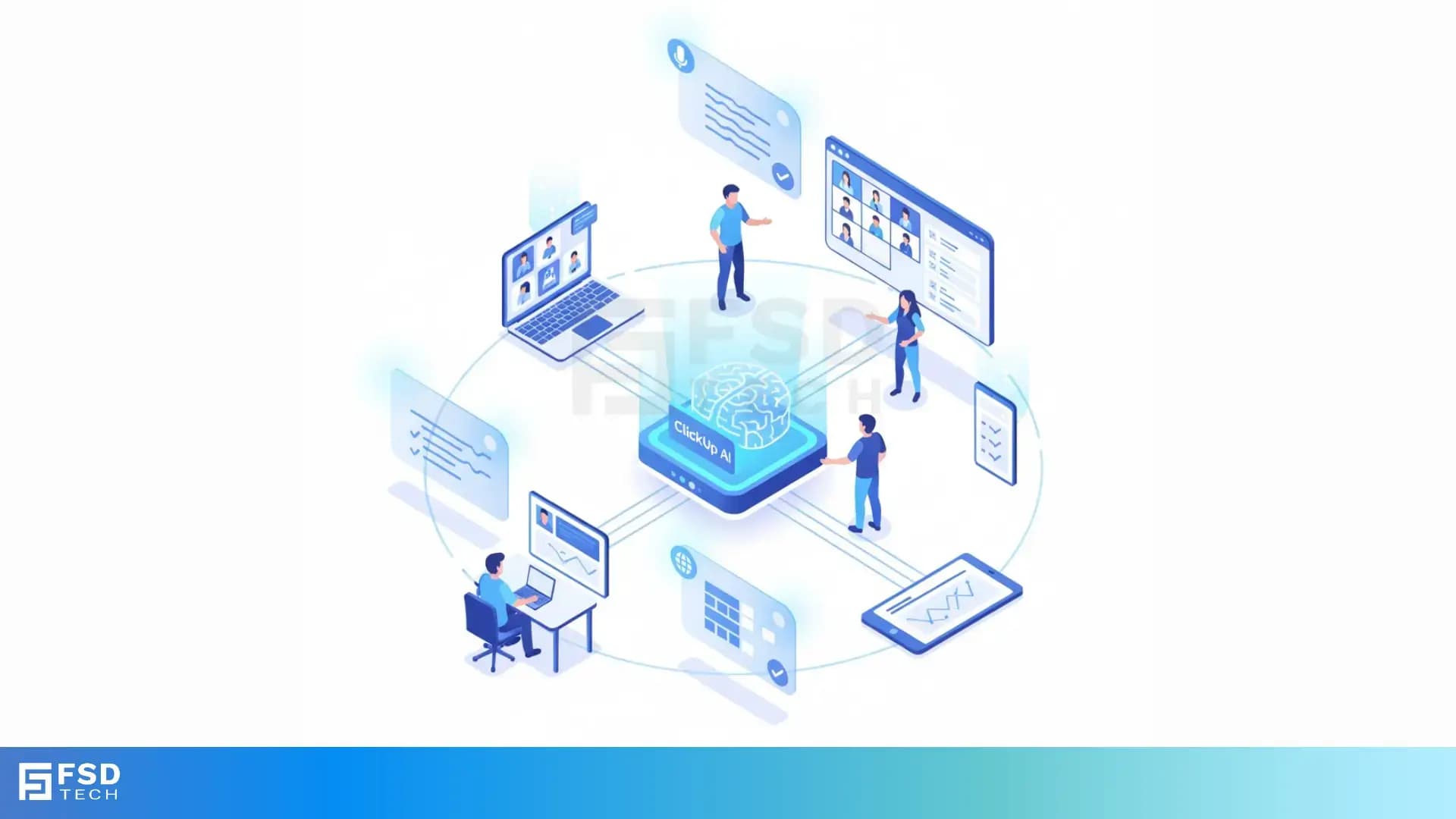
Manual meeting notes are a persistent bottleneck for project managers and team leaders. The time spent transcribing discussions, extracting action items, and distributing updates can quickly add up—especially in fast-paced, distributed teams. The risk of missed details or misaligned follow-up is real, and the administrative overhead can drag down productivity.
ClickUp AI is designed to solve this problem at scale. By automating the capture, summarization, and actioning of meeting content, ClickUp AI transforms how teams handle meetings and status updates. The result: less time spent on admin, more time spent on execution, and a single source of truth for all meeting outcomes.
ClickUp AI Notetaker is an intelligent assistant that joins your meetings as a bot, transcribes conversations in real time, and generates actionable summaries. Unlike generic transcription tools, ClickUp AI is deeply integrated with the ClickUp platform, enabling seamless conversion of insights into tasks and direct linkage with project workflows.
This integration eliminates the need to juggle multiple apps or manually transfer notes, making it a powerful productivity automation tool for project management.
ClickUp AI joins scheduled meetings as a bot, capturing every word in real time. The AI:
Use Case: In a cross-functional project kickoff with stakeholders from the UAE and Europe, ClickUp AI distinguishes between each participant, ensuring that every contribution is accurately captured and attributed, regardless of language.
Immediately after the meeting, ClickUp AI processes the transcript to generate:
Use Case: After a weekly standup, the project manager receives a summary with action items such as “Update sprint board,” “Follow up with design team,” and “Schedule client review.” Each is ready to be assigned as a ClickUp task.
ClickUp AI bridges the gap between discussion and execution by:
Use Case: During a sales pipeline review, ClickUp AI identifies a follow-up task for the account manager and creates it in the appropriate project board, complete with meeting context and deadlines.
Also Read: ClickUp Project Management: Boost Team Productivity & Collaboration
ClickUp AI ensures that meeting insights are not siloed:
Use Case: An executive who missed a meeting can instantly access the summary, review action items, and see all related tasks, ensuring alignment without additional catch-up calls.
ClickUp AI leverages automation to further streamline collaboration:
Use Case: After a project kickoff, ClickUp AI sends a summary and task list to all participants, triggers a reminder for the next milestone, and archives the meeting notes for compliance and future audits.
ClickUp AI is designed for distributed and international teams:
Use Case: A global product launch meeting is transcribed in both English and Arabic, with summaries available for all regional leads in the Middle East and Europe.
Security is a core requirement for any productivity automation tool, especially in regulated industries:
Use Case: A healthcare project team in Dubai uses ClickUp AI for sensitive patient data discussions, confident that their information is protected and compliant with regional regulations.
A software development team in the UAE holds a weekly standup via Zoom. ClickUp AI joins, transcribes the meeting, and generates a summary with action items. The project manager reviews the summary, makes minor edits, and shares it with the team. All action items are automatically assigned in ClickUp, and the summary is archived for future reference. This reduces meeting overhead and ensures that no task falls through the cracks.
An international sales team conducts a fast-paced strategy session with participants from the Middle East, Europe, and Asia. ClickUp AI provides real-time transcription in multiple languages, summarizes key decisions, and creates follow-up tasks for each regional manager. The team is aligned, and no opportunity is lost due to miscommunication or language barriers.
Executives receive AI-generated recaps of project updates, with key metrics and next steps highlighted. This enables high-level oversight without sifting through lengthy reports or attending every meeting, improving decision-making speed and reducing administrative burden.
While ClickUp AI significantly reduces meeting admin, it is important to recognize its current limitations:
Best Practices for Maximizing Accuracy:
By following these guidelines, project managers and team leaders can maximize the value of ClickUp AI while ensuring accuracy and alignment across teams.
Turn Hours of Meetings Into Minutes of Execution → Book Your ClickUp AI Consultation Now
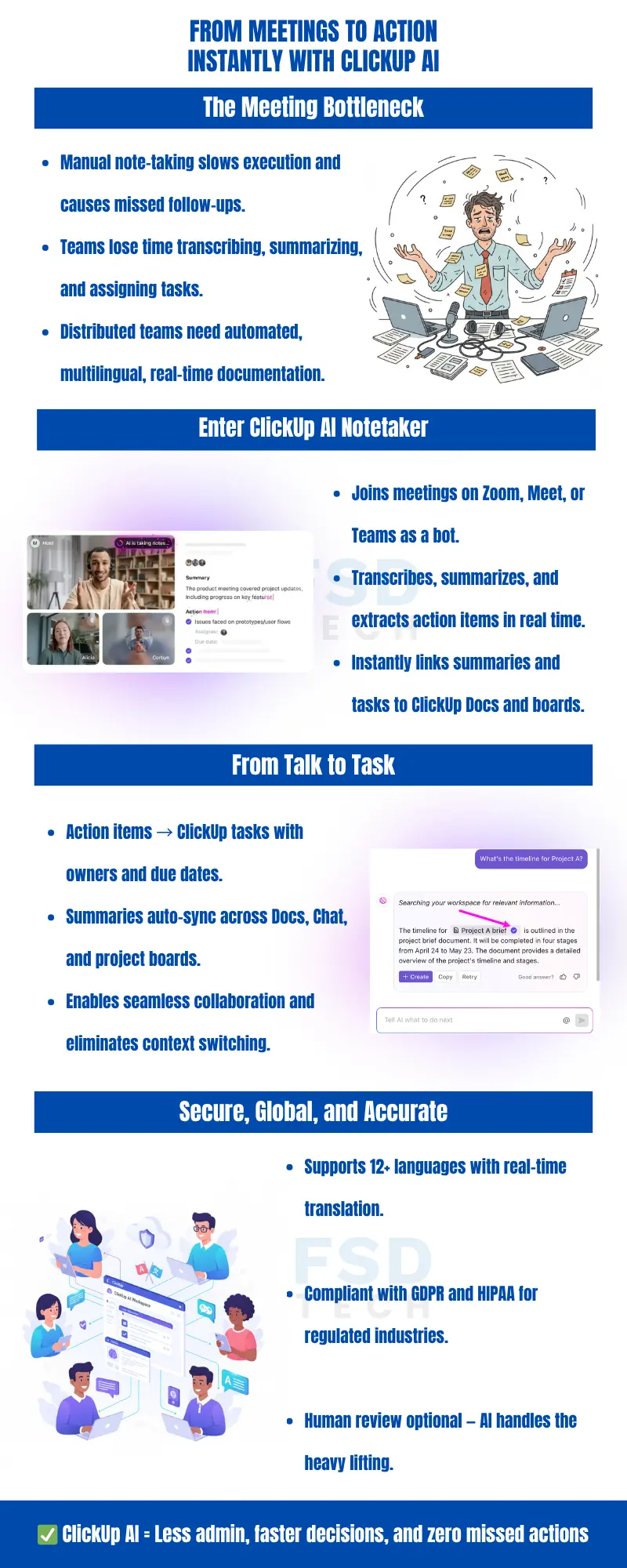
ClickUp AI Notetaker integrates with Zoom, Google Meet, and Microsoft Teams. It joins meetings as a bot participant, capturing and summarizing discussions in real time. This ensures compatibility with the most widely used video conferencing tools across the UAE, GCC, and global markets.
ClickUp AI uses advanced speaker identification to label and attribute dialogue to individual participants. This makes transcripts and summaries clearer, especially in meetings with multiple stakeholders or cross-functional teams.
Yes, ClickUp AI supports real-time transcription and summarization in over 12 languages. This multilingual capability makes it ideal for international teams and regional operations in the Middle East, Europe, and Asia.
Action items extracted by ClickUp AI can be instantly converted into tasks within the ClickUp workspace. Project managers can assign these tasks to team members, set due dates, and link them to relevant projects or documentation, streamlining follow-up and accountability.
All meeting data processed by ClickUp AI is encrypted at rest and in transit using AES-256 encryption. ClickUp is compliant with GDPR and HIPAA, ensuring privacy and security for sensitive information, including regulated industries in the GCC and UAE.
Yes, ClickUp AI automatically summarizes recurring meetings and archives the notes within ClickUp. This creates a searchable knowledge base, allowing teams to reference past discussions and decisions without sifting through emails or chat logs.
ClickUp AI typically generates summaries and action items within minutes of the meeting’s conclusion. This rapid turnaround ensures that teams can act on decisions and next steps without delay.
Absolutely. ClickUp AI is designed for distributed, hybrid, and remote teams, providing real-time transcription, multilingual support, and seamless integration with ClickUp’s collaboration tools.
While ClickUp AI is highly accurate, it may occasionally miss subtle points in complex or noisy meetings. For critical sessions, project managers are encouraged to review and edit the AI-generated notes before sharing them with stakeholders.
Yes, all ClickUp AI-generated summaries and action items can be reviewed and edited within the ClickUp workspace. This allows project managers to ensure accuracy and tailor the content to their team’s needs.
ClickUp AI’s multilingual transcription and real-time translation capabilities allow it to capture and summarize meetings with participants speaking different languages. Summaries can be generated in multiple languages, supporting global alignment.
Yes, ClickUp AI’s compliance with GDPR and HIPAA, combined with robust encryption, makes it suitable for sensitive and regulated industries, including healthcare, finance, and government operations in the UAE and GCC.
By automating meeting recaps, extracting action items, and integrating directly with ClickUp’s project management tools, ClickUp AI reduces manual admin and ensures that all team members are aligned on decisions and next steps.
Yes, ClickUp AI can generate concise executive summaries of meetings and project updates, highlighting key metrics, decisions, and next steps. This enables high-level oversight without requiring executives to attend every meeting.
To maximize accuracy, use structured agendas, minimize background noise, assign a facilitator, and review AI-generated notes for critical meetings. These practices help ensure that summaries and action items are clear, complete, and actionable.
ClickUp AI is fully integrated with the ClickUp platform, linking meeting notes, summaries, and action items directly to project boards, docs, and chat. This seamless integration eliminates context-switching and ensures that all meeting insights are actionable within the same workspace, supporting productivity automation and collaboration efficiency.
Yes, ClickUp AI is designed with enterprise-grade security and compliance in mind. All data is encrypted, and the platform meets GDPR and HIPAA standards, making it suitable for teams handling confidential or regulated information, including those operating in the UAE and GCC.
There are no explicit limits mentioned for the number of meetings ClickUp AI can join or summarize, making it scalable for organizations of all sizes and meeting frequencies.
ClickUp AI’s multilingual support, real-time translation, and seamless integration with ClickUp’s global collaboration tools make it ideal for teams with operations in the Middle East, Europe, Asia, and beyond. Meeting insights are accessible and actionable for all regional stakeholders.
ClickUp AI stands out due to its deep integration with the ClickUp platform, real-time transcription and summarization, multilingual support, robust security, and direct conversion of action items into tasks. This end-to-end workflow automation is particularly valuable for project managers and team leaders seeking to reduce meeting overhead and improve collaboration efficiency.

Nhaif is an AI Automation Engineer & Business Analyst focused on ClickUp, AI, Automation, and Workflow Optimization. He helps businesses shift from scattered processes to streamlined, data-driven operations. With hands-on expertise, he simplifies complex tools into clear, easy-to-apply solutions.
Share it with friends!




.webp&w=3840&q=75)






share your thoughts