.webp&w=3840&q=75)
How ClickUp Enables Outcome-Based Project Management (Not Just Task Tracking)
🕓 February 15, 2026
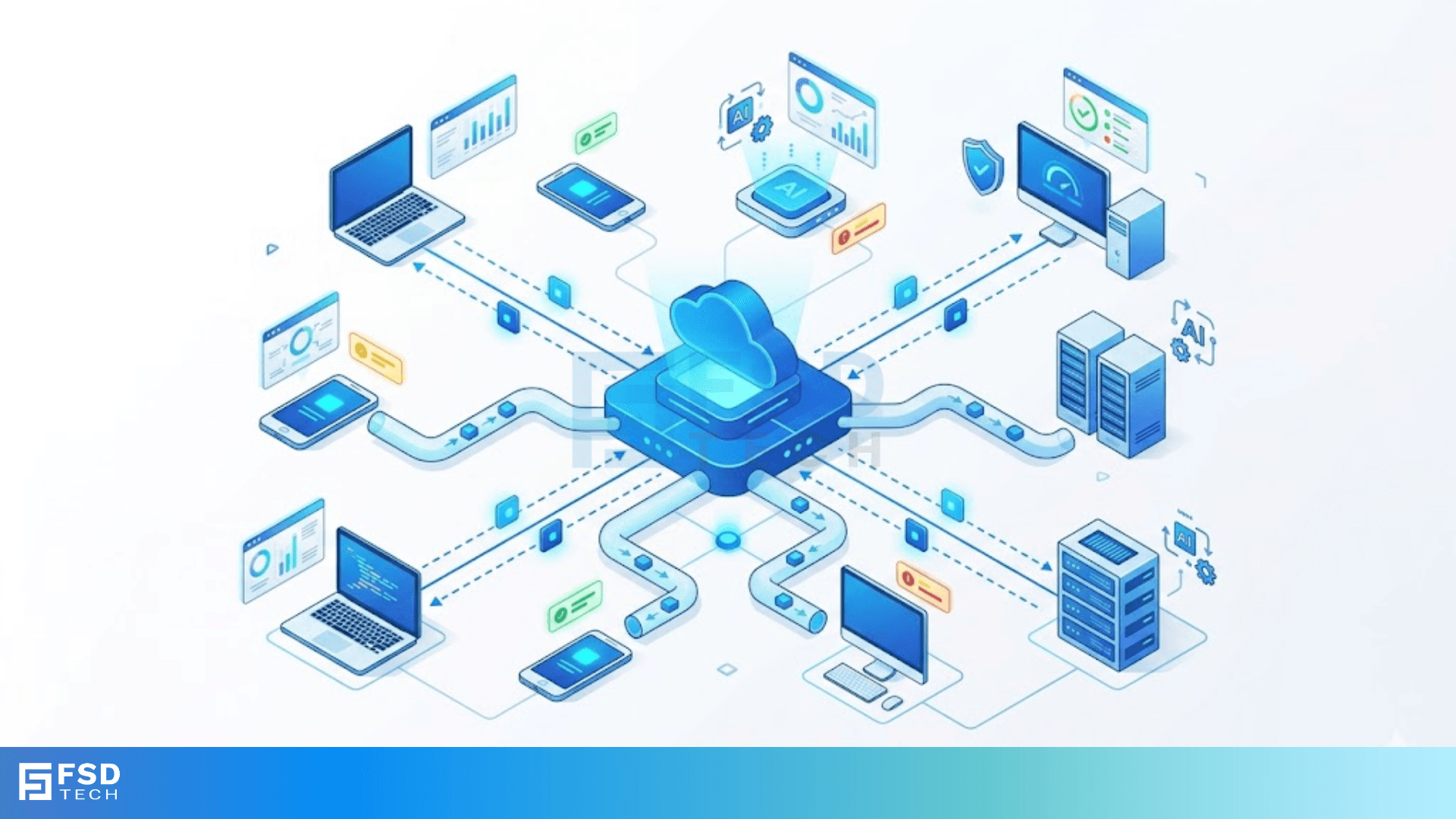
Have you ever wondered what actually happens when you type "ping https://www.google.com/search?q=google.com" into your terminal? It feels like magic. You press enter, and a few milliseconds later, your computer confirms the internet is alive. Behind that simple command lies a fundamental building block of the web: the ICMP Echo Request.
To be honest, most of us take this for granted. We see the "Reply from..." message and move on. But if you're managing a network or studying for a Cisco certification, understanding how these messages work is a game-changer. It’s the difference between guessing why a server is down and actually proving it.
At its heart, an ICMP Echo Request is a diagnostic message. It belongs to the Internet Control Message Protocol (ICMP), which acts as the "troubleshooter" for the Internet Protocol (IP). While TCP and UDP carry your actual data—like emails or cat videos—ICMP carries "management" data.
Think of it as a digital "Hello? Are you there?" If the target device is awake and willing to talk, it sends back an Echo Reply. This two-step dance is the foundation of the ping utility.
Every ICMP Echo Request (officially known as Type 8) has a specific structure. When you look at it through a tool like Wireshark, you’ll see:
In my experience, the best way to understand networking is to follow the "life of a packet." Let's say you're sitting at your desk and you ping your office router.
If everything goes right, you see that satisfying "0% packet loss" message. But what if things go wrong?
Also Read: What is Token Ring Topology? How it Works?
Sometimes you don't get a reply. Instead, you might see "Destination Host Unreachable" or "Request Timed Out." This is where ICMP proves its worth. Routers along the path can send back different ICMP error codes (like Type 3) to tell you exactly where the "roadblock" is. It’s like a GPS telling you there’s a bridge out ahead.
We've all used ping to check our Wi-Fi. However, professional engineers use ICMP Echo Request messages for much more "heavy-duty" tasks.
1. Cisco IP SLAs
In high-end networking, we don't just want to know if a site is "up." We want to know how fast it is. Cisco routers use something called IP Service Level Agreements (IP SLAs). We configure these to send regular echo requests to monitor "latency" (delay) and "jitter" (variation in delay). It’s like a constant health check for your business's most important connections.
2. Path MTU Discovery
Have you ever had a packet that was too big for a specific network "pipe"? Routers use ICMP to tell the sender, "Hey, this packet is too large. Please shrink it." This process, known as Path MTU Discovery (PMTUD), prevents data from getting dropped because of size limits.
3. OS Fingerprinting
Here’s a cool (and slightly scary) fact: different operating systems respond to malformed ICMP Echo Request packets differently. Security tools can send "weird" requests to a server and analyze the reply to guess if the server is running Windows, Linux, or macOS. It's called "fingerprinting," and it's a key part of network reconnaissance.
Also Read: Point-to-Point Links: PPP and Dedicated Networks
While ICMP is helpful, it’s also a favorite tool for attackers. If you're a network admin, you've likely spent time "hardening" your firewall against these common threats:
Expert Tip: Most modern firewalls are set to rate-limit ICMP traffic. You don't have to block it entirely—that's usually a mistake because it breaks troubleshooting—but you should definitely keep an eye on the volume.
Understanding the ICMP Echo Request is like learning the heartbeat of your network. It’s a simple concept that carries massive weight in the world of IT. Whether you're fixing a "slow" internet connection or securing a corporate data center, these little packets are your best friends.
At our core, we believe that a clear network is a fast network. We’re dedicated to providing the tools and knowledge you need to keep your systems running smoothly. Because in the end, our focus is always on your success and your clients' experience.
Not exactly. ICMP is the protocol (the language), while ping is the tool (the person speaking the language). Ping uses ICMP Echo Request and Reply messages to do its job.
Many web servers block incoming ICMP Echo Request packets to prevent "reconnaissance." If an attacker can't ping you, they might assume your server doesn't exist, making you a slightly harder target.
No! Unlike TCP (which uses ports like 80 or 443) or UDP, ICMP sits directly on top of the IP layer. It uses "Types" and "Codes" instead of ports.
Absolutely. By sending a long string of echo requests (e.g., ping -n 100), you can see what percentage of them fail to return. This is the best way to identify a "flaky" connection.

Surbhi Suhane is an experienced digital marketing and content specialist with deep expertise in Getting Things Done (GTD) methodology and process automation. Adept at optimizing workflows and leveraging automation tools to enhance productivity and deliver impactful results in content creation and SEO optimization.
Share it with friends!




.webp&w=3840&q=75)






share your thoughts