.webp&w=3840&q=75)
How ClickUp Enables Outcome-Based Project Management (Not Just Task Tracking)
🕓 February 15, 2026
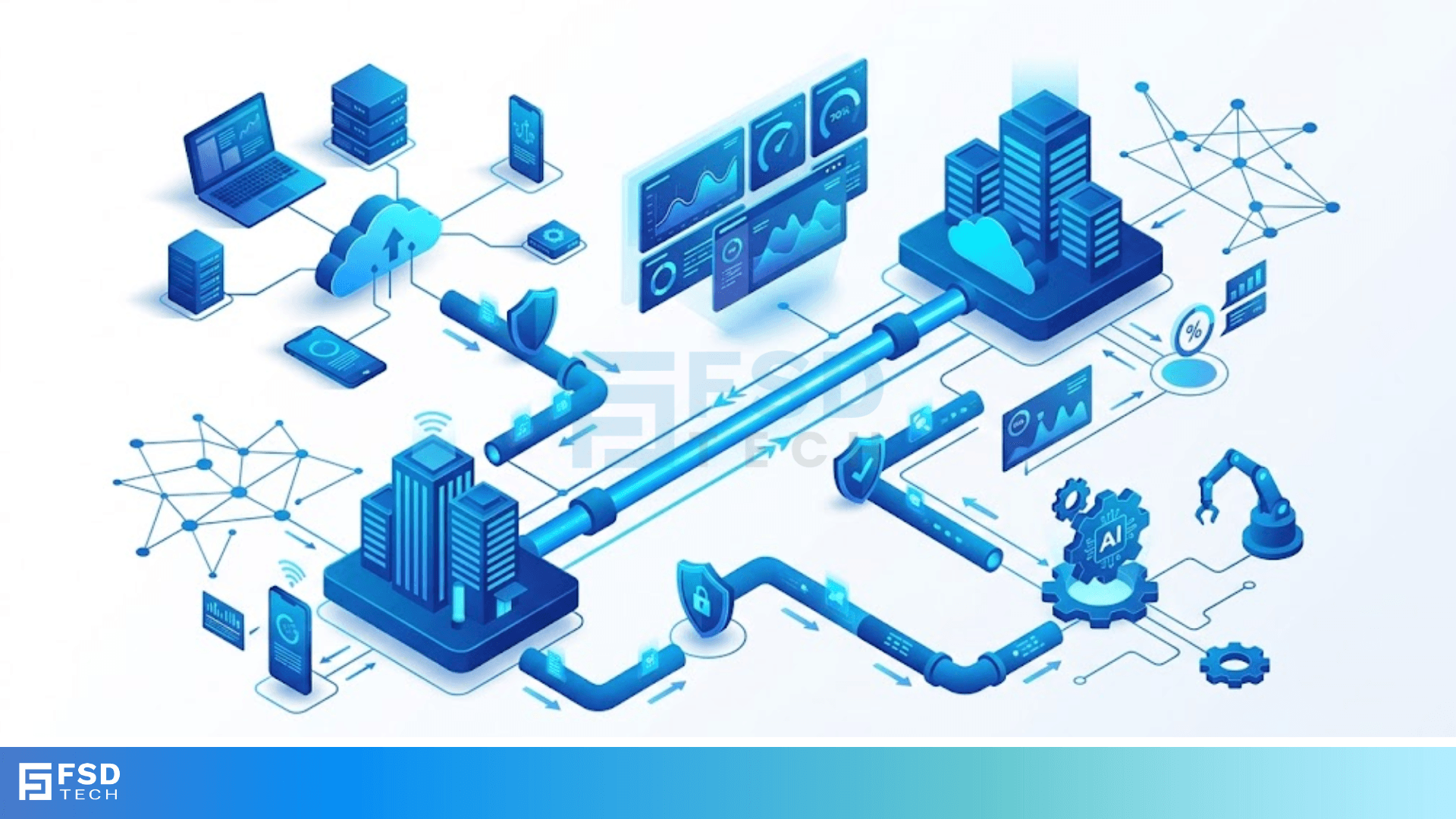
Point-to-point links serve as the most fundamental building blocks of modern computer networks. To be honest, we often take them for granted because they work so seamlessly in the background. But here's the thing: without these dedicated connections, the internet as we know it would simply collapse.
Think about how you connect two routers in a massive data center or even how your old DSL modem used to talk to the ISP. These setups don't deal with the messy "everyone-talks-at-once" chaos of a crowded Wi-Fi network. Instead, they use a private, direct path.
Have you ever wondered why some connections feel more stable than others? Or why certain protocols are better at catching errors before they ruin your download? In my experience, understanding the magic of a dedicated link is the first step toward mastering network architecture. Let's look at how these connections actually handle your data.
A point-to-point link is a direct communication path between two—and only two—networking nodes. We call this a "1-to-1" connection. Because there are no other devices sharing the medium, the sender doesn't need to worry about addressing which machine should receive the data. If I send a packet, it’s going to you. It's that simple.
In the networking world, we often see these links in Wide Area Networks (WANs). They act like a private highway between two cities. While a local Ethernet network is like a busy intersections with traffic lights, a P2P link is a straight shot with no exits.
When we talk about these links, we have to talk about the Point-to-Point Protocol. Most engineers just call it PPP. This protocol lives at the Data Link Layer (Layer 2) of the OSI model. Its job is to take the raw bits coming off the wire and turn them into organized frames.
In my view, PPP is the "Swiss Army Knife" of networking. It doesn't just move data; it checks for errors, handles authentication, and even negotiates how the two devices will talk. We've all been there—trying to get two different brands of routers to communicate. PPP makes that handshake possible.
Also Read: Client Connectivity Policy in Cato SASE: Controlling Who Can Connect and Why
The Link Control Protocol (LCP) is the heart of any point-to-point link. Before any real data moves, LCP has to agree on the rules. It’s like two people agreeing to speak English before starting a business meeting.
LCP handles several critical tasks:
Does the link need to be encrypted? Should we use a specific packet size? LCP answers these questions before the first web page ever loads.
To understand how a point-to-point link stays organized, we have to look at the frame. Every PPP frame follows a strict 7-byte header format. While that sounds technical, it’s actually quite logical once you see it broken down.
| Field | Size (Bytes) | Purpose |
|---|---|---|
| Flag | 1 | Marks the beginning of the frame (01111110) |
| Address | 1 | Always set to 11111111 (Standard broadcast) |
| Control | 1 | Usually set to 00000011 |
| Protocol | 2 | Tells the receiver if the data is IP, AppleTalk, etc. |
| Data (Payload) | Variable | The actual info you're sending |
| FCS | 2 or 4 | The checksum to find errors |
Notice the "Address" field? In a point-to-point link, addressing is actually redundant. Since there is only one destination, the protocol just uses a standard filler. It's like sending a letter to someone when you're the only two people on a private island—you don't really need to write their name on the envelope, but the post office rules say you must.
One of the coolest things about a point-to-point link is how it handles "forbidden" data. What happens if the data you're sending accidentally contains the "Flag" sequence (01111110)? The receiver would think the frame ended early!
To fix this, PPP uses something called Byte Stuffing.
If the protocol sees a flag pattern inside your data, it inserts a special "escape" byte before it. When the other side sees that escape byte, it knows the next piece of data isn't a "stop" sign—it’s just part of the message. This makes the link "transparent." You can send any file, any image, or any code without worrying about breaking the protocol.
Also Read: Platforms, Countries, and Origin of Connection: Advanced Device Criteria in Cato Firewall
You might ask, "Why don't we just use Ethernet for everything?" That's a fair question. Ethernet is great for offices, but a point-to-point link wins in long-distance scenarios.
In a shared medium like Wi-Fi, everyone is fighting for the same airwaves. This leads to "back-off" times and collisions. On a P2P link, you have 100% of the bandwidth 100% of the time. There is no waiting in line. Roughly speaking, P2P links are the VIP lanes of the networking world.
Before PPP became the king, we had HDLC. Many point-to-point links still use versions of this today. HDLC is a bit more rigid than PPP. While PPP was designed to work with many different types of hardware, HDLC often varies between manufacturers.
For instance, Cisco’s version of HDLC isn't exactly the same as the standard version. This is why most pros prefer PPP; it doesn't matter if you have a Juniper router on one end and a Cisco on the other. They will almost always "talk" PPP without a fight.
We can't talk about a point-to-point link without mentioning security. Since these links often connect two different companies or branches, we need to know who is connecting.
PPP offers two main ways to do this:
Which one should you use? In my view, always go with CHAP if your hardware supports it. Why take the risk?
The real power of a point-to-point link comes from the Network Control Protocol (NCP). Fast-forward to today, where we mostly use IP. But back in the day, networks used all sorts of protocols like IPX or Appletalk.
NCP allows a single physical cable to carry all these different "languages" at once. It wraps each one in a PPP frame and tells the receiver how to unpack it. It’s the reason why your internet connection doesn't care if you're browsing a website, playing a game, or sending an email—it’s all just data to the NCP.
Also Read: Device-Aware WAN Firewall Policies in Cato SASE
Even though they are reliable, these links aren't perfect. We've all dealt with a "flapping" link where the connection goes up and down every few seconds.
Usually, this happens because:
How do you fix this? Usually, by checking the LCP logs. The protocol is very good at telling you exactly why it's unhappy.
As we moved into the era of fiber optics, the humble point-to-point link got a massive upgrade. Technologies like SONET (Synchronous Optical Network) allowed us to send data at incredible speeds over thousands of miles.
These optical links still follow the same basic logic of a point-to-point connection, but they do it with light. Instead of standard PPP frames, they use complex timing frames that can carry thousands of phone calls and data streams simultaneously. It's essentially a P2P link on steroids.
Understanding a point-to-point link is like knowing how the foundation of a house works. It might not be the flashiest part of the building, but it holds everything together. From the simple framing of bits to the complex negotiations of the LCP, these links ensure our data moves safely across the globe.
At our core, we believe in making complex technology feel like a simple conversation. We're dedicated to helping you build faster, more reliable networks by mastering the basics. Your success is our primary goal, and we're here to support your journey every step of the way.
Ready to optimize your network? Let's build something great together.
The main perk is the lack of collisions. In a P2P setup, the two devices have the entire "pipe" to themselves, which leads to more predictable performance and easier long-distance management.
Technically, yes. We often see PPP over Ethernet (PPPoE) used in various wireless ISP setups. It provides a way to authenticate users and manage their sessions even if the underlying medium is shared.
Not necessarily. HDLC is often slightly faster because it has less overhead, but it lacks the rich features of PPP, like easy authentication and multi-protocol support.
If the math doesn't add up at the receiving end, the frame is simply dropped. PPP doesn't usually ask for a retransmission—it leaves that job to higher-layer protocols like TCP.

Surbhi Suhane is an experienced digital marketing and content specialist with deep expertise in Getting Things Done (GTD) methodology and process automation. Adept at optimizing workflows and leveraging automation tools to enhance productivity and deliver impactful results in content creation and SEO optimization.
Share it with friends!




.webp&w=3840&q=75)






share your thoughts