.webp&w=3840&q=75)
How ClickUp Enables Outcome-Based Project Management (Not Just Task Tracking)
🕓 February 15, 2026
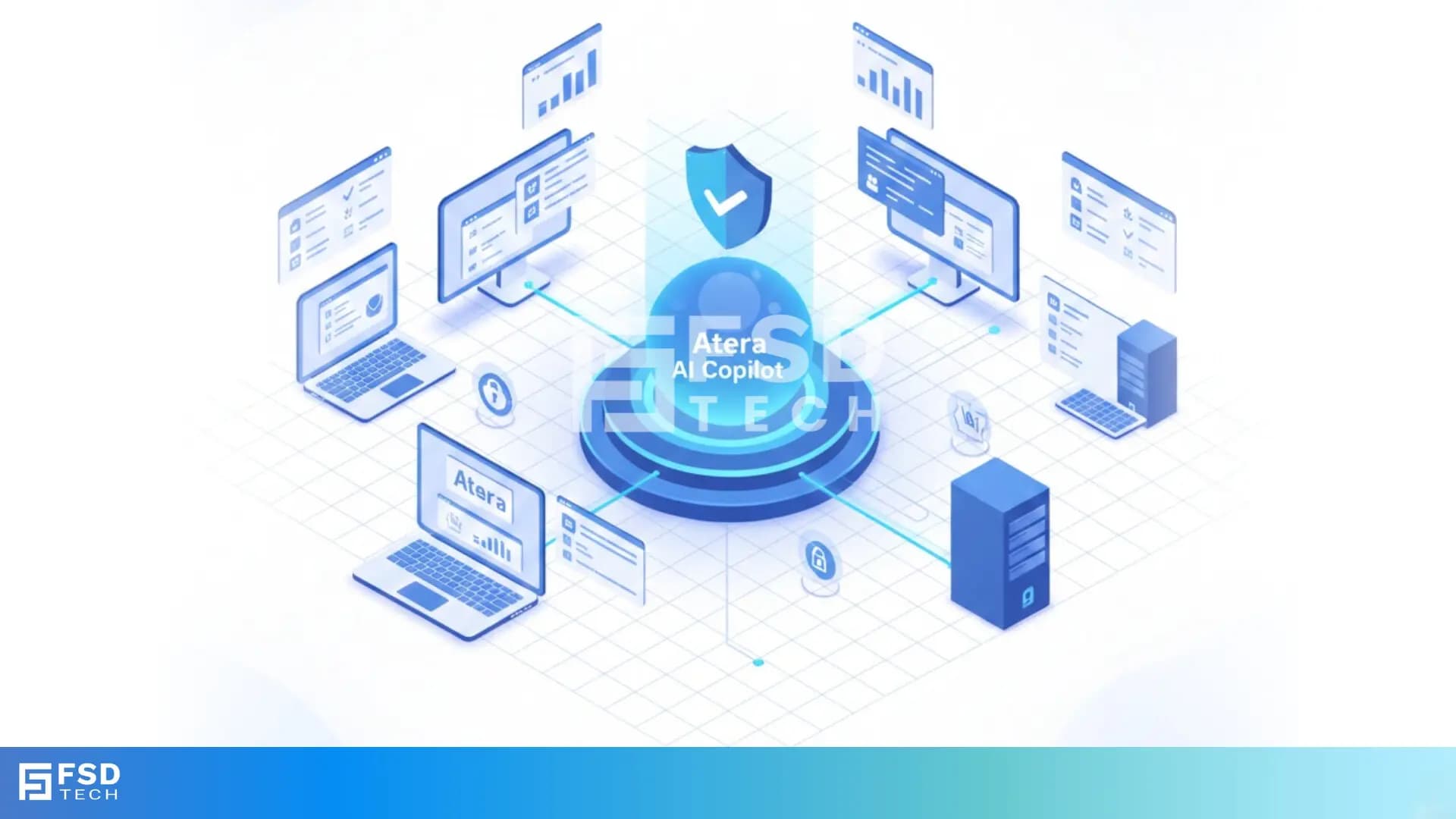
How Atera Brings Consistency to Mixed OS Environments
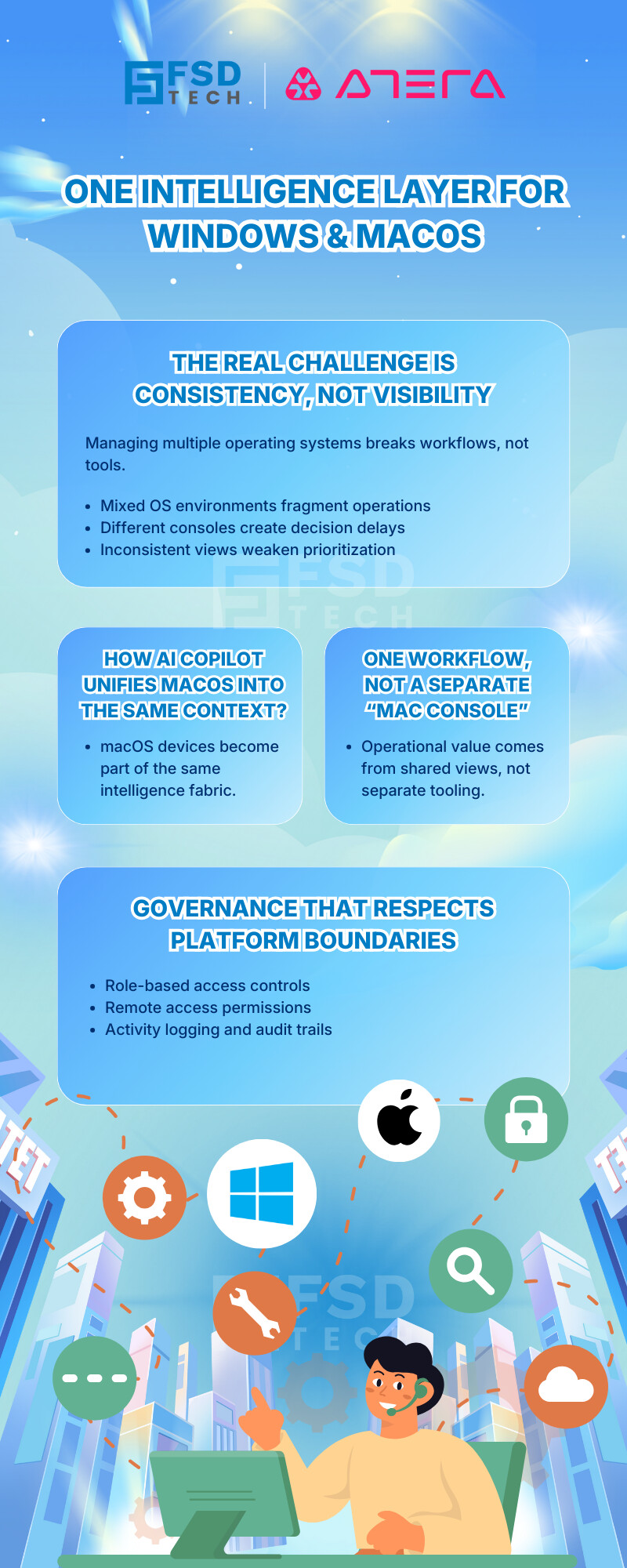
Managing a modern IT environment rarely means managing a single operating system. Most MSPs and internal IT teams today support a blend of Windows, macOS, and sometimes Linux — often across multiple locations, departments, or customers. The challenge isn’t just visibility; it’s consistency.
Atera’s AI Copilot extends intelligence across platforms, allowing teams to manage macOS devices alongside Windows endpoints without switching tools or workflows. While capabilities vary by operating system, Copilot is designed to unify insight, not fragment it.
macOS adoption continues to grow in executive teams, creative departments, and developer environments. For MSPs, this means supporting Apple devices without increasing operational overhead. For internal IT teams, it means enforcing governance and visibility even when devices don’t follow the same technical model as Windows.
Atera approaches macOS support with a pragmatic philosophy: deliver meaningful visibility, control, and automation where the operating system allows it, while maintaining a single operational view across the environment.
When a macOS device is enrolled with the Atera agent, it becomes part of the same intelligence fabric as Windows endpoints. AI Copilot can surface:
This allows technicians to ask Copilot questions that span the entire environment, such as identifying offline devices, aging systems, or endpoints requiring attention — regardless of operating system.
What Copilot does not do is assume parity where none exists. macOS data is analyzed based on what the platform securely exposes, ensuring accuracy rather than inflated claims.
One of the strengths of Atera’s design is that macOS devices appear naturally inside platform-wide views:
Technicians don’t need to filter into a separate “Mac console.” Instead, macOS endpoints participate in the same operational views as Windows devices, allowing teams to prioritize work based on impact rather than operating system.
For MSPs managing mixed client environments, this eliminates the mental overhead of remembering which tool handles which device type.
Atera supports remote access to macOS devices using its integrated remote access tools. From a permissions standpoint, macOS sessions follow the same role-based access controls as other devices — technicians must be explicitly allowed to initiate remote connections.
That said, macOS behaves differently from Windows, and Atera reflects those differences accurately:
AI Copilot can assist technicians during troubleshooting by providing device context, ticket history, and suggested next steps, even if it cannot execute the same remediation actions available on Windows.
This ensures Copilot remains helpful without crossing platform-imposed boundaries.
Automation on macOS is supported, but it is intentionally more conservative than on Windows.
Atera allows scripting on macOS using supported shell-based approaches. AI Copilot can assist by generating scripts or commands when appropriate, but execution depends on device permissions and OS-level constraints.
macOS software updates and patching follow a different lifecycle than Windows. Rather than forcing a Windows-style patching model, Atera focuses on:
This approach prevents unreliable automation while still giving IT teams clarity over macOS posture.
Where AI Copilot truly stands out is not in trying to make macOS behave like Windows, but in making mixed environments manageable.
Technicians can use Copilot to:
Copilot answers questions using the data each operating system provides, without misleading assumptions. This makes its insights dependable — especially important for reporting, audits, and decision-making.
For MSPs, macOS support inside AI Copilot means:
This is particularly relevant for MSPs serving leadership teams, design agencies, or technology firms where macOS is common.
For internal IT teams, cross-platform Copilot support enables:
The result is governance that scales without forcing uniformity.
macOS devices in Atera are governed by the same role-based access framework as other endpoints. Admins retain full visibility into:
This consistency is essential for compliance-driven environments and regulated industries, where visibility matters as much as capability.
AI Copilot does not claim full feature parity between Windows and macOS — and that is by design.
Some advanced remediation, patching, and system-level actions remain Windows-specific due to OS constraints. Rather than obscuring these differences, Atera exposes them clearly, allowing teams to plan workflows accordingly.
This transparency is what makes Copilot trustworthy in real-world operations.
Atera’s AI Copilot does not treat macOS as an afterthought, nor does it overpromise. Instead, it brings macOS devices into a unified intelligence layer that respects platform realities while delivering operational clarity.
For MSPs and internal IT teams alike, this means fewer blind spots, fewer tools, and a single source of truth — even in diverse environments.
Maintain visibility and control across every operating system→ Explore Atera AI Copilot in a 30-minute session.
Atera AI Copilot provides visibility into macOS device status, software inventory, ticket context, and system association. While some remediation actions differ from Windows, Copilot still delivers meaningful insights across macOS environments.
Yes. Atera AI Copilot is designed to provide cross-platform intelligence, allowing MSPs and IT teams to manage Windows and macOS devices within the same dashboards, workflows, and ticketing system.
Atera enables remote access to macOS devices using integrated tools, governed by role-based permissions. Certain actions depend on macOS security settings and user approvals.
AI Copilot can assist with generating macOS-compatible scripts where supported. Execution depends on device permissions and macOS security constraints.
Yes. macOS devices appear in system-level views, customer health perspectives, and asset listings, ensuring they are part of overall operational visibility.
No. Atera reflects macOS update behavior accurately and does not force Windows-style patching. Visibility and reporting are emphasized over unsupported automation.
macOS devices follow the same role-based access controls, logging, and audit frameworks as other endpoints, ensuring consistent governance and accountability.

Anas is an Expert in Network and Security Infrastructure, With over seven years of industry experience, holding certifications Including CCIE- Enterprise, PCNSE, Cato SASE Expert, and Atera Certified Master. Anas provides his valuable insights and expertise to readers.
Share it with friends!




.webp&w=3840&q=75)

.webp&w=3840&q=75)
🕓 March 25, 2026

🕓 March 22, 2026

🕓 March 20, 2026


share your thoughts