HomeManaged ServicesNext Gen IT-InfraMonitoring & ManagementCyber SecurityBCP / DRAutomation
Managed Services
msp-dubai-accounting-firms-managed-it

Why accounting firms in Dubai need an MSP before they think they do?

🕓 April 24, 2026

How FSD-Tech Deploys Xcitium Managed Security in the GCC

How FSD-Tech Deploys Xcitium Managed Security in the GCC

🕓 May 11, 2026

Cloud Security for GCC Enterprises

Cloud Security for GCC Enterprises: How Xcitium's CNAPP Protects Cloud Investment in 2026

🕓 May 14, 2026

Next Gen IT-Infra
Cato’s SASE Supports Cybersecurity Skills Development

How Cato’s SASE Supports Cybersecurity Skills Development

🕓 April 8, 2025

How SASE Supports the Security Needs of SMBs

How SASE Supports the Security Needs of SMBs

🕓 February 9, 2025

Attack Surface Reduction with Cato’s SASE

Attack Surface Reduction with Cato’s SASE

🕓 February 10, 2025

SASE for Digital Transformation in UAE

SASE for Digital Transformation in UAE

🕓 February 8, 2025

Monitoring & Management
Cost-Performance Ratio: Finding the Right Balance in IT Management Networks

Cost-Performance Ratio: Finding the Right Balance in IT Management Networks

🕓 June 16, 2025

Atera’s Communication Tools

Atera’s Communication Tools: Boosting IT Team Productivity in the UAE

🕓 February 8, 2025

Emerging Trends in IT Management

Emerging Trends in IT Management

🕓 February 10, 2025

Atera Disaster Recovery

Atera Disaster Recovery: Top Strategies for UAE IT Teams

🕓 February 9, 2025

Cyber Security
Illustration of the Cato Cloud architecture showing its role in delivering SASE for secure, optimized global connectivity.

Understanding the Cato Cloud and Its Role in SASE

🕓 January 29, 2025

Isometric illustration of professionals managing network performance, bandwidth analytics, and cloud-based optimization around the Cato Networks platform, symbolizing bandwidth control and QoS visibility.

Mastering Bandwidth Control and QoS in Cato Networks

🕓 July 26, 2025

Global network backbone powering Cato SASE solution for secure, high-performance connectivity across regions.

Global Backbone: The Engine Powering Cato’s SASE Solution

🕓 January 30, 2025

Illustration of team analyzing application traffic and usage insights on a large laptop screen using Cato’s dashboard, surrounded by network and cloud icons.

Cato Networks Application Visibility | Monitoring & Control

🕓 July 27, 2025

BCP / DR
Illustration showing diverse business and IT professionals collaborating with cloud, backup, and security icons, representing Vembu use cases for SMBs, MSPs, and IT teams.

Who Uses Vembu? Real-World Use Cases for SMBs, MSPs & IT Teams

🕓 July 12, 2025

Graphic showcasing Vembu’s all-in-one backup and disaster recovery platform with icons for cloud, data protection, and business continuity for IT teams and SMBs.

What Is Vembu? A Deep Dive Into the All in One Backup & Disaster Recovery Platform

🕓 July 6, 2025

Illustration showing Vembu backup and disaster recovery system with cloud storage, server racks, analytics dashboard, and IT professionals managing data.

The Rising Cost of Data Loss: Why Backup Is No Longer Optional?

🕓 August 14, 2025

3D isometric illustration of cloud backup and data recovery infrastructure with laptop, data center stack, and digital business icons — FSD Tech

RPO & RTO: The Heart of Business Continuity

🕓 August 15, 2025

Automation
Cross-Functional Collaboration with ClickUp

Fostering Cross-Functional Collaboration with ClickUp for Multi-Departmental Projects

🕓 February 11, 2025

ClickUp Project Reporting

Revolutionizing Enterprise Reporting with ClickUp’s Advanced Analytics and Dashboards

🕓 June 16, 2025

ClickUp’s Design Collaboration and Asset Management Tools

Empowering Creative Teams with ClickUp’s Design Collaboration and Asset Management Tools

🕓 February 26, 2025

ClickUp Communication and Collaboration Tools

ClickUp Communication and Collaboration Tools: Empowering Remote Teams

🕓 March 12, 2025

    Subscribe to our newsletter!

    About Us

    Follow Us

    Copyright © 2024 | Powered by 

    Atera

    (60)

    Cato Networks

    (131)

    ClickUp

    (78)

    FishOS

    (7)

    Miradore

    (21)

    PointGuard AI

    (9)

    Vembu

    (26)

    Xcitium

    (37)

    ZETA HRMS

    (79)

    Table of Contents

    Atera: Complete Guide to IT Management Platform Features

    Anas Abdu Rauf
    January 23, 2025
    Comments
    IT Management Platform Features

    Atera is a cloud-based IT management platform that combines Remote Monitoring and Management (RMM), Professional Services Automation (PSA), patch management, remote access, and AI agents into a single solution. It is built for Managed Service Providers (MSPs) and internal IT departments. Atera charges per technician, not per device, which makes it easier to scale without rising costs.

    Why IT Teams Are Rethinking Their Tools in 2026

    Managing IT used to mean juggling five or six different tools. One for monitoring. One for ticketing. Another for remote access. And maybe a separate billing system on top of that.


    That patchwork approach costs time and money. It also creates gaps where things fall through.


    Atera was built to solve that problem. It puts everything an IT team needs into one platform. And in 2026, it has gone further by adding autonomous AI agents that handle a large portion of routine IT work on their own.


    This guide breaks down exactly what Atera offers, who it is for, and what you should know before choosing it.


    Start Using Atera today

    What Makes Atera Different?

    One Platform for Everything

    Atera brings together RMM, PSA, helpdesk, patch management, remote access, and automation under one roof. You do not need to buy separate tools or stitch together integrations.


    According to Atera, this unified approach gives IT teams "full visibility across their infrastructure" and removes the need to switch between products to complete everyday tasks.

    Pay Per Technician, Not Per Device

    Most IT management tools charge based on how many devices you monitor. The more endpoints you add, the higher your bill.


    Atera flips that model. You pay a fixed price per technician. You can manage unlimited devices without your costs going up. This structure is especially useful for growing MSPs or IT departments with large endpoint counts.

    Built for MSPs and IT Departments

    Atera has separate pricing tiers and feature sets for both MSPs and in-house IT teams. Each is designed around the specific workflows and business needs of those two groups.


    Also Read: Account Intelligence in Atera: Offline Devices, Trends & Discovery

    Core Features of the Atera Platform

    Remote Monitoring and Management (RMM)

    Atera's RMM lets IT teams monitor all devices in real time from a single dashboard. It tracks Windows, macOS, Linux, and VMware environments.


    Key capabilities include:


    • Real-time performance monitoring — CPU usage, memory, disk space, and network activity
    • Automated alerts — Threshold-based notifications when metrics go outside safe limits
    • Hardware and software inventory — A full list of what is on each device, including version numbers and license status
    • Scripting — Create and run scripts across devices to automate routine maintenance
    • SNMP monitoring — Monitor network devices like routers, switches, printers, firewalls, and access points


    Atera's RMM agents are installed on each device and send continuous data back to the central management platform.

    Professional Services Automation (PSA)

    Atera's PSA covers the business side of IT operations. It handles:


    • Ticket creation, assignment, and tracking
    • Project management
    • Contract and billing management
    • Client relationship management
    • Reporting and analytics


    This means MSPs can manage both the technical work and the business operations from the same place. No need for a separate billing or CRM tool.

    Patch Management

    Atera automates patch management for Windows, macOS, and Linux devices. It runs around the clock to keep devices up to date without requiring manual intervention.


    You can configure the system to approve, delay, or exclude specific patches. This gives you control while keeping the process largely hands-off.


    Atera also supports third-party application patching, so it is not limited to operating system updates.

    Remote Access

    Atera integrates with multiple remote access tools:

    Remote Access ToolIncluded in Atera?
    AnyDeskYes (included)
    SplashtopYes (included)
    TeamViewerBring Your Own License
    ScreenConnect (ConnectWise Control)Bring Your Own License

    Technicians can start a remote session directly from an alert, a ticket, or the device view. This removes extra steps and gets to resolution faster.

    Network Discovery

    Atera's Network Discovery tool gives IT teams a full picture of what is on their network. It supports single-click subnet scanning and identifies:


    • Connected and unauthorized devices
    • Open ports and known vulnerabilities (CVEs)
    • Network performance issues


    Technicians can schedule scans and set up proactive alerts. Agents can also be deployed through domain controller scans. The tool does not allow offsite network scanning, keeping the view limited to what you manage.

    Helpdesk and Ticketing

    Atera's integrated helpdesk lets end users submit support requests through an email address or a customer portal. Tickets are automatically routed and can be prioritized by IT teams.

    On higher-tier plans, AI ticket tagging sorts incoming requests by keyword and assigns them to the most relevant technician automatically.

    Reporting and Analytics

    Atera generates reports on system health, patch status, technician activity, and SLA performance. These reports help IT managers show the value of their work and plan for what comes next.


    Also Read: Granular Permissions & Splashtop Policy Controls: How Atera Secures Remote Access at Scale


    Atera's AI Tools: Robin and AI Copilot

    This is where Atera has made its biggest investment recently. The platform now includes two distinct AI tools.

    Robin — The Autonomous IT Agent

    Robin is Atera's patented autonomous IT agent. It is designed to resolve IT issues from start to finish without a technician needing to step in.


    Here is how Robin works:


    1. It receives a request from a user via Microsoft Teams, Slack, email, or the Atera Customer Portal
    2. Verifies the user's identity through Okta, Azure AD, or Google
    3. It asks follow-up questions to get the full picture of the issue
    4. Searches your internal knowledge base and external sources for a solution
    5. It takes approved actions on the device, network, or in the cloud
    6. Confirms the fix, logs what happened, and closes the ticket


    According to Atera, Robin can handle up to 80% of tier-1 support requests autonomously and can reduce overall IT workload by up to 40%. It escalates to a human technician when an issue is too complex, and passes along the full context so no time is lost.


    Robin integrates with identity providers like Okta and Azure AD, as well as productivity tools like Microsoft Teams, Slack, HubSpot, and Monday.com.

    AI Copilot — The Technician's Companion

    AI Copilot works alongside technicians rather than replacing them. It helps with:


    • Generating scripts for specific tasks
    • Summarizing tickets before a technician reviews them
    • Answering account-specific questions in natural language (e.g., "List all devices with high CPU usage in the last 24 hours")
    • Writing knowledge base articles from resolved tickets
    • Suggesting replies to end users with adjustable tone


    According to Atera's Leeds United customer story, using AI Copilot reduced the club's ticket count by 25–35% and helped them build out their knowledge base faster.


    G2 named Atera the number one AIOps tool on its 2026 list.


    Note: Robin and AI Copilot are add-ons to Atera's base plans. They are not included by default.

    Atera’s Competitive Edge in Remote Management Tools 

    Atera’s unique combination of features gives it a competitive advantage in the IT management market. Here’s why Atera stands out: 

    1. Unique Pricing Model for Greater Flexibility

    Unlike many competitors that charge per endpoint, Atera employs a fixed rate per technician. This innovative pricing model allows IT service providers to scale their operations without incurring excessive costs, making it particularly advantageous for businesses managing a diverse array of client systems.

    2. User-Friendly Interface and Quick Onboarding

    Atera’s intuitive interface and straightforward setup process ensure that teams can start using the platform quickly. Even IT professionals without advanced technical skills can navigate Atera easily, making it accessible for organizations of all sizes.

    3. All-in-One Solution for Streamlined Operations

    By integrating RMM, PSA, and network management within a single platform, Atera eliminates the need for multiple separate tools. This comprehensive approach helps IT service providers streamline operations and improve collaboration across teams, enhancing overall efficiency.

    4. Proactive Management with AI Insights

    Atera’s AI-driven insights provide a significant edge by enabling IT teams to anticipate potential issues. This proactive strategy enhances resource management and minimizes downtime, allowing organizations to stay ahead of the curve in a competitive landscape. 

    5. Robust Remote Support Features for Enhanced Client Satisfaction

    Atera’s remote support tools are essential for efficiently managing a distributed workforce. By allowing technicians to troubleshoot issues without being physically present, Atera offers flexibility that leads to reduced operational costs and improved client satisfaction.

    6. Commitment to Continuous Improvement and Innovation

    Atera is dedicated to evolving alongside technological advancements. Regular updates ensure that users benefit from the latest best practices in ITSM. The continuous enhancement of AI features further streamlines workflows and optimizes operations. 


    Also Read: Thresholds and Auto-Healing in Atera: Fixing Small Problems Before They Become Tickets

    Who Should Use Atera?

    Atera is a strong fit for:


    • MSPs managing multiple clients and endpoints, who need a unified platform for monitoring, billing, and support
    • Internal IT departments that want to reduce manual work and handle more with the same team size
    • Growing IT teams that cannot afford per-device pricing to scale


    It may not be the right fit for organizations looking for a standalone tool — Atera is built as an all-in-one system, and its value is strongest when you use it that way.

    What Atera Supports

    • Operating systems: Windows, macOS, Linux, VMware
    • Mobile app: Available for iOS and Android for on-the-go management
    • Integrations: Splashtop, AnyDesk, Okta, Azure AD, Microsoft Teams, Slack, HubSpot, Monday.com, and more
    • Compliance: HIPAA-compliant Business Associate Agreement (BAA) available on higher-tier plans
    • Uptime SLA: 99.9% uptime commitment on qualifying plans 

    Key Takeaways

    • Atera is an all-in-one IT management platform combining RMM, PSA, patch management, remote access, and AI agents.
    • It uses a per-technician pricing model, so managing more devices does not raise your cost.
    • Atera offers two AI tools: Robin (autonomous agent for end users) and AI Copilot (companion tool for technicians).
    • According to Atera, Robin can reduce IT workload by up to 40% and resolve up to 80% of tier-1 support requests autonomously

    Conclusion

    Atera Networks is more than just an IT management solution; it’s a comprehensive platform designed to meet the diverse needs of today’s IT professionals. By uniting RMM, PSA, and advanced monitoring tools, Atera empowers teams to operate efficiently and effectively, preparing them for success in an increasingly complex digital landscape.


    For businesses seeking a solution that integrates monitoring, automation, and AI-driven insights, Atera is undoubtedly the premier choice. Its commitment to value, combined with cutting-edge technology, positions Atera as a frontrunner in the industry, ready to meet the challenges of modern IT management.


    Talk to an Atera Specialist


    FAQs

    What types of businesses benefit most from Atera’s IT management platform?

    Atera is ideal for Managed Service Providers (MSPs), IT departments, and businesses of all sizes looking to streamline IT operations, manage networks, and provide robust support with AI-driven insights. 
     

    How does Atera’s Network Discovery improve security?

    Atera’s Network Discovery offers proactive alerts, real-time vulnerability detection (CVEs), and always-updated network visibility, helping IT teams secure devices effectively. 
     

    What remote access tools does Atera support?

    Atera integrates free Splashtop, Anydesk access while supporting ScreenConnect, and TeamViewer with additional licenses, enhancing remote support options. 
     

    What makes Atera’s pricing model unique?

    Unlike most platforms charging per device, Atera uses a per-technician pricing model, offering cost-effective scalability for IT service providers.


    Atera: Complete Guide to IT Management Platform Features

    About The Author

    Anas Abdu Rauf

    Anas is an Expert in Network and Security Infrastructure, With over seven years of industry experience, holding certifications Including CCIE- Enterprise, PCNSE, Cato SASE Expert, and Atera Certified Master. Anas provides his valuable insights and expertise to readers.

    TRY OUR PRODUCTS

    Like This Story?

    Share it with friends!

    Subscribe to our newsletter!

    FishOSCato SASEVembuXcitiumZeta HRMSAtera
    Isometric illustration of a centralized performance platform connected to analytics dashboards and team members, representing goal alignment, measurable outcomes, risk visibility, and strategic project tracking within ClickUp.

    How ClickUp Enables Outcome-Based Project Management (Not Just Task Tracking)

    🕓 February 15, 2026
    Isometric illustration of a centralized executive dashboard platform connected to analytics panels, performance charts, security indicators, and strategic milestones, representing real-time business visibility and decision control within ClickUp.

    Executive Visibility in ClickUp – How CXOs Gain Real-Time Control Without Micromanaging

    🕓 February 13, 2026

    Cato SASE Architecture

    Inside Cato’s SASE Architecture: A Blueprint for Modern Security

    🕓 January 26, 2025

    Workflow Automation(8)

    Workforce Automation(1)

    AI Project Management(1)

    HR Data Automation(1)

    RMM(2)

    Firewall Security(1)

    IT Workflow Automation(1)

    IT security(2)

    GCC compliance(4)

    Payroll Integration(2)

    IT support automation(3)

    procurement automation(1)

    lost device management(1)

    IT Management(5)

    IoT Security(3)

    Cato XOps(1)

    IT compliance(5)

    Workflow Management(1)

    Task Automation(1)

    OpenStack automation(1)

    AI-powered cloud ops(1)

    Kubernetes lifecycle management(2)

    SMB Security(8)

    Data Security(1)

    MDR (Managed Detection & Response)(3)

    MSP Automation(3)

    Atera Integrations(2)

    XDR Security(2)

    Threat Detection & Response(1)

    SMB Cyber Protection(1)

    Ransomware Defense(3)

    HR Tech Solutions(1)

    Zero Trust Network Access(3)

    Quantum Threat UAE & GCC(1)

    Quantum Security(1)

    Post-Quantum Cryptography(1)

    Zero Trust Security(2)

    Cloud IDE Security(1)

    Endpoint Management(1)

    SaaS Security(2)

    Payroll Automation(5)

    IT Monitoring(2)

    Xcitium EDR SOC(15)

    Ransomware Protection GCC(1)

    M&A IT Integration(1)

    Network Consolidation UAE(1)

    MSSP for SMBs(1)

    Managed EDR FSD-Tech(1)

    SMB Cybersecurity GCC(1)

    Antivirus vs EDR(1)

    Ransomware Protection(3)

    FSD-Tech MSSP(25)

    Endpoint Security(1)

    Cybersecurity GCC(16)

    Data Breach Costs(1)

    Endpoint Protection(1)

    SMB Cybersecurity(8)

    Managed Security Services(2)

    Zero Dwell Containment(31)

    Xcitium EDR(30)

    Hybrid Backup(1)

    Cloud Backup(1)

    Backup & Recovery(1)

    pointguard ai(4)

    vembu(9)

    disaster recovery myths(1)

    SMB data protection(9)

    backup myths(1)

    Disaster Recovery(4)

    Vembu BDR Suite(19)

    DataProtection(1)

    GCCBusiness(1)

    Unified Network Management(1)

    Secure Access Service Edge(4)

    GCC IT Solutions(1)

    GCC HR software(20)

    open banking(1)

    financial cybersecurity(2)

    CC compliance(1)

    Miradore EMM(15)

    Cato SASE(9)

    Government Security(1)

    Cloud Security(9)

    Hybrid Learning(1)

    GCC Education(1)

    Talent Development(1)

    AI Compliance(2)

    AI Risk Management(1)

    AI Governance(4)

    AI Security(2)

    AI Cybersecurity(13)

    Secure Remote Access(1)

    GCC business security(1)

    GCC network integration(1)

    compliance automation(5)

    education security(1)

    GCC cybersecurity(3)

    Miradore EMM Premium+(5)

    App management UAE(1)

    BYOD security Dubai(8)

    share your thoughts

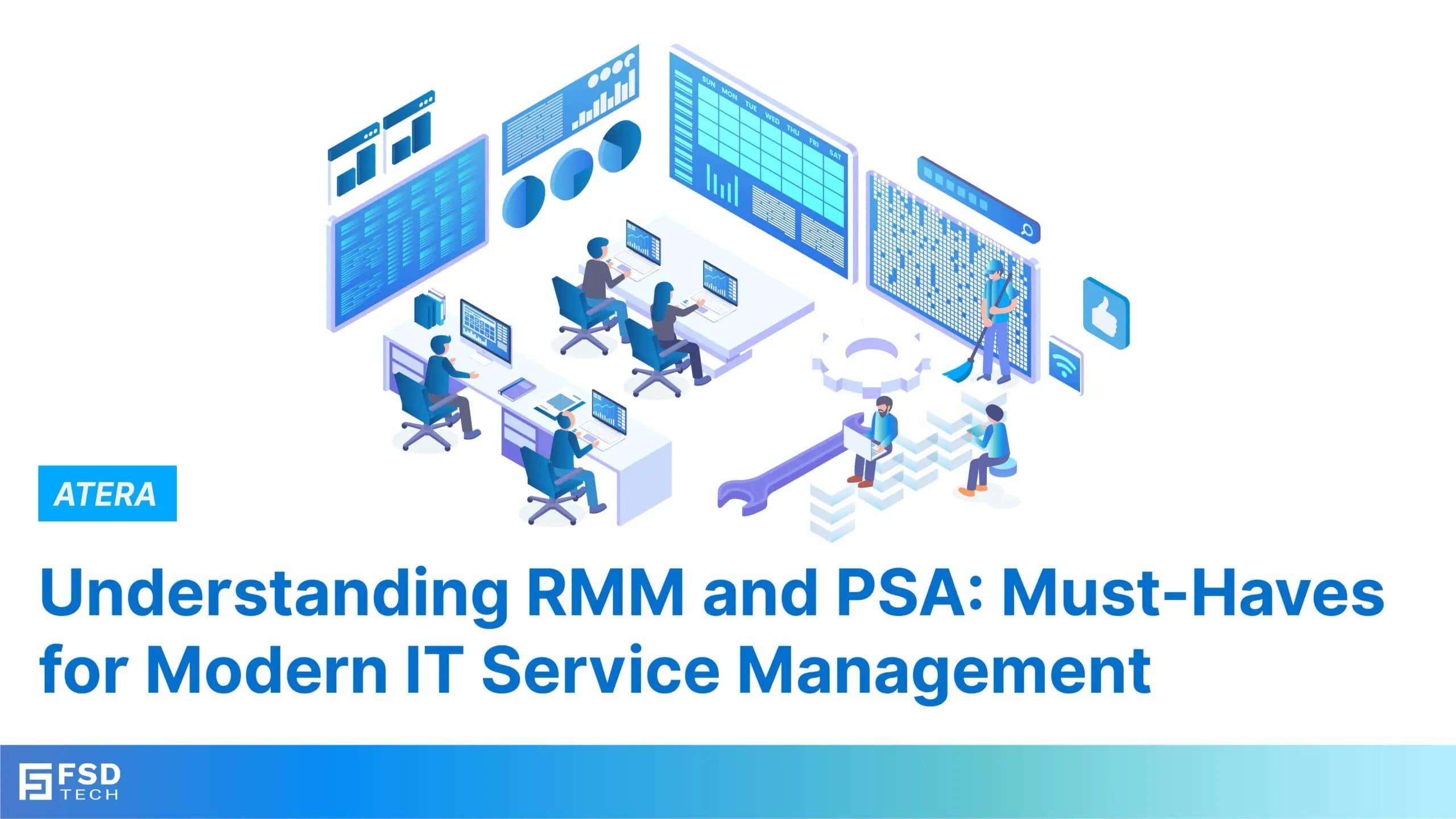
    RMM and PSA Tools

    RMM and PSA Tools Explained: How Atera Combines Both in One Platform

    🕓 January 22, 2025

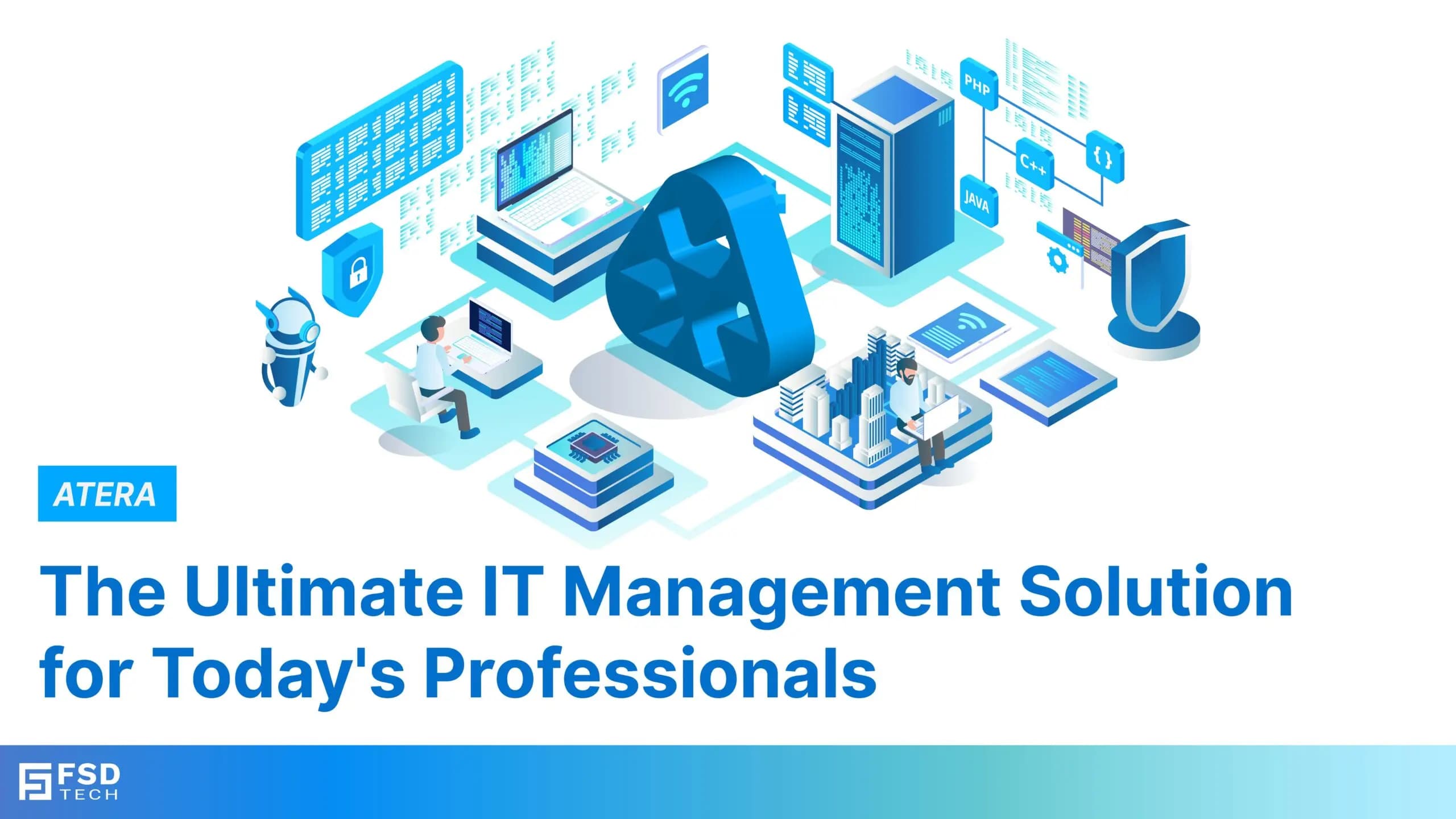
    IT Management Platform Features

    Atera: Complete Guide to IT Management Platform Features

    🕓 January 23, 2025

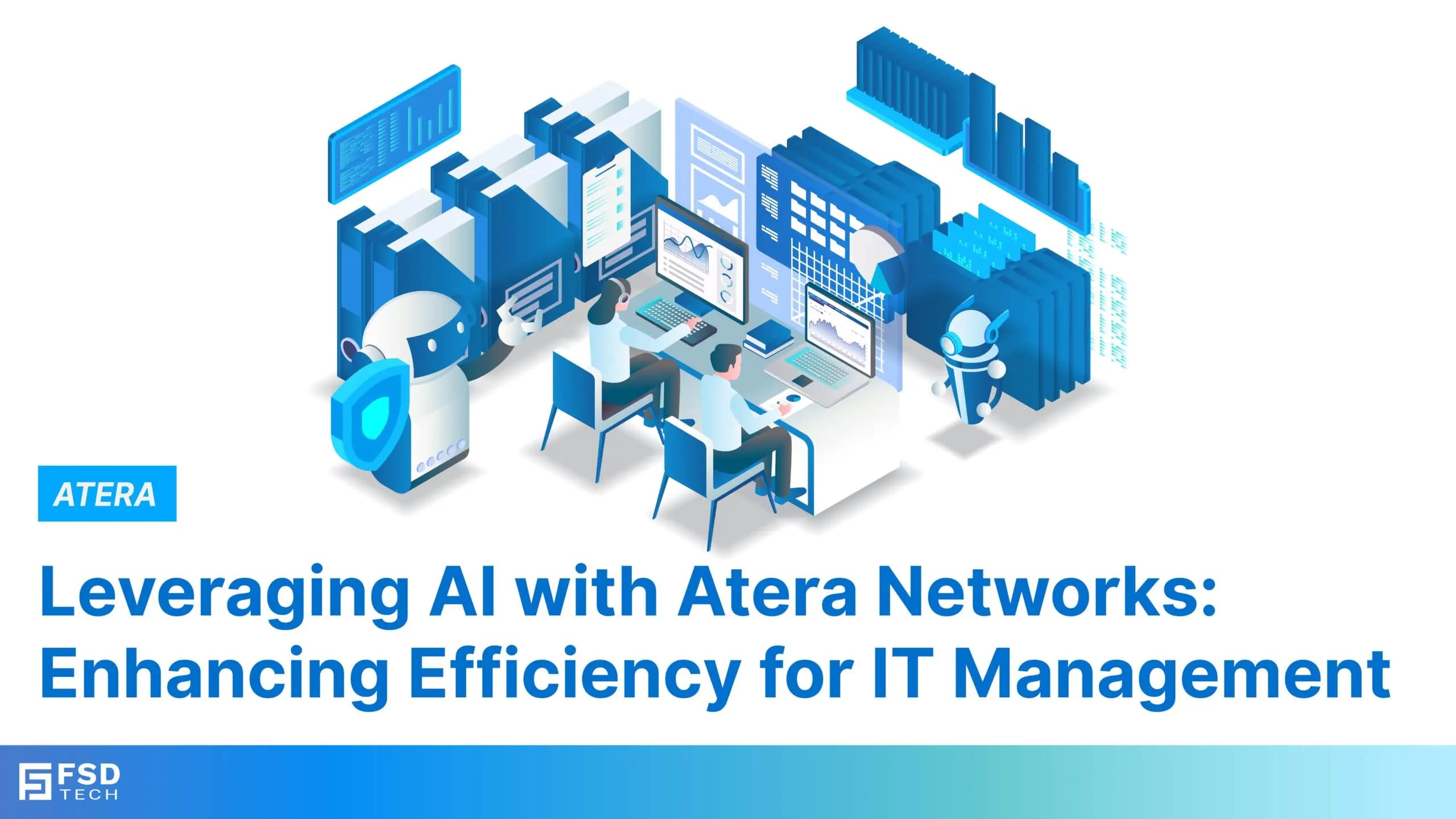
    How Atera Uses AI for IT Management

    How Atera Uses AI for IT Management in 2026 | AI Copilot & Robin Explained

    🕓 January 24, 2025

    Managed Services(3)

    Decoded(247)

    Cyber Security(129)

    BCP / DR(26)

    Zeta HRMS(78)

    SASE(21)

    Automation(80)

    Next Gen IT-Infra(128)

    Monitoring & Management(81)

    ITSM(22)

    HRMS(21)

    Automation(24)