.webp&w=3840&q=75)
How ClickUp Enables Outcome-Based Project Management (Not Just Task Tracking)
🕓 February 15, 2026
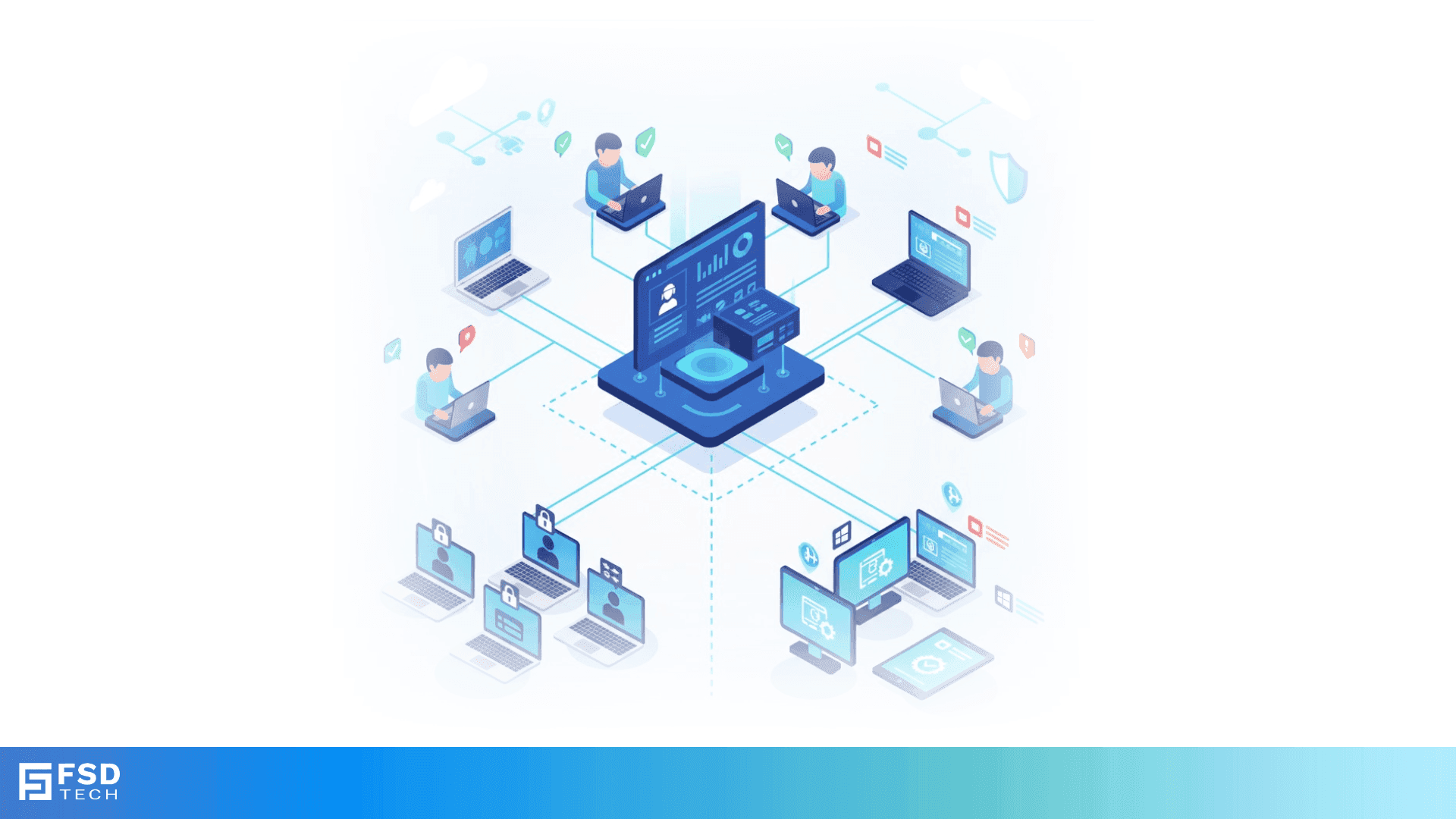
Educational institutions increasingly rely on technology to enhance learning, manage administrative tasks, and enable hybrid classrooms. This introduces challenges for IT teams: securing devices, ensuring compliance, and managing both school-owned and student/teacher personal devices.
Miradore EMM addresses these challenges by providing robust management tools for BYOD (Bring Your Own Device) programs and shared device environments. IT teams can enforce policies, maintain compliance, and ensure devices are always ready for learning—without disrupting user experience or privacy.
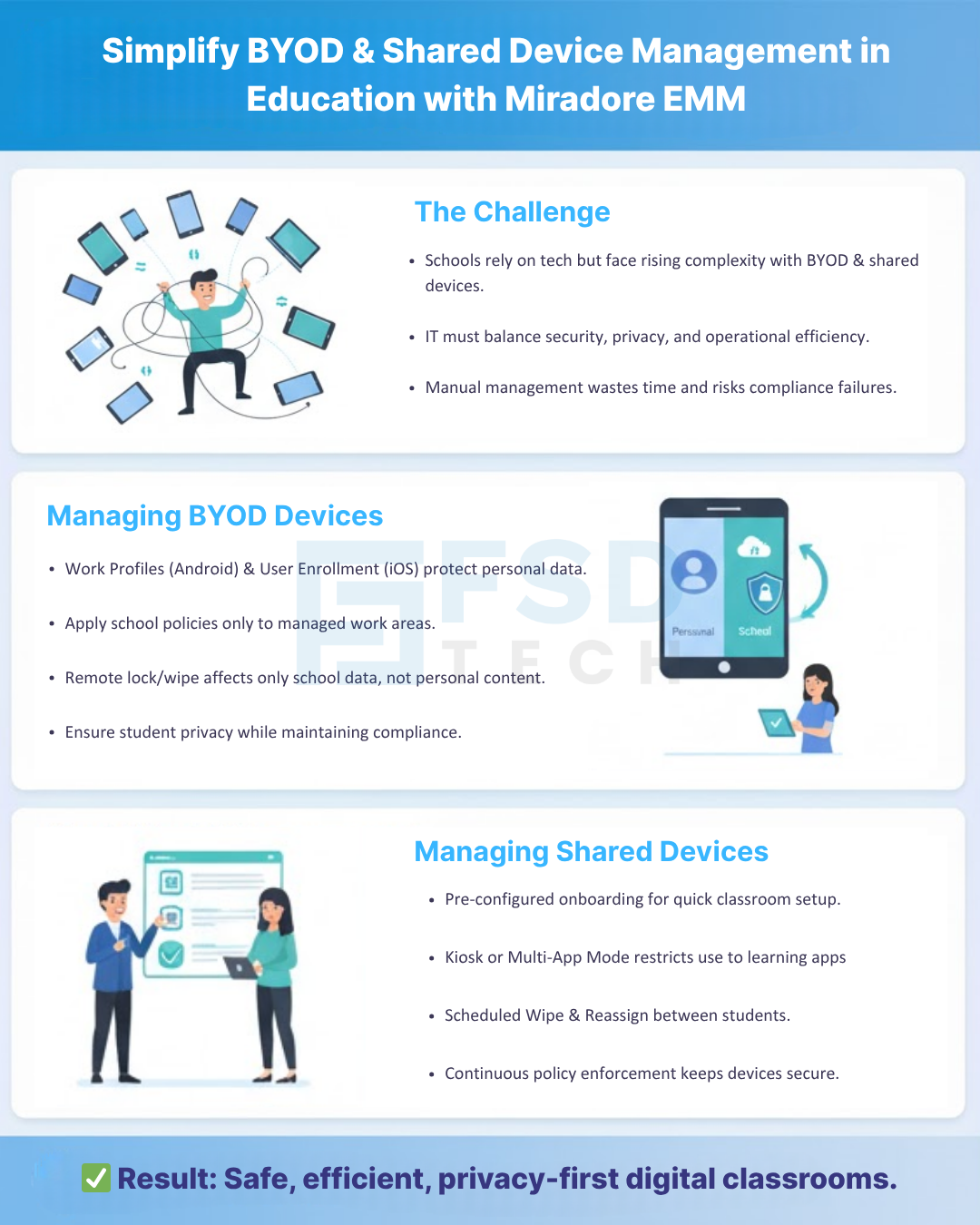
Schools and universities face unique challenges with devices:
Miradore EMM simplifies these challenges through centralized management, automation, and reporting, tailored to the education environment.
Miradore EMM supports privacy-first management for BYOD devices:
This ensures student privacy while maintaining consistent security and compliance standards.
Shared devices—used in classrooms, labs, or libraries—require frequent resets and updates:
These capabilities reduce IT workload while maintaining a secure, consistent learning environment.
Miradore EMM’s reporting and automation features are crucial for educational institutions:
This level of automation helps schools maintain operational efficiency and meet regulatory standards.
A mid-sized university implemented a BYOD program alongside school-owned laptops for labs. Challenges included:
With Miradore EMM, the IT team was able to:
The result was improved security, operational efficiency, and student satisfaction.
Miradore EMM enables educational institutions to securely manage BYOD and shared devices, streamline IT operations, and maintain compliance. By leveraging automation and policy enforcement, IT teams can focus on supporting teaching and learning rather than troubleshooting devices.
Want to see how Miradore can transform your classroom and BYOD management? Schedule a no-obligation call now
Miradore creates secure work profiles or user-enrolled environments for personal devices, applying school policies without accessing private data.
Yes. Miradore supports automated wipes, kiosk mode, and dynamic reassignments, ensuring shared devices are secure and ready for the next user.
Absolutely. IT teams can enforce encryption, VPNs, password policies, and app restrictions on managed profiles or school-owned devices.
Yes. Scheduled reports track device compliance, policy adherence, patch status, and SLA metrics for easy auditing.
Yes. Devices can be pre-configured and enrolled automatically, reducing setup time and ensuring consistent policies across the fleet.
Yes. Policies apply only to school-managed apps and profiles; personal files and apps remain untouched.
Yes. Administrators can monitor app usage, device compliance, and activity logs to optimize resource allocation and ensure proper usage.
Yes. Miradore manages Android, iOS, macOS, and Windows devices from a single console, simplifying IT management for mixed device environments.

Anas is an Expert in Network and Security Infrastructure, With over seven years of industry experience, holding certifications Including CCIE- Enterprise, PCNSE, Cato SASE Expert, and Atera Certified Master. Anas provides his valuable insights and expertise to readers.
Share it with friends!




.webp&w=3840&q=75)

.webp&w=3840&q=75)
🕓 March 25, 2026

🕓 March 22, 2026

🕓 March 20, 2026


share your thoughts