.webp&w=3840&q=75)
How ClickUp Enables Outcome-Based Project Management (Not Just Task Tracking)
🕓 February 15, 2026
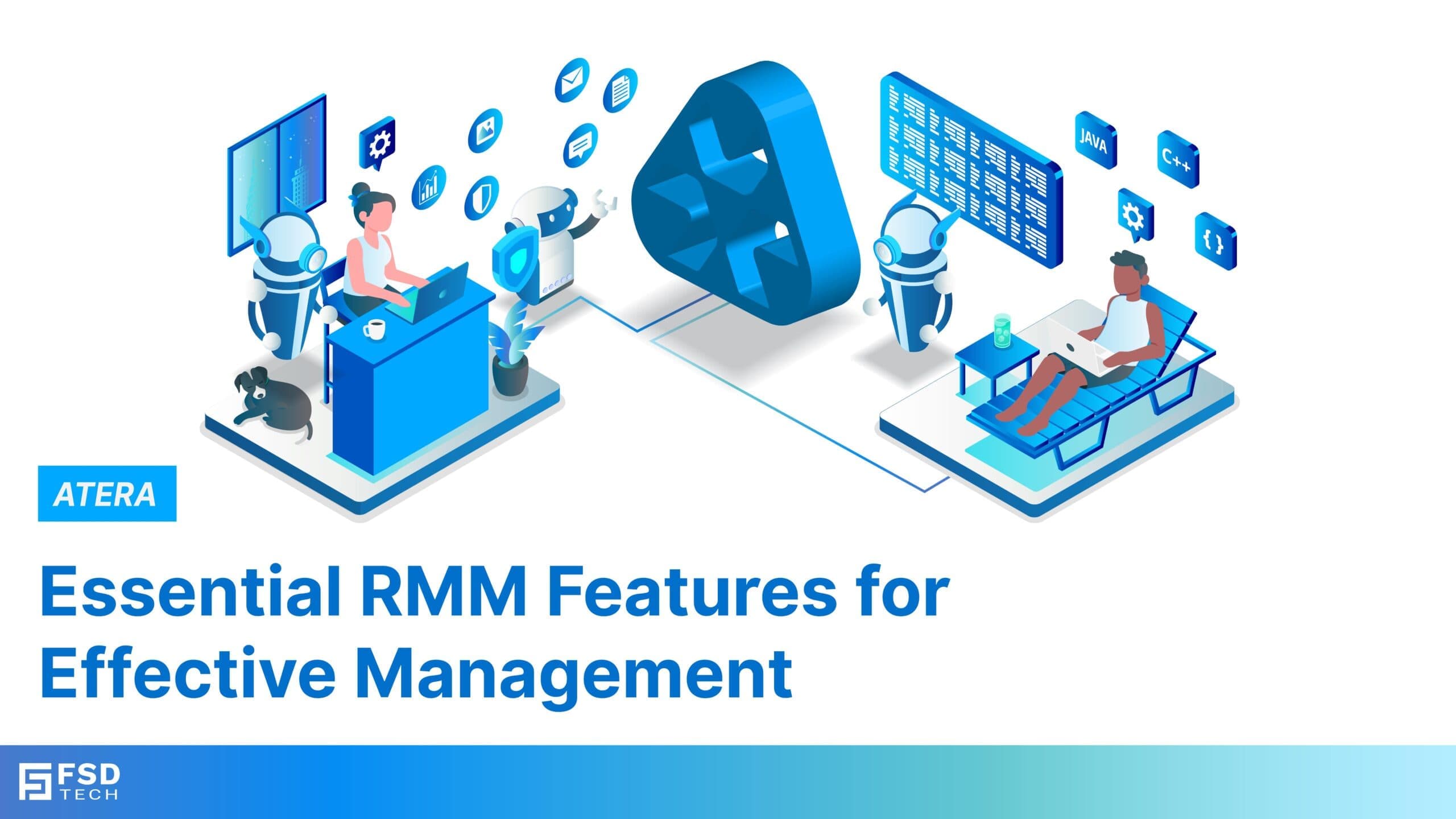
What features should you look for in an RMM tool?
The core features to evaluate in any RMM tool are automated monitoring and alerts, remote access, patch management, reporting and analytics, task automation, and scalability. A strong RMM tool handles these from one platform, without requiring separate software for each function.
IT teams today manage more devices, more users, and more security requirements than ever before. The right Remote Monitoring and Management (RMM) tool can be the difference between catching a problem before it causes downtime and spending hours on reactive fixes.
But not all RMM tools are built the same. Some charge per device. Some require multiple add-ons to cover basic functions. Some have steep learning curves that slow adoption.
This guide walks through the features that matter most when evaluating RMM software. For each one, we also show how Atera handles it — based on what Atera's platform and support documentation actually describe.
Why it matters: Real-time monitoring is the foundation of any RMM tool. It lets IT teams spot problems before users are affected. Without it, you are always reacting rather than preventing.
What to look for:
How Atera handles it: Atera's RMM monitors Windows, macOS, Linux, servers, and SNMP-enabled devices in real time. IT teams can set custom thresholds and receive alerts when those thresholds are crossed. This includes monitoring CPU usage, memory, disk space, network activity, failed login attempts, and security events.
Alerts can be configured to notify specific team members or trigger automated responses. This means a problem can be flagged and acted on without anyone having to manually check a dashboard.
Why it matters: Remote access lets technicians diagnose and fix issues without going on-site. This saves time, reduces travel costs, and speeds up resolution for users.
What to look for:
How Atera handles it: Atera supports remote access through four tools: Splashtop, AnyDesk, TeamViewer, and ScreenConnect. Splashtop and AnyDesk are available within Atera's plans at no additional software cost, depending on your plan tier. TeamViewer and ScreenConnect are supported when you bring your own license.
Remote sessions can be started directly from an alert, a ticket, or a device view inside the Atera platform.
Security details, verified from Atera's support documentation:
Plan note: Splashtop is included across all MSP plans. AnyDesk is available on Growth, Power, and Superpower plans for MSPs, and Expert, Master, and Enterprise plans for IT departments. ScreenConnect is supported on Windows devices only. Always confirm your plan's inclusions with Atera or your local partner.
Why it matters: Unpatched systems are one of the most common entry points for security incidents. Manual patching is time-consuming and easy to miss. Automated patch management removes that risk.
What to look for:
How Atera handles it: Atera automates patch scanning, scheduling, and deployment from a single dashboard. IT teams can create patching policies to control when updates roll out, which helps avoid disruptions during work hours.
Patch management covers Windows, macOS, and Linux devices. When new devices are discovered through Atera's Network Discovery tool, they can be onboarded into the patching program quickly.
Why it matters: Data helps IT managers make better decisions. Reports on device health, technician performance, and client satisfaction show where things are working and where they need attention.
What to look for:
How Atera handles it: Atera includes built-in reporting and analytics tools. IT teams can track system performance, monitor uptime, review technician activity, and measure response times. Advanced reporting capabilities are available on higher-tier plans.
Reports can be customized to focus on the metrics that matter most to your organization or your clients. This makes it easier to demonstrate value and plan for capacity needs.
Why it matters: Routine IT tasks take up a lot of time. Automating them reduces errors, speeds up delivery, and frees up technicians to focus on more complex work.
What to look for:
How Atera handles it: Atera includes IT automation tools that allow teams to automate software installations, performance monitoring, health checks, and script deployments. Automations can be scheduled to run at specific intervals, and email notifications can be set up to confirm task completion.
Atera also includes a scripting tool alongside its automation features. Scripts can be written manually or generated using Atera's AI Copilot, which creates context-specific scripts in seconds based on the issue at hand.
Why it matters: As IT environments grow more complex, AI tools help technicians work faster and handle higher ticket volumes without adding headcount.
What to look for:
How Atera handles it: Atera was the first IT management platform to introduce Agentic AI, which it calls Autonomous IT. This includes two main tools:
AI Copilot works alongside technicians. It can:
Robin is Atera's autonomous AI agent for end users. It can:
According to Atera, Robin reduces IT workload by up to 40% by handling repetitive requests autonomously.
Why it matters: Your IT environment will grow. Your RMM tool needs to grow with it, without requiring new hardware or causing cost spikes every time you add devices.
What to look for:
How Atera handles it: Atera is a cloud-based platform, so there is no on-premises hardware to manage. It supports organizations from small IT teams to large enterprises managing tens of thousands of endpoints.
Its per-technician pricing model means your cost stays fixed as your device count grows. You do not pay extra per endpoint. According to Atera's published case studies, one MSP reached over 2,300 endpoints without any increase in core RMM licensing costs after switching to this model.
Also Read: AI-Driven Remote Session Summaries in Atera: Turning Hands-On Support Into Instant Documentation
| Feature | What Most RMM Tools Offer | What Atera Offers |
|---|---|---|
| Pricing | Per endpoint (costs scale with devices) | Per technician (costs stay fixed) |
| AI | Basic automation or none | AI Copilot + Robin (Autonomous IT) |
| Remote Access | Often one tool only | Splashtop, AnyDesk (included by plan), TeamViewer, ScreenConnect (BYOL) |
| Patch Management | Windows-focused | Windows, macOS, and Linux |
| Platform | Often requires separate PSA tool | RMM + PSA + helpdesk in one platform |
| Onboarding | Can take weeks | Most users are operational within days, per G2 reviews cited by Atera |
Also Read: Bluetooth Pairing Modes: Guide to Secure Connections
What are the most important features in an RMM tool?
The core features to prioritize are real-time monitoring and alerts, secure remote access, automated patch management, reporting and analytics, task automation, and a pricing model that scales with your business.
How does Atera's remote access work?
Atera supports remote access through Splashtop, AnyDesk, TeamViewer, and ScreenConnect. Splashtop is available on all MSP plans. AnyDesk is available on Growth, Power, and Superpower plans for MSPs and Expert, Master, and Enterprise plans for IT departments. TeamViewer and ScreenConnect require you to bring your own license. Remote sessions can be started directly from an alert, ticket, or device view within Atera.
What makes Atera's pricing different from other RMM tools?
Atera charges per technician, not per endpoint. Most RMM tools charge per device, which means your cost rises with every new endpoint you add. With Atera, your monthly cost stays fixed regardless of how many devices you manage.
What is Atera's AI Copilot?
AI Copilot is Atera's built-in AI assistant for IT technicians. It helps troubleshoot issues using real-time diagnostics, summarizes tickets, creates scripts, generates remote session summaries, and builds knowledge base articles. It is part of Atera's Autonomous IT product.
Does Atera support patch management for macOS and Linux?
Yes. Atera's automated patch management covers Windows, macOS, and Linux devices from a centralized dashboard.
How quickly can a team get started with Atera?
Atera is designed for fast onboarding. According to G2 reviews cited by Atera, new technicians are typically up and running within minutes of signing up. Atera also offers a 30-day free trial with no credit card required to evaluate the platform before committing.
Is Atera suitable for small IT teams?
Yes. Atera is used by IT departments of all sizes and MSPs ranging from small teams to large operations. Its per-technician pricing makes it accessible for smaller teams, and its cloud-based setup means there is no infrastructure to manage.
Choosing an RMM tool comes down to whether it can do the job across all the areas that matter — monitoring, patching, remote access, automation, and reporting — without forcing you to stitch together multiple products.
Atera brings all of these into one platform. Its per-technician pricing model removes the growth penalty that comes with per-device billing. And its AI tools, AI Copilot and Robin, are purpose-built to reduce workload rather than just add features.
If you are evaluating RMM options for your organization in 2026, Atera is worth putting at the top of your list.
For teams based in the GCC region, FSD-Tech is a certified Atera partner that deploys and supports the platform locally.

Anas is an Expert in Network and Security Infrastructure, With over seven years of industry experience, holding certifications Including CCIE- Enterprise, PCNSE, Cato SASE Expert, and Atera Certified Master. Anas provides his valuable insights and expertise to readers.
Share it with friends!




.webp&w=3840&q=75)



share your thoughts