HomeNext Gen IT-InfraMonitoring & ManagementCyber SecurityBCP / DRAutomationDecoded
Next Gen IT-Infra
Cato’s SASE Supports Cybersecurity Skills Development

How Cato’s SASE Supports Cybersecurity Skills Development

🕓 April 8, 2025

How SASE Supports the Security Needs of SMBs

How SASE Supports the Security Needs of SMBs

🕓 February 9, 2025

Attack Surface Reduction with Cato’s SASE

Attack Surface Reduction with Cato’s SASE

🕓 February 10, 2025

SASE for Digital Transformation in UAE

SASE for Digital Transformation in UAE

🕓 February 8, 2025

Monitoring & Management
Understanding Atera’s SLA Management

Understanding Atera’s SLA Management

🕓 February 7, 2025

Cost-Performance Ratio: Finding the Right Balance in IT Management Networks

Cost-Performance Ratio: Finding the Right Balance in IT Management Networks

🕓 June 16, 2025

Customizing Atera with APIs

Customizing Atera with APIs

🕓 March 3, 2025

Power Up Your IT Team’s Strategy with Atera’s Communication Tools

Power Up Your IT Team’s Strategy with Atera’s Communication Tools

🕓 February 8, 2025

Cyber Security
Visual guide showing Cato CMA interface for configuring Internet and WAN firewall rules, enabling threat protection, and monitoring security events in real time for UAE IT teams.

Enforcing Firewall and Threat Protection Policies in Cato

🕓 July 25, 2025

Isometric illustration of professionals managing network performance, bandwidth analytics, and cloud-based optimization around the Cato Networks platform, symbolizing bandwidth control and QoS visibility.

Mastering Bandwidth Control and QoS in Cato Networks

🕓 July 26, 2025

Illustration of the Cato Cloud architecture showing its role in delivering SASE for secure, optimized global connectivity.

Understanding the Cato Cloud and Its Role in SASE

🕓 January 29, 2025

Global network backbone powering Cato SASE solution for secure, high-performance connectivity across regions.

Global Backbone: The Engine Powering Cato’s SASE Solution

🕓 January 30, 2025

BCP / DR
Illustration showing diverse business and IT professionals collaborating with cloud, backup, and security icons, representing Vembu use cases for SMBs, MSPs, and IT teams.

Who Uses Vembu? Real-World Use Cases for SMBs, MSPs & IT Teams

🕓 July 12, 2025

Graphic showcasing Vembu’s all-in-one backup and disaster recovery platform with icons for cloud, data protection, and business continuity for IT teams and SMBs.

What Is Vembu? A Deep Dive Into the All in One Backup & Disaster Recovery Platform

🕓 July 6, 2025

Illustration showing Vembu backup and disaster recovery system with cloud storage, server racks, analytics dashboard, and IT professionals managing data.

The Rising Cost of Data Loss: Why Backup Is No Longer Optional?

🕓 August 14, 2025

3D isometric illustration of cloud backup and data recovery infrastructure with laptop, data center stack, and digital business icons — FSD Tech

RPO & RTO: The Heart of Business Continuity

🕓 August 15, 2025

Automation
Cross-Functional Collaboration with ClickUp

Fostering Cross-Functional Collaboration with ClickUp for Multi-Departmental Projects

🕓 February 11, 2025

ClickUp Project Reporting

Revolutionizing Enterprise Reporting with ClickUp’s Advanced Analytics and Dashboards

🕓 June 16, 2025

ClickUp’s Design Collaboration and Asset Management Tools

Empowering Creative Teams with ClickUp’s Design Collaboration and Asset Management Tools

🕓 February 26, 2025

ClickUp Communication and Collaboration Tools

ClickUp Communication and Collaboration Tools: Empowering Remote Teams

🕓 March 12, 2025

Decoded
Multi-Factor Authentication (MFA)

Multi-Factor Authentication (MFA): All You Need to Know

🕓 December 7, 2025

L3 Switch

What Is an L3 Switch? L2 vs L3 & Why You Need Layer 3?

🕓 December 8, 2025

IPSec

IPSec Explained: Protocols, Modes, IKE & VPN Security

🕓 December 3, 2025

 Datagram Transport Layer Security (DTLS)

What is Datagram Transport Layer Security (DTLS)? How it works?

🕓 December 4, 2025

    Subscribe to our newsletter!

    About Us

    Follow Us

    Copyright © 2024 | Powered by 

    Cato SASE Architecture

    Inside Cato’s SASE Architecture: A Blueprint for Modern Security

    🕓 January 26, 2025

    Enterprise Data Security and Privacy with ClickUp

    Ensuring Enterprise Data Security and Privacy with ClickUp

    🕓 February 9, 2025

    DDoS protection SASE

    DDoS Protection and Cato’s Defence Mechanisms

    🕓 February 11, 2025

    Table of Contents

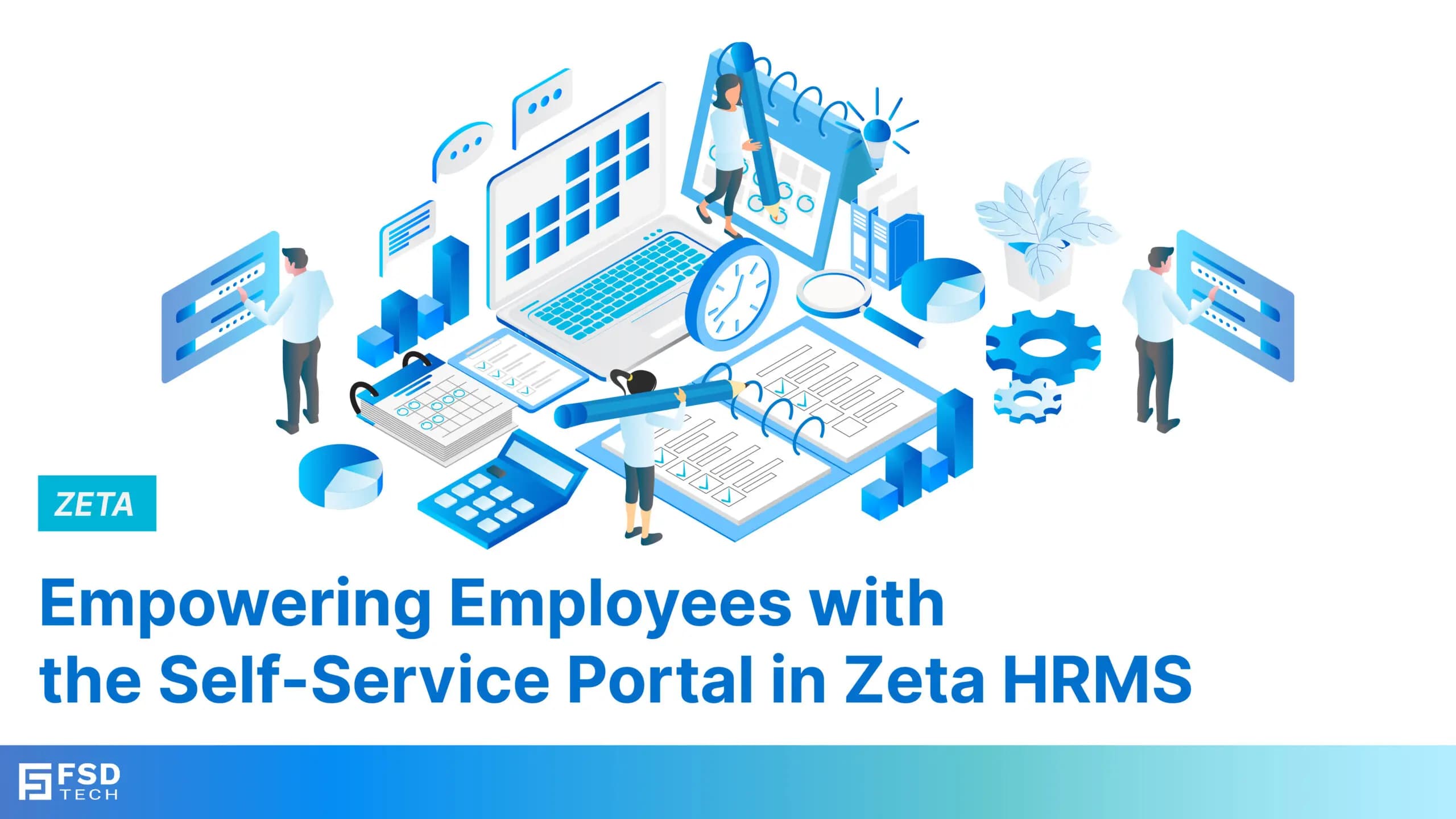
    Empowering Employees with the Self-Service Portal in Zeta HRMS

    Anandhu Sivan
    January 31, 2025
    Comments
    Empowering Employees with the Self-Service Portal in Zeta HRMS

    Introduction


    In the modern workplace, employee empowerment and engagement are key drivers of productivity and satisfaction. Employees increasingly seek greater control over their personal information, leave applications, and payroll details. Traditional HR processes often involve multiple layers of approvals and communication, which can lead to delays and frustrations for both employees and HR teams.

    To address this, Zeta HRMS offers a self-service portal that provides employees with instant access to their data, allowing them to perform essential tasks independently. By automating routine HR tasks and promoting transparency, the self-service portal reduces administrative workload while fostering a sense of ownership among employees.

    In this blog, we’ll explore how the self-service portal in Zeta HRMS empowers employees, enhances engagement, and streamlines HR operations.

    Why Employee Self-Service Matters


    The concept of self-service in HR is transforming how organizations manage employee data and interactions. Here’s why it’s important:


    • Increased Efficiency: Reduces the workload on HR teams by allowing employees to handle routine tasks independently.


    • Enhanced Transparency: Employees gain direct access to their personal data, ensuring transparency in HR processes.


    • Improved Engagement: Empowering employees to manage their information fosters a sense of ownership and responsibility.


    • Time Savings: Instant access to information reduces the need for back-and-forth communication between employees and HR.


    • Data Accuracy: By allowing employees to update their details, the self-service portal ensures that the information in the system is always accurate.


    Zeta HRMS addresses these benefits with a feature-rich and intuitive self-service portal.

    Key Features of the Self-Service Portal in Zeta HRMS


    The self-service portal in Zeta HRMS is designed to provide employees with comprehensive access to their HR-related data while maintaining security and privacy.

     1. Personal Information Management

    Zeta HRMS allows employees to view and update their personal information, ensuring that the organization’s records are always up-to-date:


    • Profile Updates: Employees can update details such as address, contact information, and emergency contacts.


    • Document Uploads: Upload important documents like ID proofs and certifications directly through the portal.


    • Bank Details: Update bank account information for salary disbursement.


    Benefits: Enhances data accuracy, reduces HR workload, and ensures timely updates of employee information.

    2. Leave and Attendance Management

    Managing leave and attendance is a critical aspect of HR operations. The self-service portal simplifies this process by allowing employees to:


    • Apply for Leaves: Submit leave requests with options to add supporting documents if required.


    • Track Leave Balances: View real-time leave balances, including earned, sick, and casual leave.


    • Attendance Records: Access attendance history, including clock-in/clock-out times and overtime details.


    Benefits: Promotes transparency, reduces leave-related disputes, and streamlines the approval process.

    3. Payroll and Payslip Access

    Employees often have queries regarding their salaries and deductions. Zeta HRMS addresses this by providing:


    • Payslip Downloads: View and download payslips for any pay cycle.


    • Salary Breakdown: Access a detailed breakdown of earnings, deductions, and net pay.


    • Tax Information: View tax deductions and year-to-date earnings for easier tax planning.


    Benefits: Improves financial transparency, reduces payroll-related queries, and empowers employees to manage their finances better.

    4. Training and Development Access

    Training and development is a continuous process, and employees need easy access to their training schedules and materials. The self-service portal enables:


    • Training Schedules: View upcoming training sessions and register for relevant programs.


    • Training Materials: Access training documents, videos, and other resources.


    • Certification Records: Download certificates upon completing training programs.


    Benefits: Encourages continuous learning, improves participation in training programs, and supports career development.

    5. Performance Management Interaction

    Performance management is more effective when employees are actively involved in the process. Zeta HRMS allows employees to:


    • Set and Track Goals: View individual goals and update progress as they work toward achieving them.


    • Provide Feedback: Submit feedback on performance and participate in self-assessments.


    • Access Appraisal Records: View past appraisal results and feedback from managers.


    Benefits: Increases employee engagement in performance management, fosters a feedback-driven culture, and supports personal growth.

    6. HR and Policy Announcements

    Effective communication is key to keeping employees informed. The self-service portal includes a section for:


    • Company Announcements: HR can post updates on policies, holidays, and events.


    • Policy Documents: Employees can access updated HR policies, handbooks, and guidelines.


    • Feedback and Queries: Submit queries or suggestions directly to the HR team through the portal.


    Benefits: Improves internal communication, ensures employees stay informed, and fosters a collaborative environment.

    How Zeta HRMS Enhances Employee Engagement


    Zeta HRMS’s self-service portal goes beyond automation to promote a more engaged and informed workforce:

    1. Empowering Employees

    By giving employees control over their personal information and tasks, Zeta HRMS fosters a sense of ownership and accountability.

    2. Reducing Administrative Workload

    Routine HR tasks are automated, freeing up HR teams to focus on strategic initiatives like talent management and organizational development.

    3. Promoting Transparency

    With real-time access to information, employees gain better visibility into HR processes, reducing misunderstandings and disputes.

    4. Supporting Continuous Learning

    Easy access to training materials and schedules encourages employees to pursue continuous learning and development opportunities.

    Overcoming Challenges with Self-Service in Zeta HRMS

    Challenge 1: Ensuring Data Security

    Solution: Zeta HRMS uses advanced encryption and role-based access control to ensure data privacy and security.

    Challenge 2: Adoption of Self-Service Tools

    Solution: The intuitive design and user-friendly interface of the portal encourage employees to adopt self-service tools quickly.

    Challenge 3: Maintaining Data Accuracy

    Solution: By allowing employees to update their information, Zeta HRMS ensures that records remain accurate and up-to-date.

    Best Practices for Using the Self-Service Portal in Zeta HRMS


    • Encourage Adoption: Provide training and guides to help employees make the most of the portal’s features.


    • Ensure Regular Updates: Keep the portal updated with the latest HR policies, announcements, and training materials.


    • Monitor Usage: Use analytics to track portal usage and identify areas for improvement.


    • Promote Feedback: Encourage employees to provide feedback on the portal’s functionality to improve user experience.

    Conclusion


    The self-service portal in Zeta HRMS is a game-changer for organizations seeking to enhance employee engagement, improve transparency, and reduce administrative workload. By empowering employees with real-time access to their information and tasks, Zeta HRMS fosters a more engaged, informed, and motivated workforce.


    Tomorrow, we’ll explore how Zeta HRMS helps organizations maintain compliance and generate legal reports effortlessly. Stay tuned!

    FAQs 


    What is the Employee Self-Service (ESS) portal in Zeta HRMS?

    The ESS portal in Zeta HRMS allows employees to manage their HR tasks independently, such as applying for leave, viewing payslips, and updating personal information.


    How does the ESS portal enhance employee engagement?

    By providing employees with direct access to HR services, the ESS portal increases transparency and reduces the need for manual HR intervention, improving engagement.


    Can employees access their attendance records through the ESS portal?

    Yes, employees can view their daily attendance, working hours, and shift schedules through the ESS portal.


    Is the ESS portal available on mobile devices?

    Yes, Zeta HRMS offers a mobile app that provides full access to the ESS portal, enabling employees to manage their tasks on the go.


    How can employees apply for leave using the ESS portal?

    Employees can apply for leave by selecting the type of leave, specifying the dates, and submitting the request through the ESS portal. Managers are notified for approval.


    Does the ESS portal allow employees to download payslips?

    Yes, employees can view and download their payslips directly from the ESS portal.


    Can employees update their personal information through the ESS portal?

    Yes, employees can update personal details such as address, contact information, and bank account details, subject to HR approval.


    How does the ESS portal help in expense management?

    Employees can submit expense claims, attach receipts, and track reimbursement status through the ESS portal.


    Can employees view their performance reviews on the ESS portal?

    Yes, Zeta HRMS allows employees to view their performance reviews, feedback, and appraisal outcomes via the ESS portal.


    Is there a notification system in the ESS portal?

    Yes, the ESS portal sends real-time notifications for important updates, such as leave approvals, expense reimbursements, and policy changes.


    How secure is the ESS portal in Zeta HRMS?

    The ESS portal is secured with encryption, multi-factor authentication, and role-based access controls to ensure data privacy.


    Can employees enroll in training programs through the ESS portal?

    Yes, employees can browse available training and development programs and enroll in relevant courses directly from the ESS portal.


    Does the ESS portal support multi-language options?

    Yes, Zeta HRMS offers multi-language support in the ESS portal to accommodate diverse workforces.


    Can managers use the ESS portal for approvals?

    Yes, managers can approve or reject employee requests, such as leave applications and expense claims, through the ESS portal.


    How does the ESS portal improve HR efficiency?

    By automating routine tasks and enabling employee self-management, the ESS portal reduces HR workload and enhances operational efficiency.


    Empowering Employees with the Self-Service Portal in Zeta HRMS

    About The Author

    Anandhu Sivan

    Anandhu holds a Master's degree in Computer Science and brings extensive expertise in Business Analysis and Project Management, delivering innovative solutions and driving success across diverse projects.

    Like This Story?

    Share it with friends!

    Subscribe to our newsletter!

    Atera

    (48)

    Cato Networks

    (111)

    ClickUp

    (68)

    FishOS

    (7)

    Miradore

    (21)

    PointGuard AI

    (9)

    Vembu

    (22)

    Xcitium

    (33)

    ZETA HRMS

    (69)

    Workflow Automation(5)

    Workforce Automation(1)

    AI Project Management(1)

    HR Data Automation(1)

    RMM(1)

    IT Workflow Automation(1)

    IT security(2)

    GCC compliance(4)

    Payroll Integration(2)

    IT support automation(3)

    procurement automation(1)

    lost device management(1)

    IT Management(5)

    IoT Security(2)

    Cato XOps(2)

    IT compliance(4)

    Task Automation(1)

    Workflow Management(1)

    OpenStack automation(1)

    Kubernetes lifecycle management(2)

    AI-powered cloud ops(1)

    SMB Security(8)

    Data Security(1)

    MDR (Managed Detection & Response)(4)

    Atera Integrations(2)

    MSP Automation(3)

    XDR Security(2)

    SMB Cyber Protection(1)

    Ransomware Defense(3)

    HR Tech Solutions(1)

    Zero Trust Network Access(3)

    Zero Trust Security(2)

    Endpoint Management(1)

    SaaS Security(1)

    Payroll Automation(5)

    IT Monitoring(2)

    Xcitium EDR SOC(15)

    Ransomware Protection GCC(1)

    M&A IT Integration(1)

    Network Consolidation UAE(1)

    MSSP for SMBs(1)

    FSD-Tech MSSP(25)

    SMB Cybersecurity GCC(1)

    Managed EDR FSD-Tech(1)

    Ransomware Protection(3)

    Antivirus vs EDR(1)

    Cybersecurity GCC(12)

    Endpoint Security(1)

    Endpoint Protection(1)

    Data Breach Costs(1)

    Managed Security Services(2)

    SMB Cybersecurity(8)

    Zero Dwell Containment(31)

    Xcitium EDR(30)

    Cloud Backup(1)

    Hybrid Backup(1)

    Backup & Recovery(1)

    pointguard ai(4)

    disaster recovery myths(1)

    backup myths(1)

    vembu(9)

    SMB data protection(9)

    Vembu BDR Suite(19)

    Disaster Recovery(4)

    DataProtection(1)

    GCCBusiness(1)

    Secure Access Service Edge(4)

    GCC HR software(15)

    Miradore EMM(15)

    Cato SASE(7)

    Cloud Security(8)

    Talent Development(1)

    AI Cybersecurity(12)

    AI Risk Management(1)

    AI Governance(4)

    AI Security(2)

    AI Compliance(2)

    GCC business security(1)

    GCC network integration(1)

    compliance automation(4)

    GCC cybersecurity(2)

    education security(1)

    App management UAE(1)

    BYOD security Dubai(8)

    Miradore EMM Premium+(5)

    HealthcareSecurity(1)

    MiddleEast(1)

    Team Collaboration(1)

    IT automation(10)

    Zscaler(1)

    SD-WAN(6)

    HR Integration(4)

    Cloud Networking(3)

    device management(9)

    RemoteWork(1)

    ZeroTrust(2)

    VPN(1)

    MPLS(1)

    Project Management(9)

    HR automation(16)

    share your thoughts

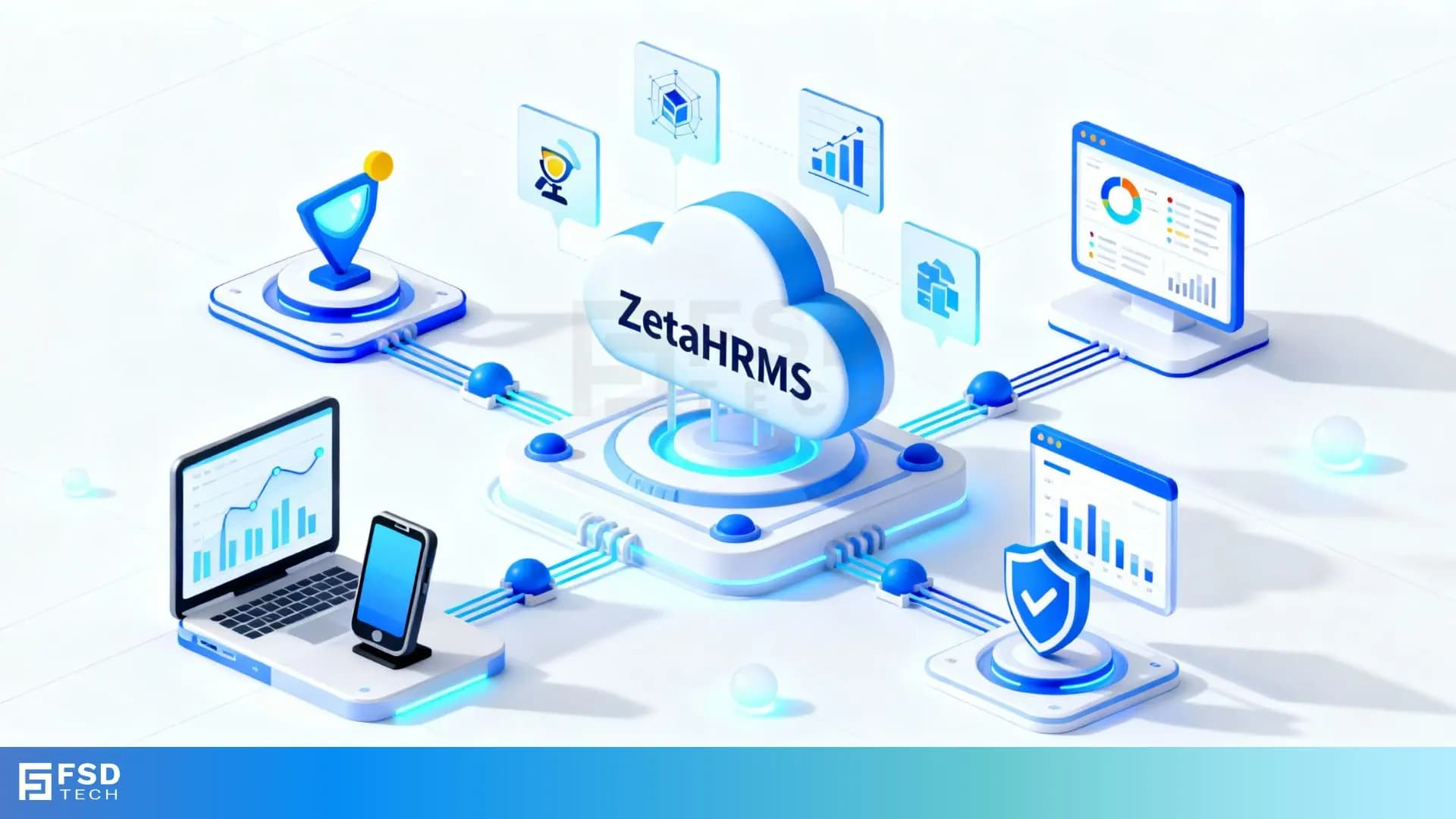
    What is ZetaHRMS?

    What is ZetaHRMS? Guide to an Advanced HR Management Solution

    🕓 November 18, 2025

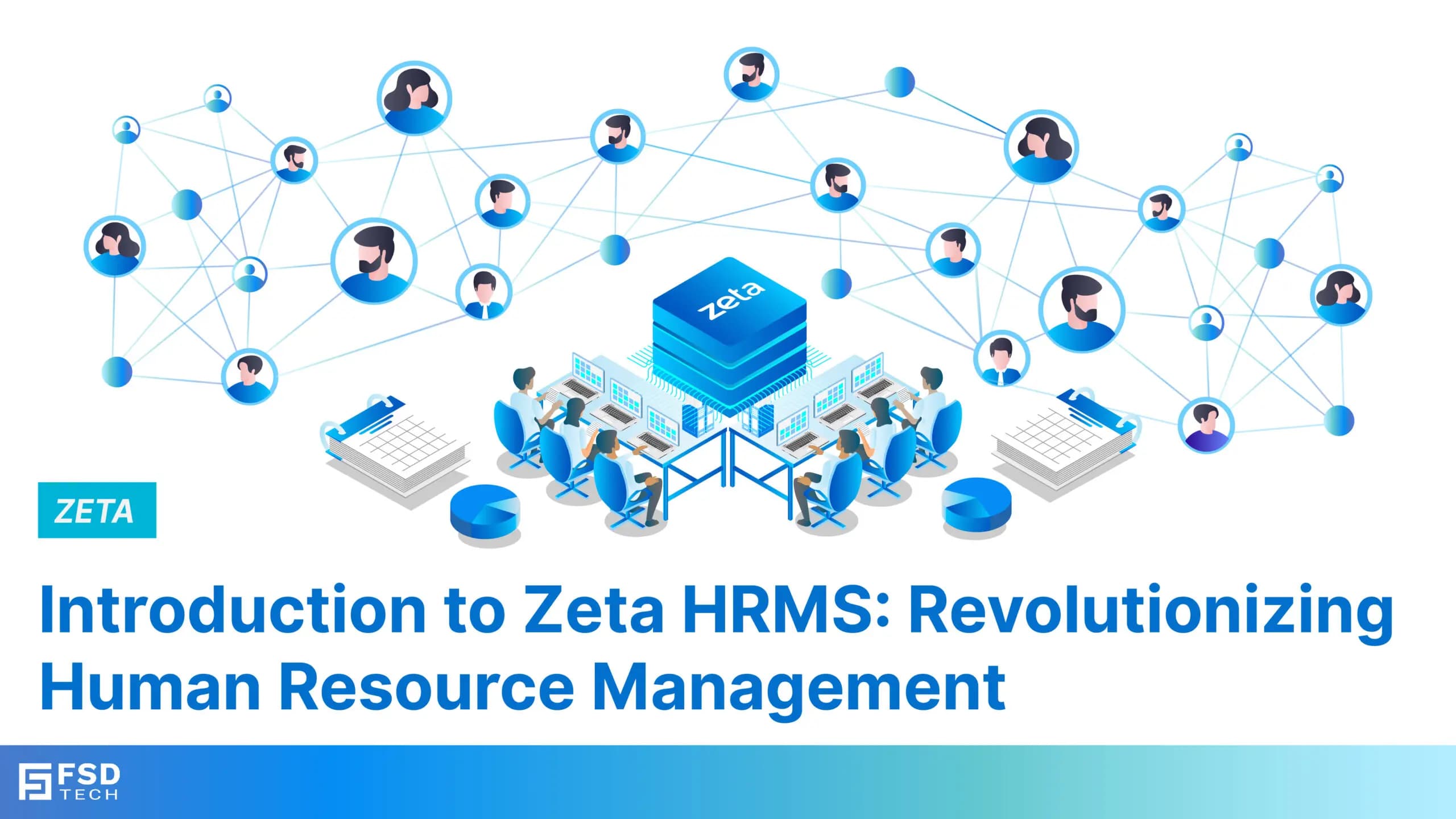
    Introduction to Zeta HRMS: Revolutionizing Human Resource Management

    Introduction to Zeta HRMS: Revolutionizing Human Resource Management

    🕓 January 22, 2025

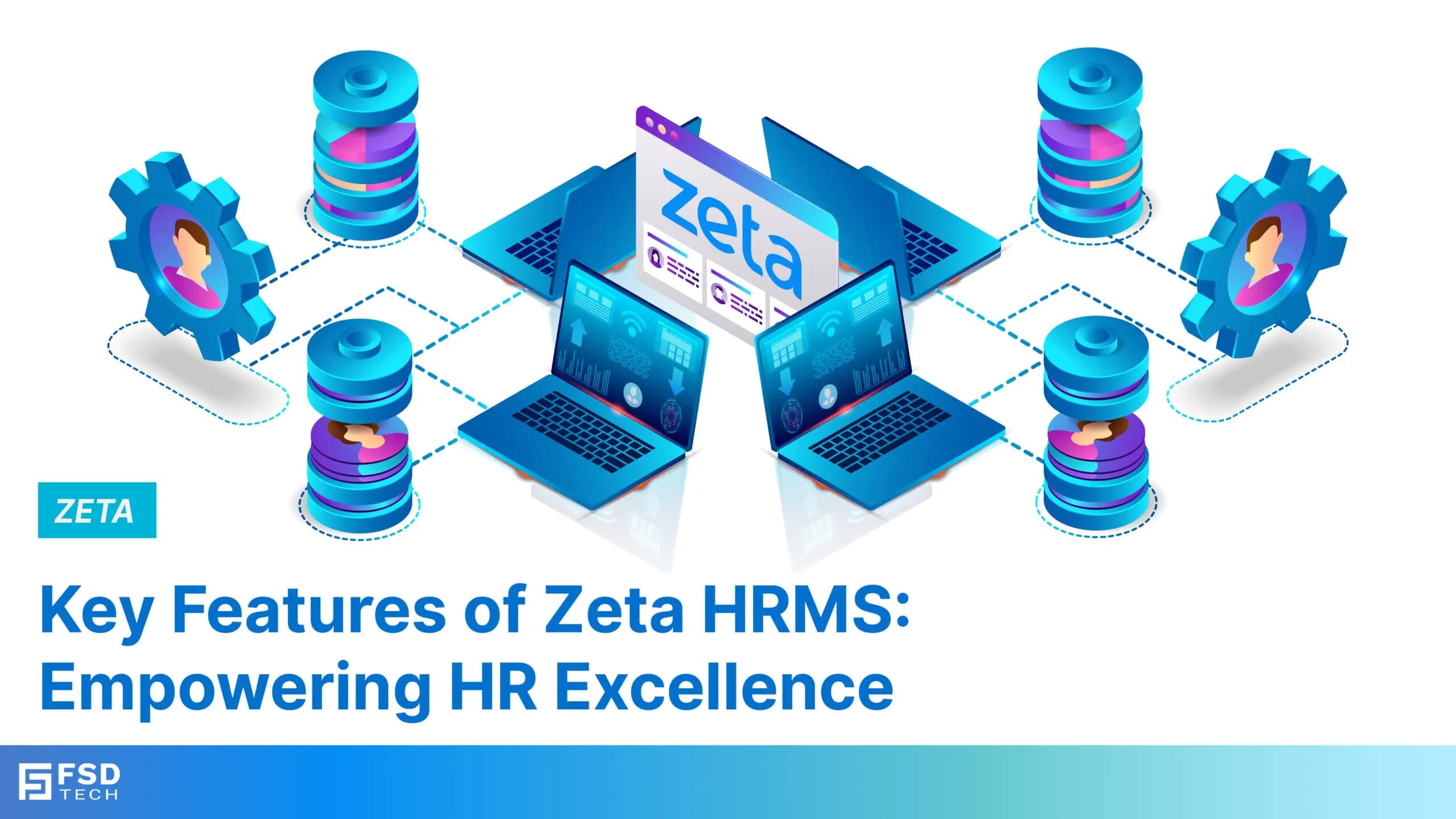
    Key Features of Zeta HRMS: Empowering HR Excellence

    Key Features of Zeta HRMS: Empowering HR Excellence

    🕓 January 23, 2025

    Decoded(52)

    Cyber Security(112)

    BCP / DR(22)

    Zeta HRMS(68)

    SASE(21)

    Automation(68)

    Next Gen IT-Infra(111)

    Monitoring & Management(69)

    ITSM(22)

    HRMS(21)

    Automation(24)