.webp&w=3840&q=75)
How ClickUp Enables Outcome-Based Project Management (Not Just Task Tracking)
🕓 February 15, 2026
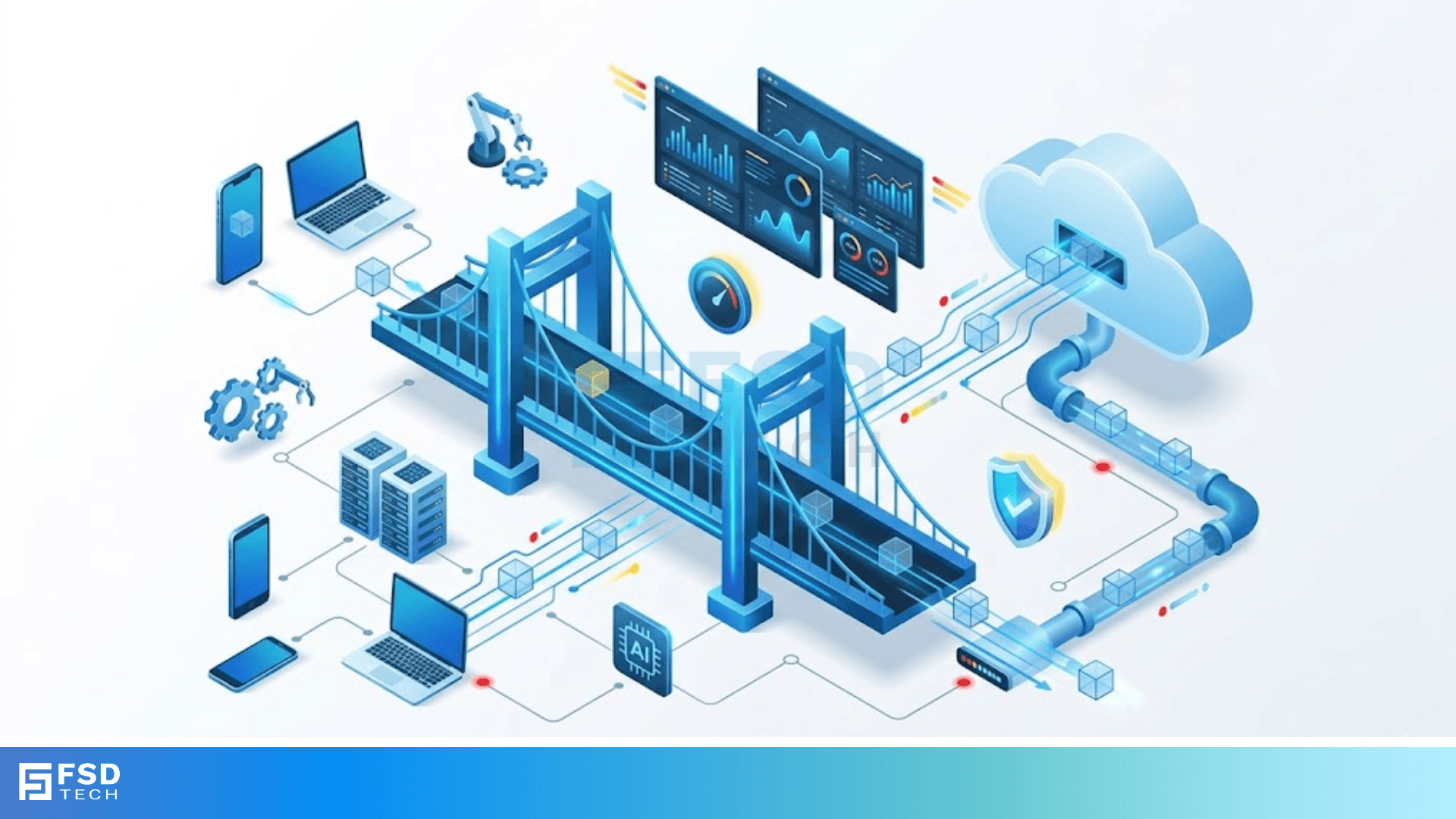
Bridge frame forwarding is the hidden engine that powers how data moves within a local network. Have you ever wondered how your computer knows exactly where to send a file without bothering every other device on the floor? It’s not magic; it’s the smart work of a network bridge.
To be honest, most of us take our office Wi-Fi or home Ethernet for granted. We plug in and expect speed. But behind the scenes, a bridge is making critical decisions every millisecond. It looks at incoming data, checks a map, and decides whether to pass that data along or stop it right there. In this guide, we’ll explore how this process works, why it matters, and how it keeps your digital life organized.
At its core, bridge frame forwarding refers to the process where a network device receives a data packet (a frame) and decides which path it should take. Think of a bridge as a smart traffic cop standing at a crossroads between two neighborhoods.
When a car (data frame) arrives, the cop looks at the destination address. If the destination is inside the same neighborhood, the cop tells the car to stay put. If the destination is in the other neighborhood, the cop opens the gate. We call this "filtering" and "forwarding."
Every device on a network has a unique fingerprint called a Media Access Control (MAC) address. Bridges use these addresses to make their decisions. Unlike a hub, which blindly screams data at every port, a bridge is polite and precise. It only sends data where it needs to go.
How does the bridge actually know where everything is? In my experience, this is where beginners get a bit confused. It doesn’t start with a pre-made map. Instead, the bridge learns on the job. This is known as transparent bridging.
1. The Learning Phase
When you first turn on a bridge, its internal table (the Forwarding Information Base or FIB) is empty. It’s like a new librarian who doesn't know where any books are yet.
When a device sends a frame, the bridge looks at the source MAC address. It notes which port that data came from and saves it in the table. Now, the bridge knows: "Device A is on Port 1."
2. The Flooding Phase
If the bridge receives a frame for a destination it hasn't seen before, it doesn't just drop it. Instead, it performs "flooding." It sends the frame out to every single port except the one it came from.
We've all been there—shouting into a room to find one person. Once that person replies, the bridge hears the response, learns their location, and adds it to the table.
3. The Forwarding Phase
Once the table has the destination MAC address, the "flooding" stops. The bridge now performs bridge frame forwarding directly. It sees a frame for Device B, checks its map, and sends it straight to Port 3. It’s fast, quiet, and efficient.
Also Read: Securing Your Perimeter: DMZ Exposed Services
Not all bridges handle data the same way. Depending on your hardware, the bridge might use one of these three common methods:
Store-and-Forward
This is the most reliable method. The bridge receives the entire frame and checks it for errors using a Cyclic Redundancy Check (CRC). If the data is corrupted, the bridge throws it away. While this adds a tiny bit of delay (latency), it ensures your network isn't filled with "junk" data.
Cut-Through
If speed is your only goal, cut-through is the winner. The bridge only reads the first few bytes to find the destination MAC address and then immediately starts sending the data out. It doesn't wait to check for errors. It’s like a relay racer grabbing the baton and running before they’ve even looked at who gave it to them.
Fragment-Free
This is a middle ground. The bridge reads the first 64 bytes of the frame. Why 64? Because most network collisions and errors happen in those first few bytes. It’s faster than store-and-forward but safer than cut-through.
The Forwarding Database (FDB) is the "brain" of the bridge. Without it, bridge frame forwarding would be impossible.
Dynamic Entries
Most entries in this table are dynamic. They have an "aging timer." If the bridge doesn't hear from Device A for, say, five minutes, it deletes the entry. Why? Because devices move. You might unplug your laptop and move to another desk. The bridge needs to be flexible enough to relearn your new location.
Static Entries
Sometimes, a network admin will manually program an address into the table. This is a static entry. It never expires. We usually do this for important hardware like servers or printers to ensure the path is always hard-coded and secure.
Also Read: RIP Hop Count Metric in Modern Networking
Here is the thing: if you have two bridges connected to the same two segments for "backup," you can create a disaster. This is called a network loop.
A frame could travel in a circle forever, being forwarded by both bridges over and over. This creates a "broadcast storm" that can crash an entire office network in seconds.
To solve this, bridges use something called the Spanning Tree Protocol. STP allows bridges to talk to each other and say, "Hey, we have two paths here. Let's shut one down for now." If the main path breaks, STP automatically opens the backup path. It ensures that bridge frame forwarding happens in a straight line, not a circle.
Understanding bridge frame forwarding helps you see the logic behind our connected world. It turns a chaotic mess of data into a structured, efficient system. By filtering unnecessary traffic and learning device locations on the fly, bridges ensure that our bandwidth is used wisely.
At our core, we believe that technology should work for you, not against you. We're committed to building stable, high-performance environments for every client. If you're looking to optimize your local network or need expert guidance on hardware setup, we're here to help you bridge the gap to better connectivity.
Actually, a switch is just a very fast bridge with many ports. While a bridge usually connects just two segments, a switch can connect dozens. They both use the same logic for forwarding.
No. Bridging happens at Layer 2 (the Data Link Layer). It only cares about MAC addresses. If you want to move data using IP addresses, you need a router at Layer 3.
Yes! This is one of the most common uses for a bridge today. It "bridges" the gap between two different types of physical connections so they can talk to each other.

Surbhi Suhane is an experienced digital marketing and content specialist with deep expertise in Getting Things Done (GTD) methodology and process automation. Adept at optimizing workflows and leveraging automation tools to enhance productivity and deliver impactful results in content creation and SEO optimization.
Share it with friends!




.webp&w=3840&q=75)






share your thoughts