.webp&w=3840&q=75)
How ClickUp Enables Outcome-Based Project Management (Not Just Task Tracking)
🕓 February 15, 2026
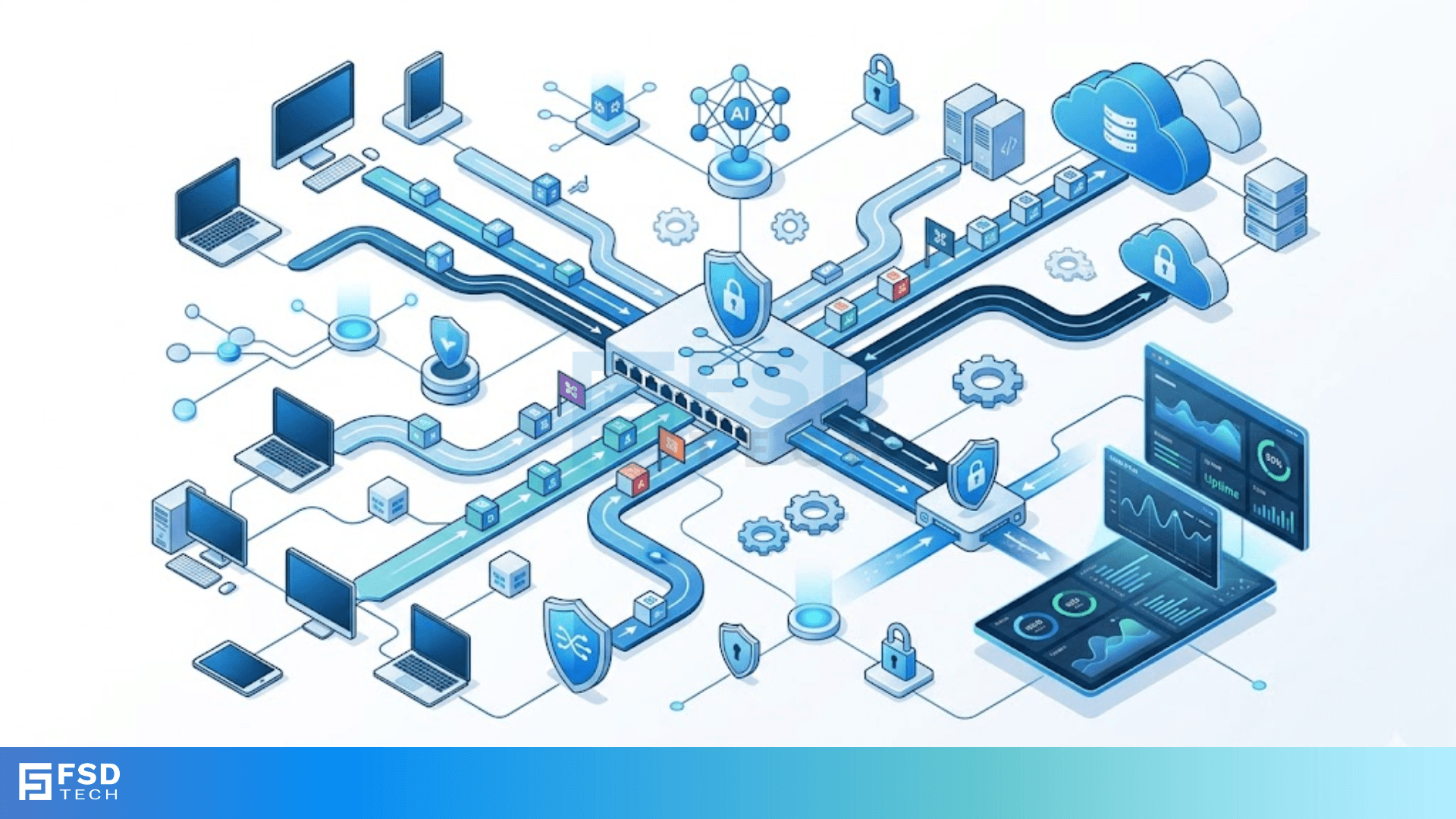
Have you ever wondered how a single office building keeps its guest Wi-Fi separate from the accounting department's private files? It feels like magic, but it’s actually a clever networking trick called VLAN ID tagging. To be honest, without this technology, our modern office networks would be a chaotic mess of overlapping data.
Picture this: you have hundreds of devices plugged into the same set of switches. If every computer "talked" to every other computer at once, the network would crawl to a stop. We use a Virtual Local Area Network (VLAN) to solve this. But how does a switch know which data packet belongs to the "Guest" group and which belongs to "Staff"? That’s where the "tag" comes in.
Before we get into the weeds, let’s define the basics. A VLAN ID is a small piece of digital info added to a data frame. Think of it like a luggage tag at the airport. Without that tag, the conveyor belt doesn't know if your bag goes to Hawaii or London.
In networking, this tag identifies which virtual network a data packet belongs to. The most common way we do this is through the 802.1Q standard. This is basically the rulebook that all networking gear follows so they can talk to each other.
When we talk about VLAN ID tagging, we’re usually talking about a 4-byte header added to the original Ethernet frame. It’s not just a random number. It contains:
Inside that TCI, the most important part is the 12-bit VLAN Identifier (VID). Since it’s 12 bits, we can have up to 4,096 unique IDs. We've all been there where we run out of space, but 4,096 is usually plenty for most businesses!
So, how does the switch actually handle these tags? Here is the thing: computers and printers usually don't understand tags. They just send "untagged" data. The switch does all the heavy lifting.
Access Ports vs. Trunk Ports
To understand this, we need to look at two types of ports on a switch:
In my view, trunking is the secret sauce of networking. Without it, you’d need a separate physical cable for every single department in your company. Can you imagine the wire clutter?
Also Read: SONET Ring Protection: UPSR vs. BLSR Architectures & Failover Mechanisms
Sometimes, a switch receives a frame on a trunk port that doesn't have a tag. What happens then? The switch puts it into a "Native VLAN." By default, this is usually VLAN 1. Many pros suggest changing this for security reasons. Why leave the front door on the default setting?
You might ask, "Why not just buy more switches?" Well, VLAN ID tagging saves a lot of money and makes life easier for IT teams.
1. Better Security
By tagging traffic, you can make sure the "Guest" network can't even "see" the "Server" network. It's like having invisible walls inside your office. If someone brings a virus into the guest lobby, it stays stuck in that specific VLAN.
2. Efficiency and Performance
Broadcast traffic (data sent to everyone) is a huge resource hog. With tags, broadcasts stay within their own ID group. This keeps the rest of the network fast and responsive.
3. Organization
You can group people by their job role rather than where they sit. If the marketing team moves to the third floor, you don't need to rewire the building. You just change their port assignments in the switch software.
Let's look a bit closer at how the 802.1Q standard modifies a frame. When a tag is added, the switch must recalculate the Frame Check Sequence (FCS) because the data has technically changed.
| Field | Size | Description |
|---|---|---|
| TPID | 16 bits | Set to 0x8100 for 802.1Q |
| PCP | 3 bits | Priority Code Point (for QoS) |
| DEI | 1 bit | Drop Eligible Indicator |
| VID | 12 bits | The actual VLAN ID (0-4095) |
The VID field is where the magic happens. While IDs 0 and 4095 are reserved, you have 4,094 IDs to play with. Most small businesses use IDs like 10, 20, and 30 just to keep things simple.
Also Read: CoS Queue Marking: Mapping 802.1p to Egress Queues for Enterprise Networks
Not all tagging is created equal. While 802.1Q is the king, there are other ways we handle this.
If you're looking to set this up, here’s a rough workflow we usually follow:
Does this sound complicated? It can be at first, but once you do it once, it becomes second nature.
Even the pros run into "VLAN Mismatches." This usually happens when Switch A thinks the Native VLAN is 1, but Switch B thinks it's 100. This causes traffic to get lost or dropped.
Another common headache is "VLAN Leaking." This happens when traffic accidentally jumps from one ID to another because of a misconfigured port. Always double-check your trunk settings! To be honest, most network "outages" are just someone forgetting to "allow" a specific ID on a trunk line.
At our core, we believe that a well-organized network is the backbone of any successful business. VLAN ID tagging isn't just a technical requirement; it's a way to ensure your data stays where it belongs while keeping your operations running smoothly. We've spent years helping clients simplify their infrastructure, and we're committed to making complex technology easy to use. If you want a network that "just works," you need to master the art of the tag.
Tagged frames carry an ID (the tag) to identify their network. Untagged frames are standard Ethernet frames without an ID, usually used by end devices like computers.
You can use any number between 1 and 4094. However, avoid using VLAN 1 for sensitive data as it is the default "Native" VLAN on most gear.
Yes, you need a "VLAN-aware" router (sometimes called a Layer 3 switch or a Router-on-a-stick setup) to allow different VLANs to talk to each other.
The switch will likely drop the packet or send it to the wrong network. This is why consistent configuration is so important.

Surbhi Suhane is an experienced digital marketing and content specialist with deep expertise in Getting Things Done (GTD) methodology and process automation. Adept at optimizing workflows and leveraging automation tools to enhance productivity and deliver impactful results in content creation and SEO optimization.
Share it with friends!




.webp&w=3840&q=75)






share your thoughts