.webp&w=3840&q=75)
How ClickUp Enables Outcome-Based Project Management (Not Just Task Tracking)
🕓 February 15, 2026
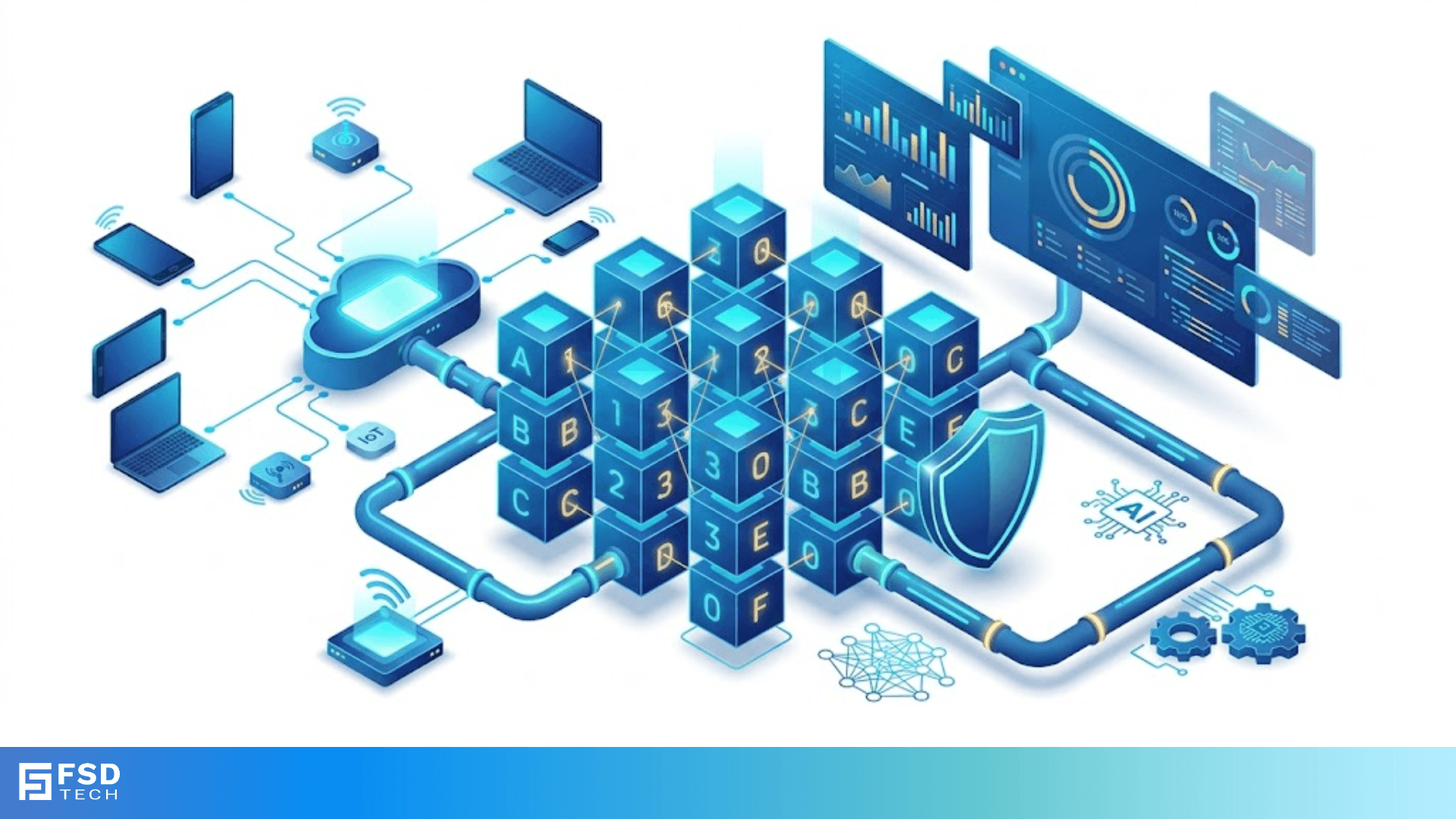
IPv6 hex addressing is the system that keeps our modern world connected as we run out of old internet space. Have you ever wondered how billions of phones, cars, and even smart fridges get their own unique digital identity? To be honest, the old system we used for decades just couldn't keep up with our growing hunger for gadgets.
In my experience, looking at a long string of letters and numbers like 2001:0db8:85a3:0000:0000:8a2e:0370:7334 can feel like staring at a secret code. It is quite a jump from the simple four-part numbers we grew up with, right? But here is the thing: once you understand how hexadecimal works, these long addresses start to make perfect sense.
Why do we need such a complex system? Well, we’ve all been there—trying to connect a new device only to find the network is full or messy. We use IPv6 hex addressing to ensure every single person on Earth can own thousands of devices without ever running out of space. Let's break down how this works so you can master the future of networking.
The term IPv6 hex addressing refers to the way we write Internet Protocol version 6 addresses using hexadecimal notation. Unlike the older IPv4 which uses 32-bit addresses, IPv6 uses a massive 128-bit space. If we wrote that in standard numbers, it would be way too long for any human to type.
To solve this, we use hexadecimal, or "hex." This is a base-16 system. It uses numbers 0 through 9 and letters A through F. Each "hextet" (a block of four characters) represents 16 bits. When you put eight of these blocks together, separated by colons, you get a full address.
It is helpful to note that computers think in binary (ones and zeros). However, binary is hard for us to read. Hex acts as a middle ground. One hex digit perfectly represents four binary bits. This makes it much easier for engineers to map out networks without getting lost in a sea of digits.
When you look at an IPv6 address, you'll see eight groups. Each group has four hex digits. Here, the structure is very specific. We can understand the address as having two main halves:
Each group of four digits is called a hextet. A single hextet can range from 0000 to ffff. This provides a total of $3.4 \times 10^{38}$ possible addresses. That is a number so big it's hard to even imagine! It means we can give an IP address to every grain of sand on the planet and still have plenty left over.
Also Read: What is SMTP Mail Relay? Reliable Email Delivery
Let's face it: nobody wants to type 32 characters every time they configure a router. Thankfully, the creators of the protocol gave us two clever ways to shorten IPv6 hex addressing without changing the meaning.
1. Dropping Leading Zeros
You can remove any zeros that appear at the start of a hextet. For example, 0db8 becomes db8. However, you cannot drop trailing zeros. If the hextet is 0000, you can shorten it to just 0.
2. The Double Colon Trick
This is the most powerful tool. If you have multiple groups of all zeros sitting next to each other, you can replace them with a double colon ::.
Important Note: You can only use the double colon once in an address. If you use it twice, the computer won't know how many zeros are missing from each spot, and the address will break.
Not all addresses in IPv6 hex addressing serve the same purpose. Just like you have a home address and a work extension, the internet uses different scopes.
Global Unicast Addresses
These are like your public phone number. They are routable on the entire internet. Usually, these start with the number 2 or 3 (in hex). When you visit a website, you are likely using a Global Unicast Address.
Link-Local Addresses
Every IPv6 interface creates one of these automatically. They always start with fe80. These are used for talking to "neighbors" on the same local cable or Wi-Fi. They don't go out to the internet, but they are vital for the network to set itself up.
Multicast Addresses
In contrast to sending a message to one person, multicast sends a message to a group. These addresses start with ff. This is great for streaming video or updating many computers at once without clogging the network.
IPv6 vs. IPv4: The Big Shift
Why did we leave the old system behind? Roughly speaking, IPv4 only allowed for about 4.3 billion addresses. In the 1980s, that seemed like plenty. Fast-forward to today, and we have billions of people with multiple devices.
| Feature | IPv4 | IPv6 |
|---|---|---|
| Address Size | 32-bit | 128-bit |
| Format | Decimal (192.168.1.1) | Hexadecimal (2001:db8::1) |
| Total Addresses | ~4.3 Billion | ~340 Undecillion |
| Configuration | Manual or DHCP | Auto-configuration (SLAAC) |
As we can see, IPv6 isn't just about more numbers; it is about smarter networking. It includes built-in security and better handling of mobile devices as they move between towers.
Also Read: SONET Ring Protection: UPSR vs. BLSR Architectures & Failover Mechanisms
To really grasp IPv6 hex addressing, we should look at how a computer sees it. Each hex digit represents four bits (a nibble).
If you have a hextet like 2001, the computer reads it as:
$$0010 \quad 0000 \quad 0000 \quad 0001$$
This translation happens instantly behind the scenes, allowing your router to send data packets at lightning speed.
Understanding IPv6 hex addressing is the first step toward mastering the modern web. It might look intimidating at first, but it's just a more efficient way to organize a very crowded digital world. By moving away from the limitations of the past, we've built a foundation that can support every piece of technology we haven't even invented yet.
At our company, we believe in making complex tech simple. We're dedicated to helping our clients stay ahead of the curve with expert networking solutions. If you want a network that is ready for the future, we have the tools and the passion to make it happen for you.
Hexadecimal uses letters (A-F) because we need 16 distinct symbols. Since our standard numbers only go up to 9, we use letters to represent 10, 11, 12, 13, 14, and 15.
In many cases, yes. While the addresses are longer, the "headers" (the shipping labels for data) are simpler. This allows routers to process the data faster because they don't have to do as much math on every packet.
Yes! This is called "Dual Stack." Most modern computers and phones do this right now. It ensures you can talk to old websites while still using the features of the new internet.

Surbhi Suhane is an experienced digital marketing and content specialist with deep expertise in Getting Things Done (GTD) methodology and process automation. Adept at optimizing workflows and leveraging automation tools to enhance productivity and deliver impactful results in content creation and SEO optimization.
Share it with friends!




.webp&w=3840&q=75)






share your thoughts