.webp&w=3840&q=75)
How ClickUp Enables Outcome-Based Project Management (Not Just Task Tracking)
🕓 February 15, 2026
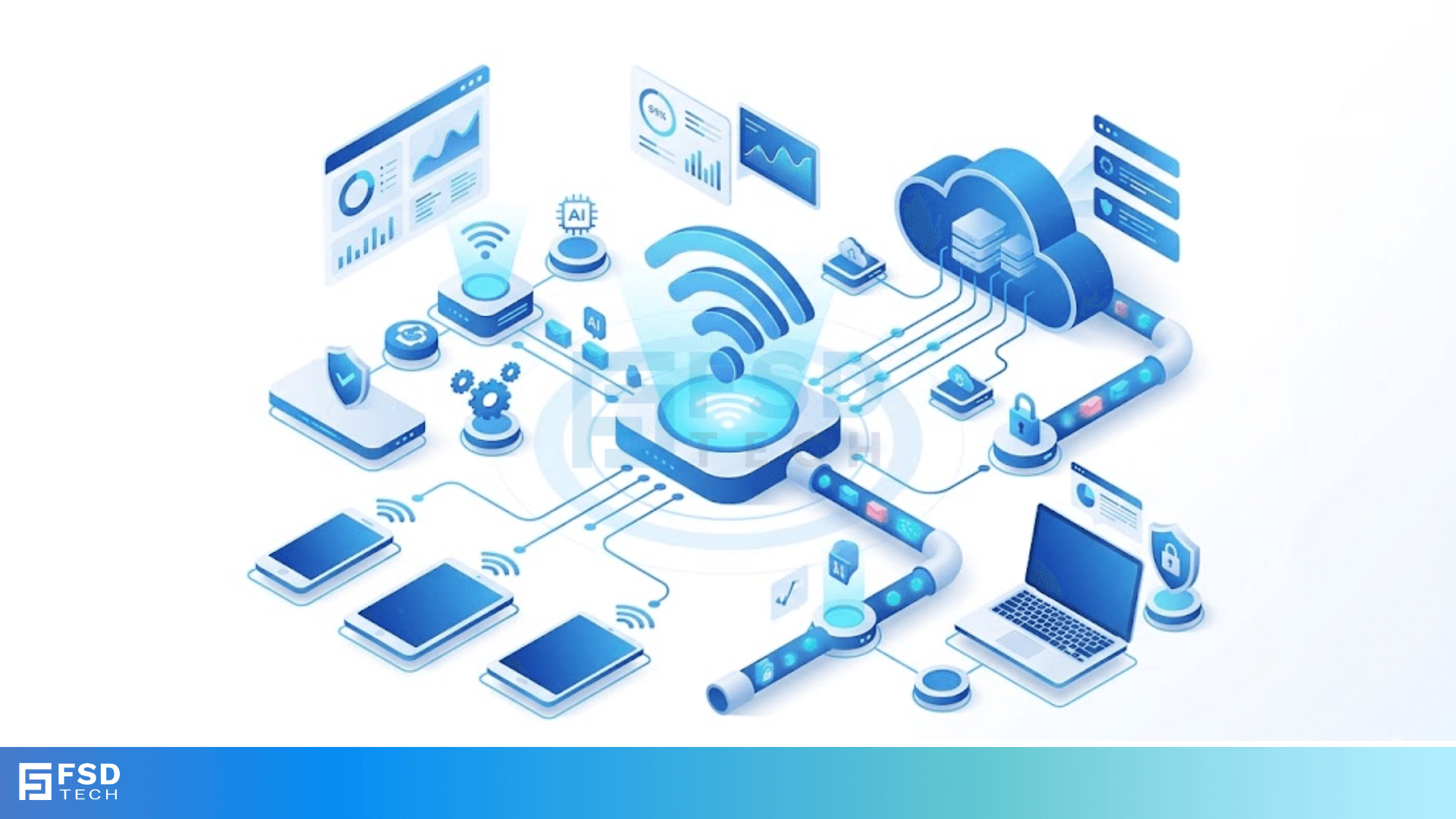
SSID broadcasting is the way your wireless router tells the world it exists. Imagine walking into a crowded party and shouting your name so your friends can find you. That is exactly what your router does several times every second. But is this constant shouting a good thing for your home or office security?
Here's the thing: most of us just plug in a router and forget about it. We see our network name pop up on our phones, type the password, and start scrolling. However, understanding the mechanics of how your network announces itself can change how you manage your digital safety. To be honest, I used to think hiding my network made me invisible to hackers. In my experience, the reality is a bit more complicated.
In this guide, we will look at how this technology works and whether you should keep it on. We’ll also chat about the newer standards like Wi-Fi 6 and how they handle discovery.
The term SSID broadcasting refers to a wireless access point (AP) sending out a "beacon frame" at regular intervals. This beacon contains the Service Set Identifier, which is just the technical name for your Wi-Fi's name.
When your router sends these beacons, it typically does so every 100 milliseconds. This allows devices like your laptop or tablet to see the network in the "available networks" list. Without this broadcast, your device wouldn't know the network is there unless you manually told it the exact name.
Think of a beacon frame as a digital heartbeat. It contains critical info:
As we have already discussed, this process happens automatically. It makes connecting to the internet seamless for you and your guests. But does this convenience come at a cost?
One of the most common questions in networking is: "Should I disable SSID broadcasting to stay safe?"
It is a fair question. If a hacker can't see your network, they can't hack it, right? Well, not exactly. In the world of cybersecurity, we call this "security through obscurity." It creates a false sense of safety.
Conversely, hiding your network can actually make your devices less secure. When you hide your SSID, your phone or laptop constantly sends out signals asking, "Are you there, MyHomeNetwork?"
This is called an "Active Probe." A hacker nearby can see these probes and set up a fake "Evil Twin" network with that same name. Your device might connect to the hacker's router automatically because it thinks it found home.
Also Read: SONET Ring Protection: UPSR vs. BLSR Architectures & Failover Mechanisms
As technology moves forward, the way we discover networks is changing. In the 6GHz band (Wi-Fi 6E/7), there are so many channels that scanning them all for a broadcast would take forever.
To solve this, the industry introduced Reduced Neighbor Reports (RNR) and Probe Request changes. Instead of your router just shouting into the void, it uses more efficient "Out-of-Band" discovery.
This means your router on the 2.4GHz or 5GHz band tells your phone, "Hey, I also have a 6GHz network over here!" It makes the discovery process faster and keeps your connection stable. Isn't it fascinating how the tech evolves to handle its own complexity?
If you want to toggle your SSID broadcasting settings, you usually need to dive into your router's web interface. Most Cisco, TP-Link, or Netgear routers follow a similar path.
Pro Tip: If you do decide to hide your SSID, make sure you use a very strong WPA3 password. Hiding the name won't stop a determined person using a "packet sniffer" to find your network traffic anyway.
Since we've established that hiding your SSID isn't a silver bullet, what should you do instead? We've all been there—trying to make our home tech as safe as a bank vault. Here is what actually works.
Use Strong Encryption
Ensure your SSID broadcasting is paired with WPA2-AES or, ideally, WPA3. This encrypts the data moving through the air so even if someone sees your network, they can't read your emails.
Change the Default SSID
Never leave your network named "Linksys" or "Comcast_123." It tells hackers exactly what hardware you're using, making it easier for them to find specific vulnerabilities. Give it a unique, boring name.
Implement MAC Filtering
One must note that MAC filtering allows you to white-list specific devices. Even if someone has your password, the router will block them if their device ID isn't on the "VIP list."
Also Read: CoS Queue Marking: Mapping 802.1p to Egress Queues for Enterprise Networks
In a business environment, especially with Cisco 9800 controllers, we use something called "Persistent SSID Broadcast." This ensures that even if a specific radio or controller is under heavy load, the network name stays visible.
Why is this important? In a large office, hundreds of people are moving around. Their devices need to "roam" from one access point to another. If the SSID broadcasting drops out for even a second, a Zoom call might disconnect. Consistency is key for productivity.
Let's clear the air on a few things I hear all the time.
At the end of the day, your wireless setup should work for you, not against you. While SSID broadcasting might seem like a security hole, it is actually a vital part of how the modern internet functions. By keeping your broadcast visible but securing your network with strong passwords and updated firmware, you get the best of both worlds: convenience and safety.
We believe in empowering our clients with tech knowledge that actually makes a difference. Our team focuses on building secure, reliable systems that keep you connected without the headache. If you're ready to level up your network, we're here to help.
Yes, most dual-band routers allow you to hide the 2.4GHz broadcast while keeping the 5GHz visible, though it is usually better to keep them consistent.
No, it just prevents the name from appearing in the "Search" list. Devices that already have the profile saved will still connect.
Not at all. The SSID is the name (the "User ID" of the network), while the WPA2/WPA3 key is the password.

Surbhi Suhane is an experienced digital marketing and content specialist with deep expertise in Getting Things Done (GTD) methodology and process automation. Adept at optimizing workflows and leveraging automation tools to enhance productivity and deliver impactful results in content creation and SEO optimization.
Share it with friends!




.webp&w=3840&q=75)






share your thoughts